
Manuals of product KM-2540
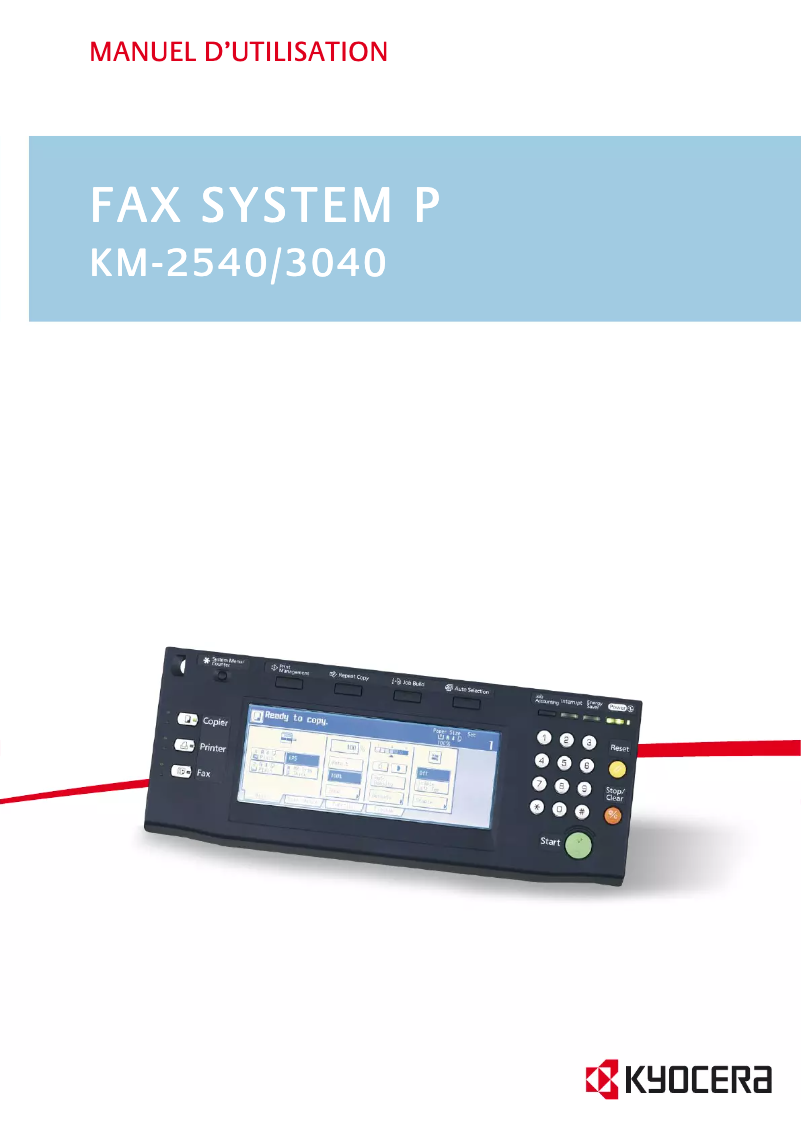


Editorial note
The Kyocera KM-2540 is a printer that stands out for its robustness and reliability, qualities appreciated by users looking for a durable device. With a score of 85 in terms of robustness, this device is designed to withstand intensive use, making it an ideal choice for various work environments. Additionally, its versatility allows it to handle different types of media and formats, thus meeting diverse printing needs. The user experience is generally positive, thanks to the ease of use and the availability of a detailed manual. However, it is worth noting that the interface may seem complex for some users, which could require an adjustment period. The printing performance is satisfactory for moderate use, although the speed may not suit users with very high printing needs. On the other hand, the cost of toner cartridges and maintenance can be high, which may deter some budget-conscious users, bringing the value for money score to 65. Despite this, technical support is a strong point, with an FAQ and safety instructions easily accessible to help users troubleshoot potential issues. In summary, the Kyocera KM-2540 is a printer that offers excellent print quality and great durability, but may not be ideal for those seeking a cost-effective solution or high printing speed.Score details
User experience
The user experience is quite positive due to the ease of use and the availability of a detailed manual, although the interface may seem complex for some.
Performance
The printing performance is satisfactory for moderate use, but the speed may not be suitable for users with high printing needs.
Robustness
The reliability and durability of the Kyocera KM-2540 are remarkable, making it an ideal choice for long-term use.
Value for money
The cost of toner cartridges and maintenance can be high, which may deter some budget-conscious users.
Features
The versatility of the printer is an asset, capable of handling different types of media and formats, thus meeting various printing needs.
Support
Technical support is easily accessible, with a FAQ and safety instructions available to assist users.
Advantages
Clear and professional impressions
Durability for long-term use
Ease of setup and use
Handles various media and formats
Accessible and helpful technical support
Disadvantages
Bulky device for small spaces.
Insufficient printing speed for large volumes.
High toner and maintenance costs.
Complex user interface for beginners.
Limited wireless connectivity.
Technical Specifications KM-2540
General Information
-
ModelKM-2540
-
Brand
-
Category
-
Type
-
SKU1340137
-
MPN1340137
Frequently Asked Questions
How can I remove paper jammed in the printer?
Why is my printer not recognizing the original cartridges?
What are the reasons my prints are of poor quality?
How does a laser printer differ from an inkjet printer?
Why does my inkjet printer leave black streaks on prints?
What does the acronym DPI mean?
Is the manual for the Kyocera KM-2540 available in French?
Similar products


More product categories from brand Kyocera
Phones Kyocera
Other Kyocera
More product types from brand Kyocera


Presentation of product KM-2540 specifications from brand Kyocera
General Information
The Kyocera KM-2540 printer is a model recognized for its reliability and performance. Manufactured by the Kyocera brand, known for its innovation in the printing device sector, it is designed to effectively meet the varied needs of users. The KM-2540 model stands out for its ability to deliver high-quality prints, ensuring clear and professional documents with every print.
Advantages
This printer stands out for several strengths:
- Exceptional print quality: The Kyocera KM-2540 produces sharp and precise prints, ideal for work documents.
- Reliability and durability: Designed to withstand intensive use, this device is a wise choice for various office environments.
- Ease of use: With a detailed user manual and support resources, even novice users can easily grasp it.
- Versatility: Capable of handling different types of media and formats, this printer adapts to various printing requirements.
- Accessible technical support: Includes a FAQ and safety instructions for quick assistance when needed.
Disadvantages
Despite its many advantages, the Kyocera KM-2540 also has some drawbacks:
- Bulky dimensions: Its size can be cumbersome in restricted workspaces.
- Print speed: While satisfactory for moderate use, it may not be suitable for users with very high printing needs.
- Consumable costs: The price of toner cartridges and maintenance can be a barrier for users on a limited budget.
- Complex user interface: It may require an adjustment period for those unfamiliar with printing technologies.
- Limited wireless connectivity: This can be a disadvantage for users wanting to print easily from different devices.


