
Manuals of product KM-3650w


Editorial note
The Kyocera KM-3650w printer stands out for its high printing performance, delivering high-quality documents that meet professional requirements. The Kyocera brand is known for its reliability and innovation, ensuring durability that can appeal to users looking for a high-performing device in the long term. Additionally, the availability of a user manual and a FAQ makes learning and using the printer easier. However, the high purchase cost can be a barrier for small offices or users with a limited budget. Furthermore, maintenance costs and toner replacement must also be considered, thus increasing the total cost of ownership. The size and weight of the device can make it difficult to move, especially in tight workspaces. Finally, while the user interface is feature-rich, it can be complex for some users, requiring a learning curve to fully benefit from it. Wireless connectivity, although convenient, may also encounter interference issues, affecting the reliability of prints. Overall, the Kyocera KM-3650w is a solid choice for those who prioritize print quality and durability, but it is essential to consider the associated costs and practical implications of its use.Score details
User experience
Although the printer offers ease of use thanks to the manual and FAQ, the user interface can be complex for some, requiring a learning curve.
Performance
The printing performance is optimal, ensuring high-quality documents, but the wireless connectivity can sometimes encounter interference issues.
Value for money
The purchase cost can be a barrier for small offices or budget-conscious users. Additionally, maintenance and toner replacement costs must be considered.
Design
Although the design is functional, the size and weight of the printer can make it difficult to move in tight spaces.
Support
The availability of technical documents such as the datasheet and safety instructions ensures a good understanding of the specifications and safe use of the printer.
Advantages
High-quality printing
Brand recognized for its durability
Ease of use with manual and FAQ
Built-in safety for safe use
Technical sheet for better understanding
Disadvantages
High purchase cost for small offices
Regular maintenance and expensive toners
Difficult to move in tight spaces
Complex user interface to master
Wireless connectivity prone to interference
Technical Specifications KM-3650w
General Information
-
ModelKM-3650W
-
Brand
-
Category
-
Type
-
SKU1340147
-
MPN1340147
Frequently Asked Questions
What is the recommended method for removing jammed paper from the printer?
Why is my printer not recognizing the original cartridges?
What could be the reasons for poor print quality?
How does a laser printer differ from an inkjet printer?
Why does my inkjet printer leave black streaks on my prints?
What does the acronym DPI mean?
Is it possible to obtain the manual for the Kyocera KM-3650w in French?
Similar products


More product categories from brand Kyocera
Phones Kyocera
Other Kyocera
More product types from brand Kyocera


Presentation of product KM-3650w specifications from brand Kyocera
General Information
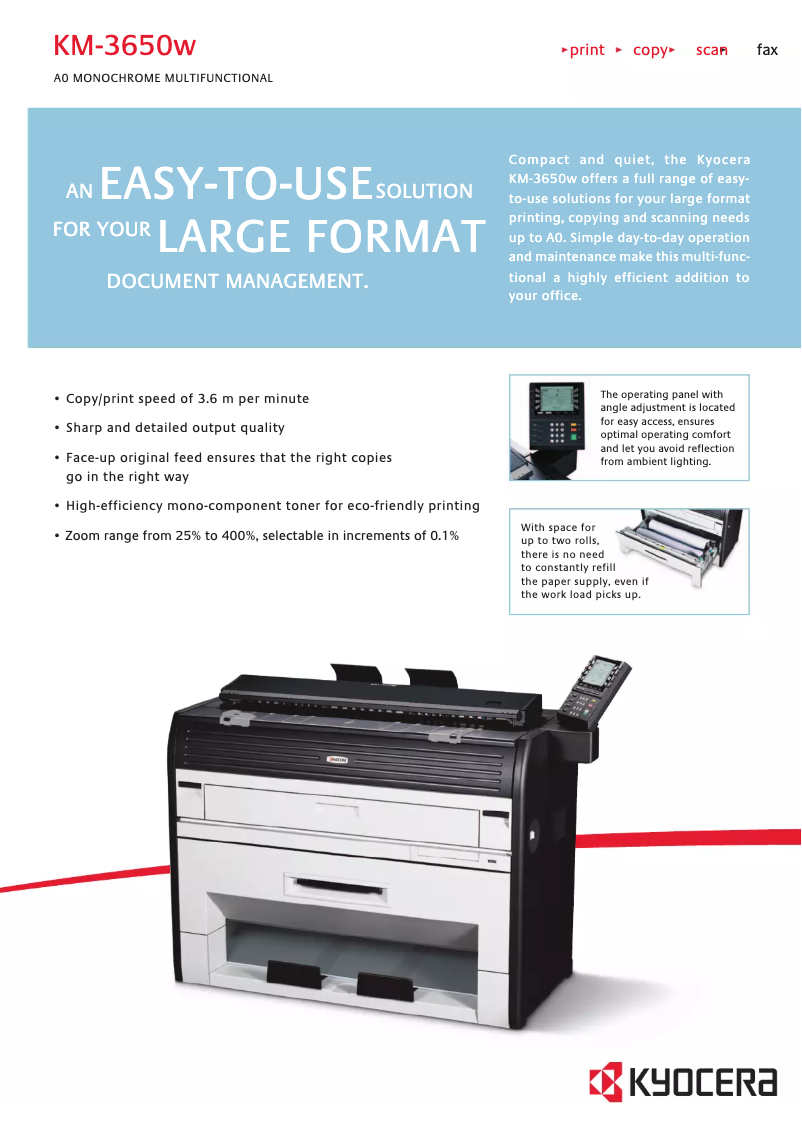
The Kyocera KM-3650w model is part of the prestigious product range of the Kyocera brand, known for its commitment to quality and innovation in the office equipment sector. Designed to meet the printing needs of professionals, this device ensures exceptional printing performance, delivering documents with remarkable clarity and precision.
Advantages
The KM-3650w stands out for several strengths:
- High printing performance: Produces professional-quality prints, ideal for office use.
- Brand reliability: Kyocera is synonymous with durability, ensuring prolonged use without compromising performance.
- Ease of use: A detailed manual and a FAQ section make it easier to learn the printer's features.
- Integrated security: Clear safety instructions ensure compliant and secure use, reducing the risk of accidents.
- Accessible technical documents: A comprehensive technical sheet allows users to better understand the printer's specifications and capabilities.
Disadvantages
However, the Kyocera KM-3650w also has some drawbacks to consider:
- High initial cost: Its purchase price may be a barrier for small businesses or users with a limited budget.
- Regular maintenance required: Additional costs may arise for toner replacements, thus increasing the total cost of ownership.
- Imposing dimensions: Its size and weight can make moving it difficult, especially in confined workspaces.
- Complex user interface: Some users may find the interface non-intuitive, requiring an adjustment period for effective use.
- Connectivity issues: Wireless connectivity can sometimes be affected by interference, which may impact the reliability of prints.


