
Manuals of product KM-5035
Editorial note
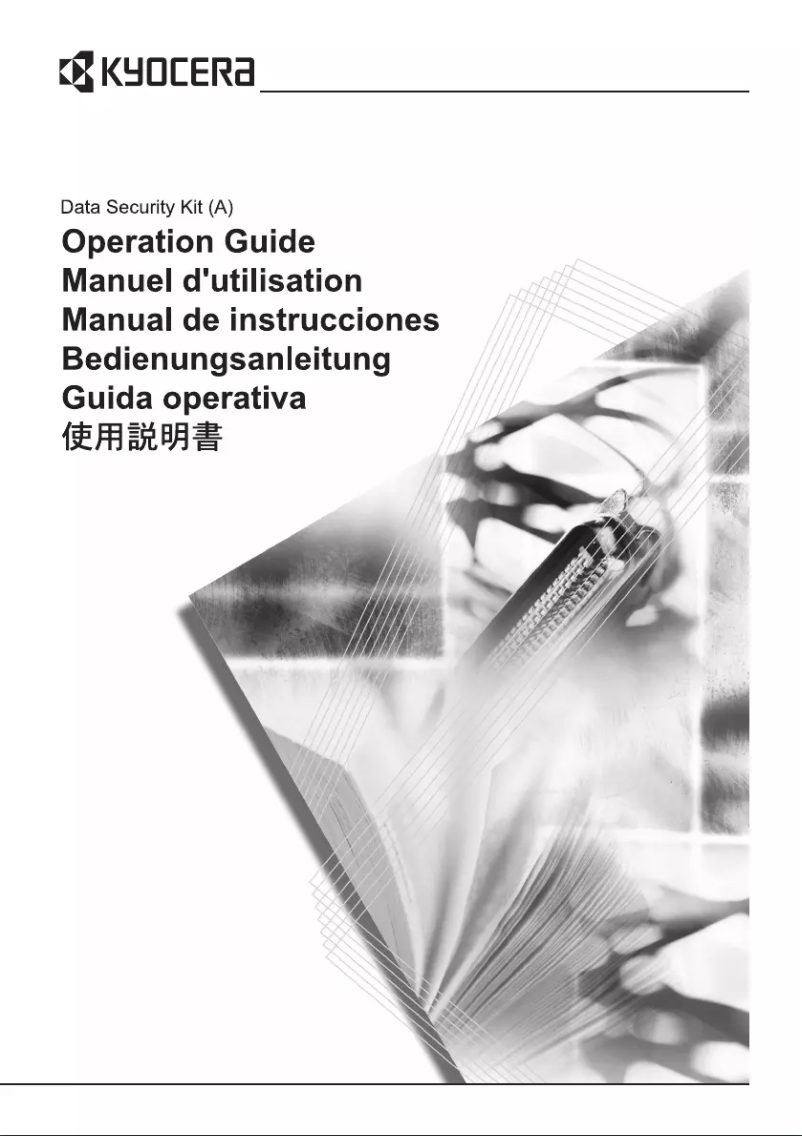
The Kyocera KM-5035 printer stands out for its optimal printing performance, delivering high-quality, sharp, and professional documents with every use. The reputation of the Kyocera brand enhances user confidence, thanks to its reliability and commitment to innovation, thus ensuring a durable and high-performing product. However, the purchase cost of the printer can be a barrier for small businesses or users on a limited budget. Additionally, its weight and dimensions may pose mobility issues in offices with flexible workspaces. The energy consumption of this device is also a consideration, as it can lead to higher operating costs compared to some competing models. In terms of use, although the printer comes with support documents such as the user manual and a FAQ, some complex features may require prior training for effective handling. This could extend the learning curve for new users. Overall, the Kyocera KM-5035 is a wise choice for those seeking a reliable and high-performing printer, but it is important to consider its acquisition and operating costs before making an investment.Score details
Performance
The printing performance of the Kyocera KM-5035 is optimal, ensuring professional and clear documents with every use.
Value for money
The purchase cost can be relatively high, which may make it less accessible for small businesses or users on a limited budget.
Robustness
Kyocera is a recognized brand for its quality and innovation, offering a durable and high-performing product over time.
Usability
Although the printer comes with useful documents, the complexity of some functions may require training for users.
Support
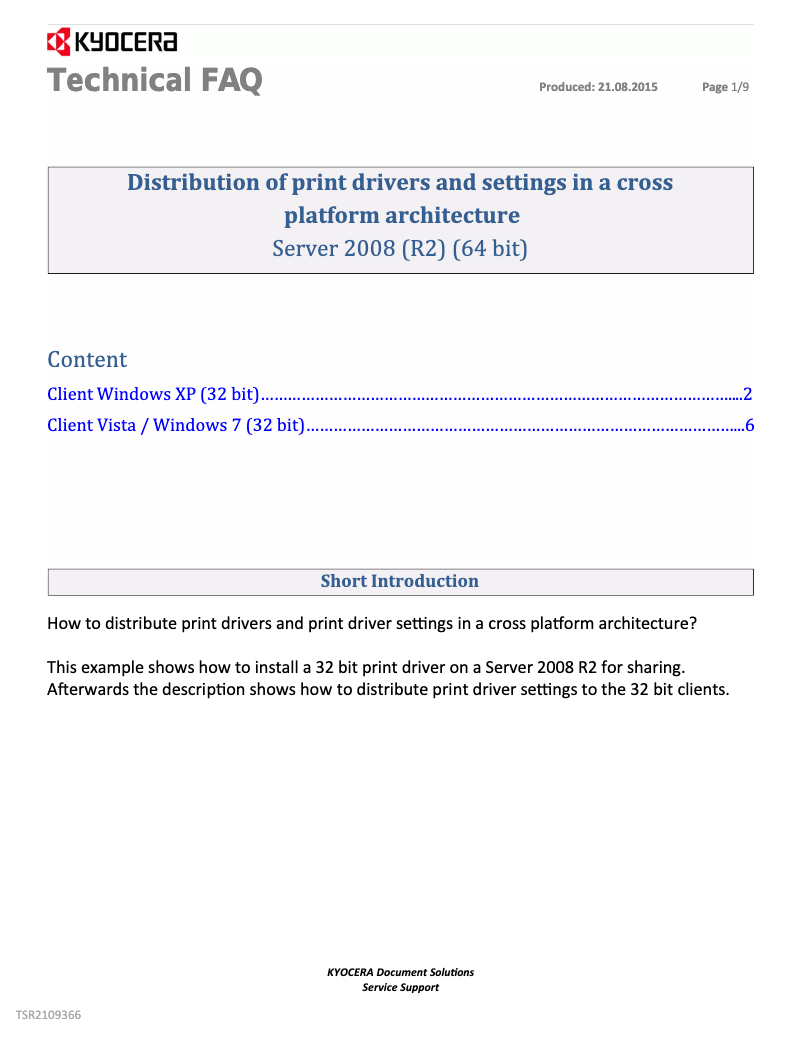
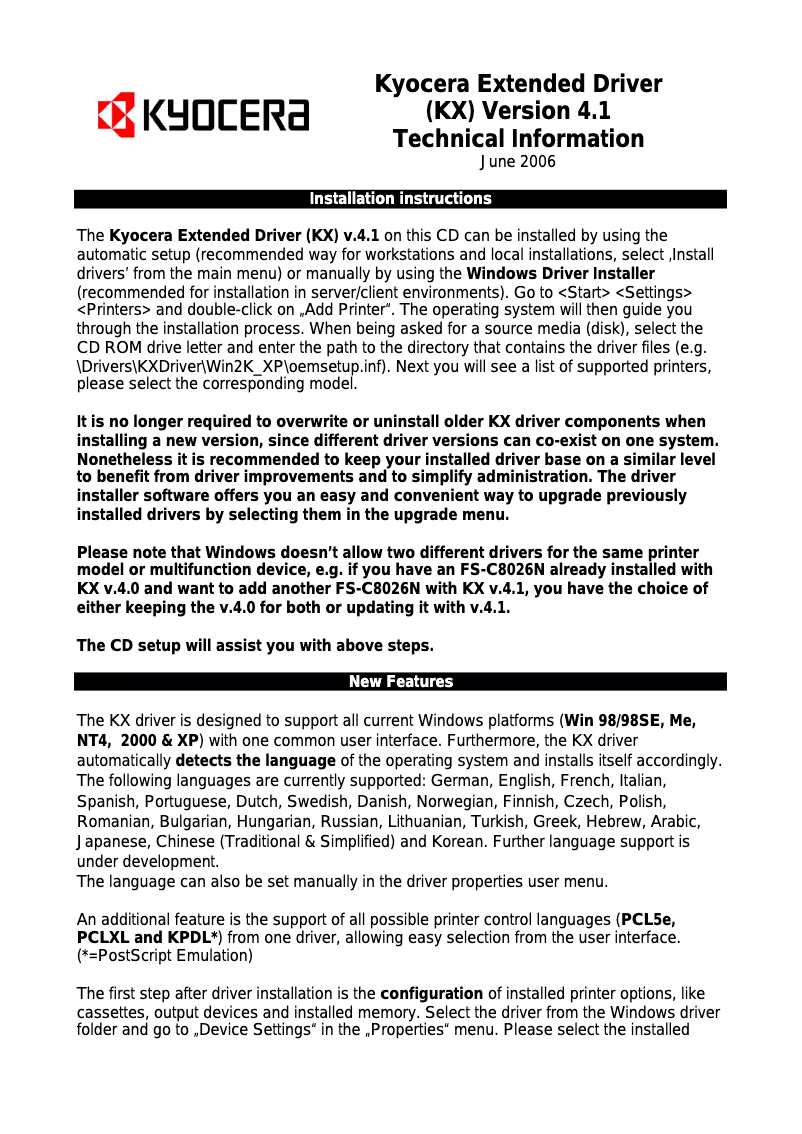
The product includes several useful documents such as the user manual and a FAQ, facilitating onboarding and daily use.
Design
Its weight and dimensions may make the device difficult to move, which could be a disadvantage for offices with flexible workspaces.
Battery life
The energy consumption of this device may be higher than that of some competing models, leading to higher operating costs.
Advantages
High-quality printing
Recognized and reliable brand
Accessible user documentation
Versatile for various documents
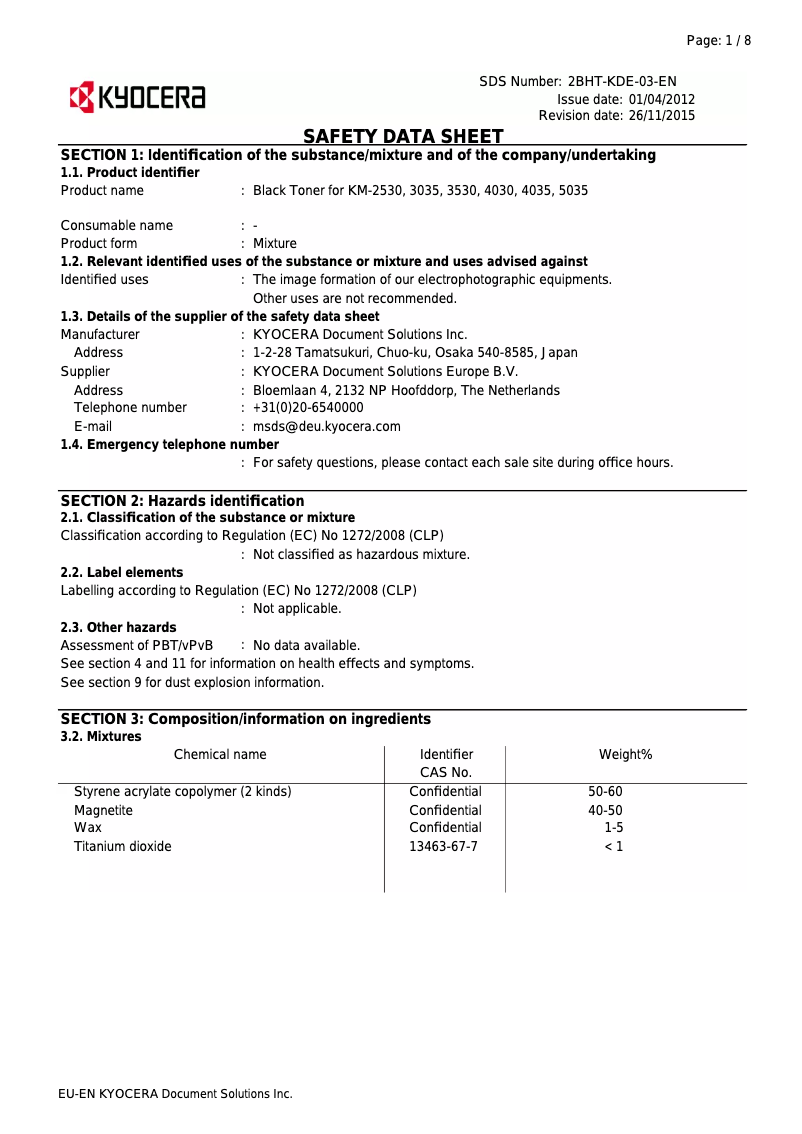
Safety instructions included
Disadvantages
High purchase cost for small businesses
Difficult to move due to its weight
Higher energy consumption than some competitors
High costs of ink cartridges
Learning curve for certain functions
Technical Specifications KM-5035
General Information
-
ModelKM-5035
-
Brand
-
Category
-
Type
-
SKU1340101
-
MPN1340101
Frequently Asked Questions
What is the recommended method for removing a jammed paper from the printer?
Why is my printer refusing to accept original cartridges?
What are the possible reasons for poor print quality?
How does a laser printer differ from an inkjet printer?
Why is my inkjet printer producing black lines on prints?
What does the acronym DPI mean?
Is the manual for the Kyocera KM-5035 available in French?
Similar products


More product categories from brand Kyocera
Phones Kyocera
Other Kyocera
More product types from brand Kyocera


Presentation of product KM-5035 specifications from brand Kyocera
General Information
The Kyocera KM-5035 model is a printer from the Kyocera brand, known for its innovation and quality in the office equipment sector. This device is designed to deliver exceptional printing performance, ensuring documents with professional clarity with every print.
The Kyocera KM-5035 is particularly suitable for varied use, whether personal or professional, thanks to its ability to handle different types of documents and printing volumes. Additionally, it comes with several resources, such as a user manual and a FAQ section, making daily use easier.
One of the major strengths of this device is its commitment to security, with clear guidelines for a worry-free use. However, it is important to note that the initial purchase cost can be relatively high, which may make it less accessible for small businesses or users with a limited budget.
The size and weight of the printer can also pose a challenge in terms of mobility, especially in flexible workspaces. Moreover, its energy consumption may be higher than that of other models, potentially leading to increased operating costs. Finally, some of its advanced features may require user training, thus extending the learning curve.
Technical Specifications
The Kyocera KM-5035 stands out for its ability to print high-quality documents. Its robust and reliable design ensures durability over time, while its various connectivity options allow for easy integration into different work environments. It is important to consider all associated costs, including ink or toner cartridges, which can be expensive.


