
Manuals of product TASKalfa 250ci



Editorial note
The Kyocera TASKalfa 250ci stands out for its optimal performance, offering superior print quality and speed that perfectly meet the demands of professional environments. Its versatility makes it an all-in-one device capable of printing, copying, scanning, and sending faxes, making it a wise choice for various office needs. Additionally, the durability of this printer is a major asset, as the Kyocera brand is known for the robustness of its products, ensuring appreciable longevity even under intensive use conditions. However, some drawbacks must be taken into account. The initial purchase cost can be relatively high, which may represent a significant investment for small businesses or home users. Furthermore, its weight and dimensions can make it difficult to move in flexible work environments. Energy consumption is also worth noting, as it could lead to additional costs on the electricity bill. Finally, the availability of spare parts and toners could complicate long-term maintenance. In terms of user experience, this printer offers an intuitive interface, making it easy to use thanks to accompanying documents such as the manual and FAQ. Nevertheless, the startup time may be longer than that of other competing models, which could slow down workflow in very busy environments. In summary, the Kyocera TASKalfa 250ci is a solid choice for professionals looking for a high-performing printer, but it is essential to consider the financial and logistical aspects before making a final decision.Score details
User experience
The user experience is very positive thanks to an intuitive interface and available supporting documents, making it easy to get started.
Performance
The performance of the TASKalfa 250ci is optimal, with superior print quality and speed, ideal for professional environments.
Robustness
Durability is a major asset, as the Kyocera brand is recognized for the robustness of its products, ensuring a long lifespan.
Value for money
The initial purchase cost can be high, representing a significant investment for some companies or users, which may affect the perception of value for money.
Battery life
Energy consumption is relatively high, which could lead to additional costs on the electricity bill, despite relative energy efficiency.
Usability
Although the interface is intuitive, the weight and dimensions of the printer can make it difficult to move in flexible work environments.
Support
The limited availability of spare parts and toners could complicate long-term maintenance, affecting overall support for users.
Advantages
Superior print quality
Print, copy, scan, and fax
Durability and longevity
Intuitive user interface
Reduction in energy consumption
Disadvantages
High purchase cost for small businesses
Weight and size difficult to move
High energy consumption
Long startup time
Parts and toners sometimes unavailable
Technical Specifications TASKalfa 250ci
General Information
-
ModelTASKALFA 250CI
-
Brand
-
Category
-
Type
-
SKU1340113
-
MPN1340113
Frequently Asked Questions
What is the recommended method for removing jammed paper from the printer?
Why is my printer not recognizing the original cartridges?
What are the possible reasons for poor print quality?
What is the difference between a laser printer and an inkjet printer?
Why is my inkjet printer leaving black streaks on the paper?
What does the acronym DPI mean?
Is the manual for the Kyocera TASKalfa 250ci available in French?
Similar products


More product categories from brand Kyocera
Phones Kyocera
Other Kyocera
More product types from brand Kyocera


Presentation of product TASKalfa 250ci specifications from brand Kyocera
General Information
The Kyocera TASKalfa 250ci printer is an iconic model from the Kyocera brand, known for its commitment to quality and innovation in the office equipment sector. Designed to meet the demands of professional environments, the TASKalfa 250ci offers an impressive combination of performance and features, ensuring an optimized user experience.
Advantages
Optimal performance: Thanks to its advanced technology, this device guarantees exceptional print quality as well as speed, making it ideal for dynamic offices.
Versatility: The TASKalfa 250ci is a true all-in-one device, capable of printing, copying, scanning, and sending faxes, thus satisfying a wide range of office needs.
Durability: Designed to withstand intensive use, this printer benefits from Kyocera's reputation for robustness, ensuring increased longevity and reliability.
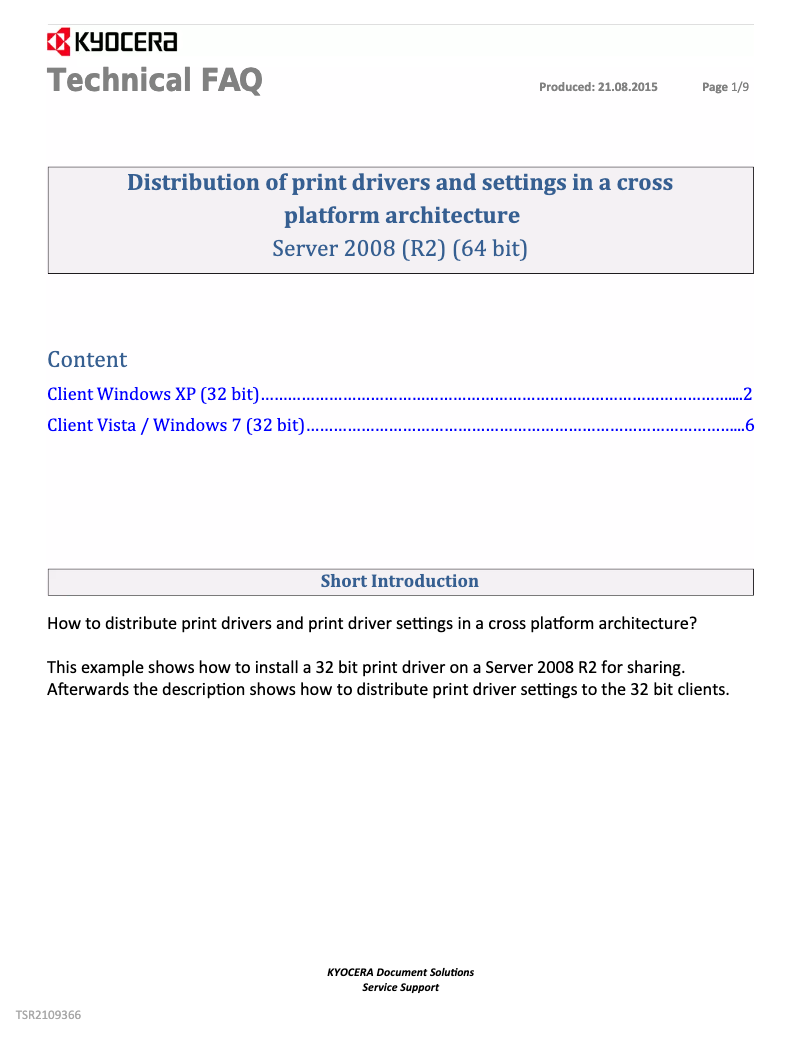
Ease of use: With its user-friendly interface and available supporting documents, such as the user manual and a FAQ, getting started with the printer is simple and intuitive.
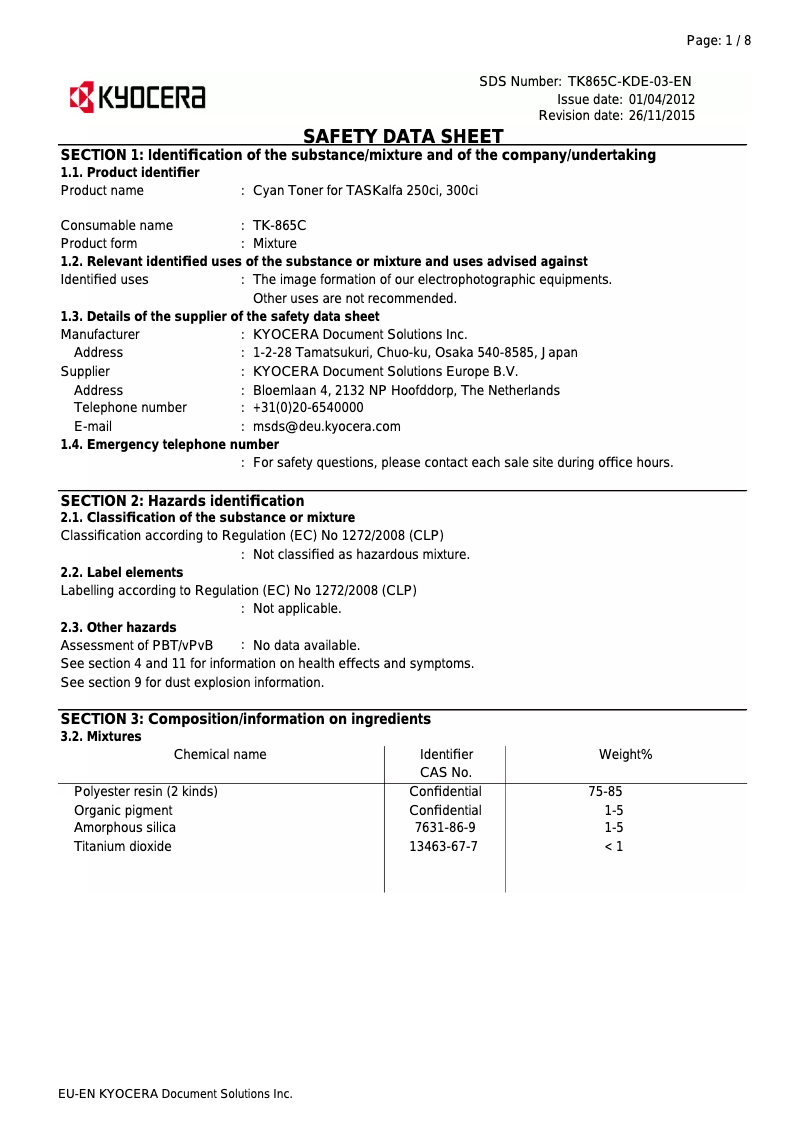
Energy efficiency: The TASKalfa 250ci is designed to minimize energy consumption, thus helping to reduce the ecological footprint while maintaining excellent performance.
Disadvantages
Initial cost: The purchase price can be relatively high, which may represent a significant investment for small businesses or home users.
Weight and dimensions: Its weight and dimensions can make it difficult to move, which may pose a problem in flexible work environments.
Energy consumption: Although designed for efficiency, energy consumption is relatively high, which could lead to additional costs on electricity bills.
Startup time: The startup may take longer than some other models, which can slow down workflow in a busy environment.
Availability of parts: Limited availability of spare parts and toners can complicate the long-term maintenance of the printer.


