
Manuals of product TASKalfa 350ci


Editorial note
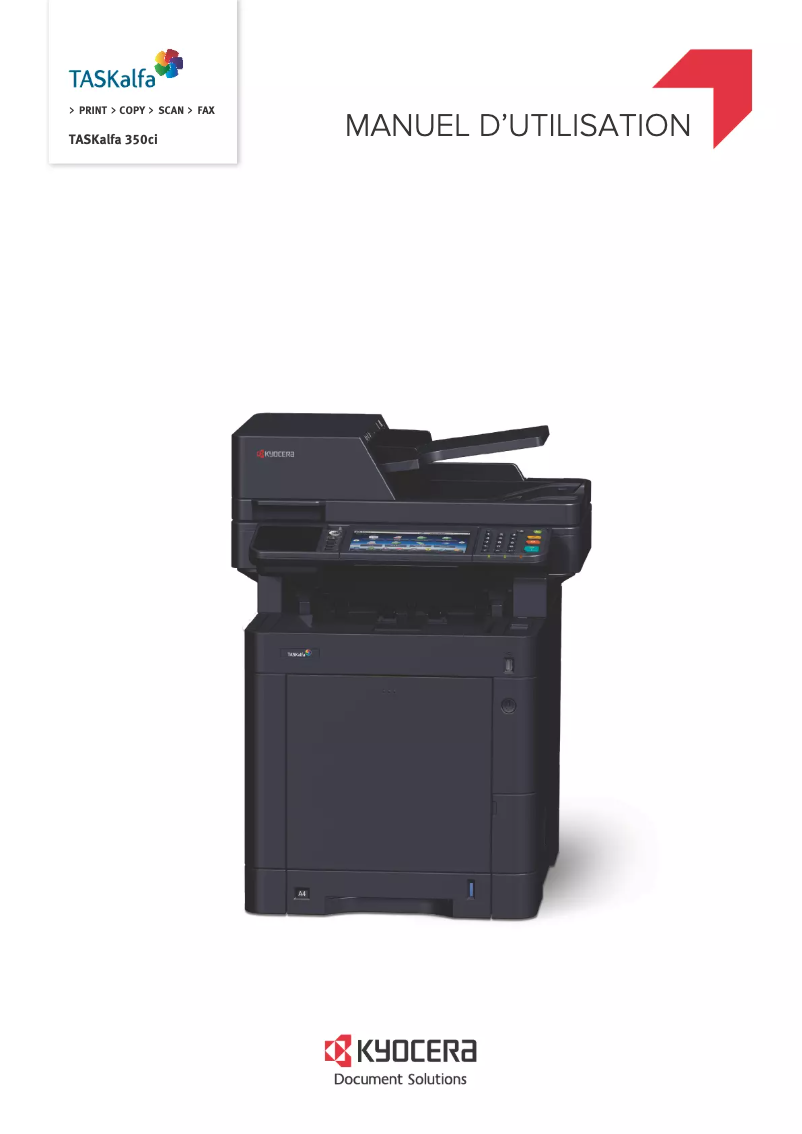
The Kyocera TASKalfa 350ci stands out for its optimal performance, making it particularly suitable for demanding work environments. Although its printing speed is satisfactory, it may not meet the expectations of high-demand offices. In terms of versatility, this multifunction device allows for printing, copying, and scanning, making it a practical tool for professionals. Print quality is also a strong point, with a clear and precise resolution that meets user requirements. However, the size and weight of the printer can pose challenges when installing it in tight spaces, which could deter some users. Regarding value for money, the initial purchase cost is relatively high, which can be a barrier for small businesses or individual users. Additionally, maintenance costs, including ink cartridges, can quickly add up. The user interface, while functional, may seem unintuitive to some, requiring a certain learning curve. Finally, the provided documentation is an asset, allowing users to easily find the necessary information for optimal use of the device. In summary, the Kyocera TASKalfa 350ci is a robust and high-performing printer, but it may not be suitable for all users due to its cost and size.Score details
Performance
The Kyocera TASKalfa 350ci offers optimal performance, ideal for demanding work environments. However, it may sometimes not meet the needs of very high-demand offices.
Features
This multifunction device allows for printing, copying, and scanning, making it very convenient for offices.
quality
The print quality is remarkable, with a clear and precise resolution, perfectly meeting the expectations of professionals.
Design
Its size and weight can complicate its installation in tight spaces, which can be a disadvantage for some users.
Value for money
The initial purchase cost is high, which may make it less accessible for small businesses or individual users. Maintenance costs can also accumulate over time.
Usability
Although functional, the user interface may be perceived as not very intuitive, requiring a learning curve for some users.
Documentation
The accessible documentation, including the user manual and safety instructions, allows users to easily find information for optimal use.
Advantages
High performance for demanding environments
Multifunctional printing, copying, and scanning
Clear and precise print quality
Guaranteed robustness and longevity
Easily accessible user documentation
Disadvantages
High initial purchase cost
Bulky size and weight
High long-term maintenance costs
Non-intuitive user interface
Insufficient printing speed for high demand
Technical Specifications TASKalfa 350ci
General Information
-
ModelTASKALFA 350CI
-
Brand
-
Category
-
Type
-
SKU1340096
-
MPN1340096
Frequently Asked Questions
What is the recommended method for removing a jammed paper from the printer?
Why is my printer not recognizing the original cartridges?
What are the possible reasons for poor print quality?
How does a laser printer differ from an inkjet printer?
Why is my inkjet printer producing black streaks?
What does the acronym DPI mean?
Is the user manual for the Kyocera TASKalfa 350ci available in French?
Similar products


More product categories from brand Kyocera
Phones Kyocera
Other Kyocera
More product types from brand Kyocera


Presentation of product TASKalfa 350ci specifications from brand Kyocera
General Information
The Kyocera TASKalfa 350ci is a multifunction printer from the Kyocera brand, known for its innovative and high-quality solutions in the printing field. This model is designed to meet the needs of demanding work environments, providing an optimized user experience through its high performance.
Advantages
Among the many strengths of the TASKalfa 350ci, we note:
- Optimal performance: Designed for maximum efficiency, this printer excels in printing, copying, and scanning tasks.
- Versatility: With its multiple features, it serves as a practical tool for offices, capable of adapting to various professional needs.
- Print quality: It ensures prints of remarkable clarity and precision, thus meeting the demands of professional users.
- Durability: The robustness of Kyocera devices guarantees longevity and reliability, making it a wise choice for long-term use.
- Accessible documentation: The printer comes with several support documents, such as the user manual and safety instructions, facilitating quick familiarization.
Disadvantages
Despite its many advantages, the Kyocera TASKalfa 350ci has some drawbacks:
- Initial purchase cost: Its price can be a barrier for small businesses and individual users.
- Dimensions and weight: Its large size can complicate installation in restricted workspaces.
- Maintenance costs: Expenses related to ink cartridges and spare parts can accumulate over time, increasing the total cost of use.
- User interface: Although functional, the interface may seem unintuitive, requiring an adjustment period for some users.
- Print speed: While efficient, it may not be suitable for office environments where print demand is extremely high.


