
Manuals of product TASKalfa 356ci


Editorial note
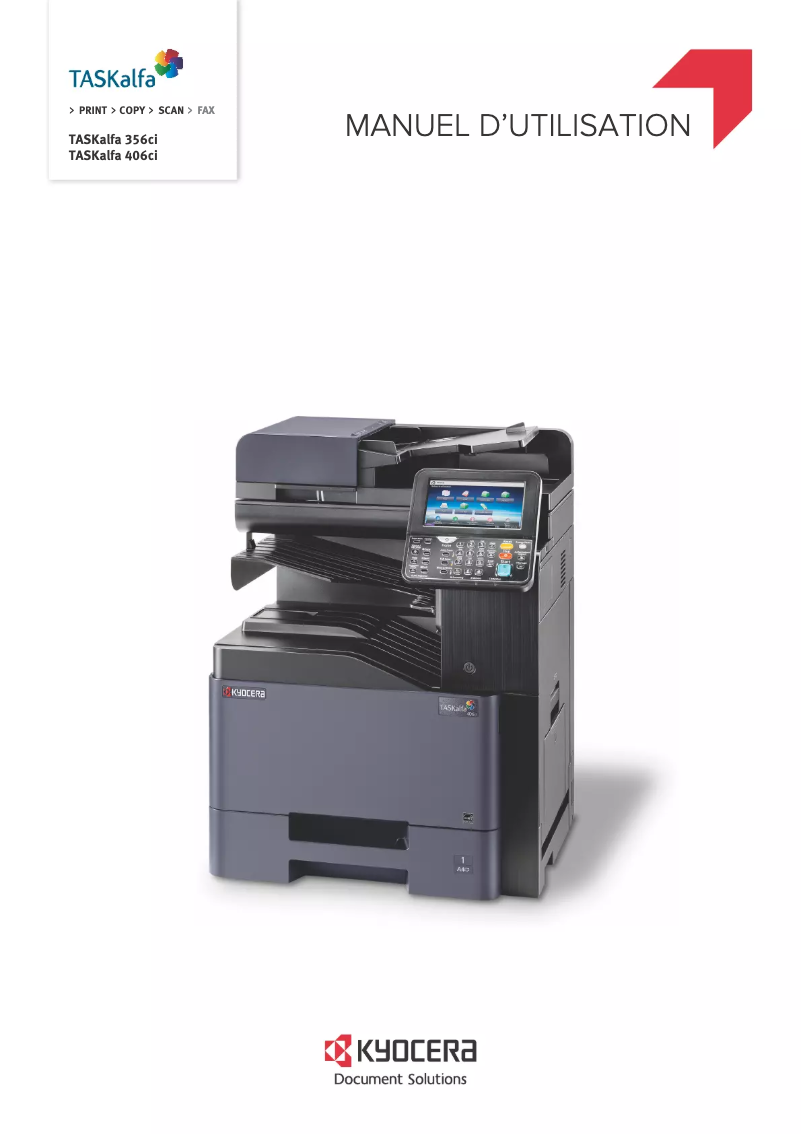
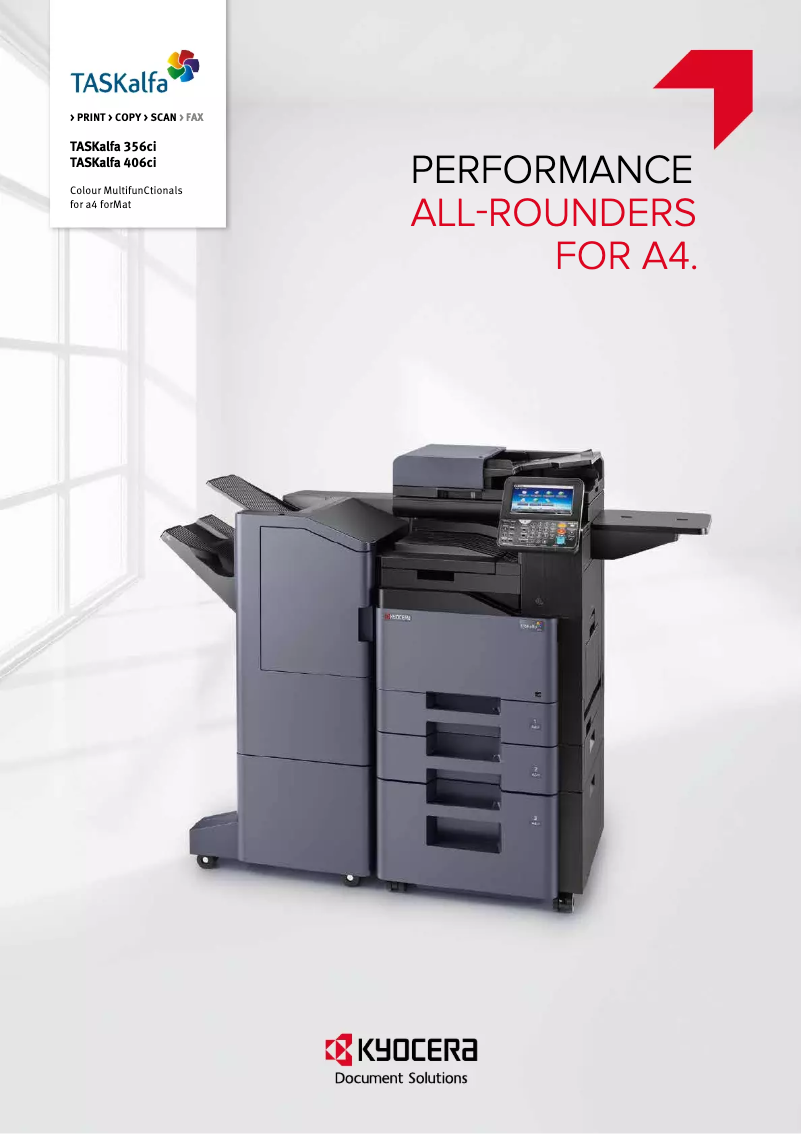
The Kyocera TASKalfa 356ci is a multifunction printer that stands out for its exceptional print quality, ideal for professional environments requiring polished documents. Its versatility allows for copying, scanning, and sending documents, making it a comprehensive tool for modern offices. Additionally, its commitment to energy efficiency helps reduce operating costs. The user experience is very satisfying thanks to an intuitive interface and clear accompanying documents, making it easy to use, even for those who are not technology experts. The reliability and durability of this printer are also noteworthy, ensuring stable operation and reducing maintenance needs. However, the initial purchase cost may be a barrier for small businesses or individuals, although the quality partly justifies this investment. Furthermore, its weight and dimensions can complicate installation and movement in tight spaces. Energy consumption, while relatively high, is another aspect to consider, as it can lead to additional long-term costs. Finally, some advanced features may require a learning curve, which could hinder less experienced users. In summary, the Kyocera TASKalfa 356ci is an excellent choice for those seeking a high-performing and versatile printer, but it is important to consider its cost and usage requirements.Score details
User experience
The user experience is very satisfactory thanks to an intuitive interface and clear supporting documents, making it easy to use even for non-experts.
Performance
The printing performance is exceptional, providing high-quality results suitable for demanding professional environments.
Value for money
The initial purchase cost is high, which can be a barrier for small businesses, although the quality partly justifies this investment.
Robustness
The reliability and durability of the printer are notable, reducing maintenance needs and ensuring stable operation.
Features
The versatility of the printer is an asset, but some advanced features may require a learning curve for less experienced users.
Battery life
The energy consumption is relatively high, which can lead to increased operating costs in the long term.
Advantages
High-quality printing
Multifunction: copying, scanning, sending
Built-in energy saving
Intuitive user interface
Proven reliability and durability
Disadvantages
High purchase cost for small businesses
Difficult installation in tight spaces
High energy consumption in the long term
Expensive toner cartridges to replace
Complex features for novice users
Technical Specifications TASKalfa 356ci
General Information
-
ModelTASKALFA 356CI
-
Brand
-
Category
-
Type
-
SKU1340099
-
MPN1340099
Frequently Asked Questions
What is the recommended method for removing paper jammed in the printer?
Pourquoi mon imprimante ne reconnaît-elle pas les cartouches d'origine ?
Quelles sont les raisons possibles d'une qualité d'impression insatisfaisante ?
Quelles sont les distinctions entre une imprimante laser et une imprimante à jet d'encre ?
Pourquoi mon imprimante à jet d'encre laisse-t-elle des rayures noires sur les impressions ?
Que signifie l'acronyme DPI ?
Le manuel d'utilisation du Kyocera TASKalfa 356ci est-il disponible en français ?
Similar products


More product categories from brand Kyocera
Phones Kyocera
Other Kyocera
More product types from brand Kyocera


Presentation of product TASKalfa 356ci specifications from brand Kyocera
General Information
The Kyocera TASKalfa 356ci printer is a renowned model from the Kyocera brand, distinguished by its commitment to quality and innovation in the office equipment sector. This model, identified by the reference TASKalfa 356ci | 1T02R5CUS0, is designed to deliver exceptional performance, thus meeting the demands of professional environments.
Advantages
The Kyocera TASKalfa 356ci stands out for its remarkable print quality, producing documents with undeniable clarity and professionalism, perfect for offices concerned about their image. As a multifunction printer, it offers options for copying, scanning, and sending documents, making this device essential for optimizing space and resources within modern businesses.
Furthermore, this device is designed with energy efficiency in mind, incorporating technologies that help reduce energy consumption, resulting in savings on operating costs. Its intuitive user interface, accompanied by support documents such as manuals and FAQs, makes it easy to use, even for those who are not technology experts.
Finally, printers from the Kyocera brand are known for their reliability and durability, minimizing maintenance needs and ensuring continuous operation in demanding work conditions.
Disadvantages
However, it is important to note that the initial purchase cost of the TASKalfa 356ci can be a barrier for small businesses or individuals, representing a significant investment. Additionally, its dimensions and weight may complicate its installation and movement, especially in tight spaces.
The printer's energy consumption is also relatively high, which can increase operating costs in the long run. Moreover, the specific toner cartridges required for this model may prove to be more expensive than those for other printers, thus increasing maintenance costs. Finally, the wealth of advanced features may require a learning curve, which can pose a challenge for less experienced users.


