
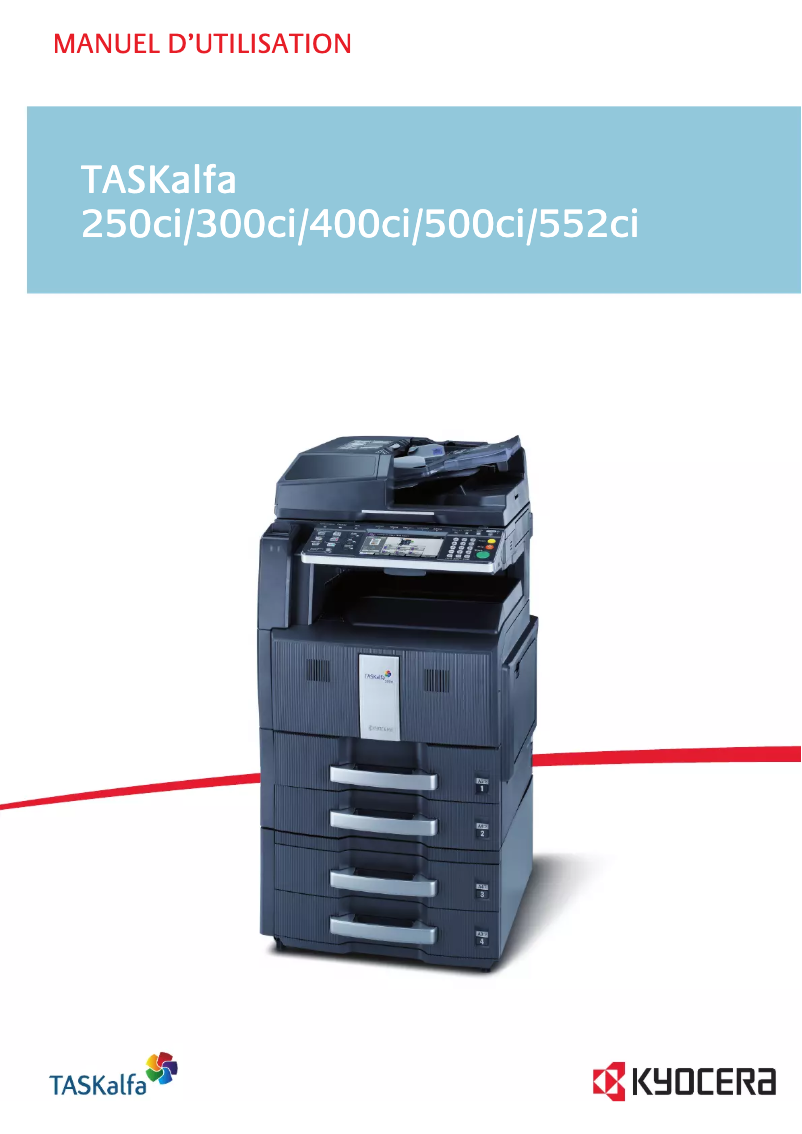
Manuals of product TASKalfa 500ci


Editorial note
The Kyocera TASKalfa 500ci stands out for its excellent print quality, delivering professional and sharp documents. Its versatility is also a major asset, with printing, scanning, copying, and faxing features that meet the diverse needs of a work environment. Designed to be energy-efficient, it helps reduce operating costs while being environmentally friendly. Additionally, its user-friendly interface, along with supporting documents like the user manual and FAQ, facilitates quick onboarding. However, it is important to note some drawbacks. The initial purchase cost can be high, representing a significant investment for small businesses or individual users. Maintenance costs, particularly regarding toner and paper, can also add up quickly. Furthermore, the printer may be bulky, complicating its integration into smaller workspaces. While most features are intuitive, some require a learning curve, and the operating noise can be noticeable, thus disrupting concentration in quiet environments. Overall, the Kyocera TASKalfa 500ci is a robust and reliable printer, designed for heavy use, offering good value for money in the long term despite some initial and maintenance costs.Score details
User experience
The ease of use is a major asset thanks to the user-friendly interface and supporting documents such as the user manual and FAQ, allowing for quick onboarding.
Performance
The excellent print quality and versatility of features (printing, scanning, copying, faxing) ensure optimal performance for various office needs.
Value for money
Although the initial purchase cost is high, the quality and durability of the printer can justify this long-term investment. However, maintenance costs can accumulate.
Usability
The printer is designed to provide a smooth user experience, although some advanced features may require a learning curve for inexperienced users.
Robustness
Manufactured by a reputable brand, the TASKalfa 500ci is durable and reliable, capable of withstanding intensive use, ensuring appreciable longevity.
Design
Although the design is functional, the printer can be bulky and cumbersome, making its integration into smaller workspaces more difficult.
noise_level
The operating noise can be noticeable in quiet work environments, which may disrupt users' concentration.
Advantages
High-quality prints
All-in-one features
Energy efficiency
User-friendly interface
Durability and reliability
Disadvantages
High initial purchase cost
High maintenance costs
Bulky and cumbersome printer
Complex features, learning curve
Disturbing operating noise
Technical Specifications TASKalfa 500ci
General Information
-
ModelTASKALFA 500CI
-
Brand
-
Category
-
Type
-
SKU1340133
-
MPN1340133
Frequently Asked Questions
What is the recommended method for removing jammed paper from the printer?
Why is my printer not recognizing the original cartridges?
What are the possible reasons for poor print quality?
What are the distinctions between a laser printer and an inkjet printer?
Why is my inkjet printer leaving black streaks?
What does the acronym DPI mean?
Is the manual for the Kyocera TASKalfa 500ci available in French?
Similar products


More product categories from brand Kyocera
Phones Kyocera
Other Kyocera
More product types from brand Kyocera


Presentation of product TASKalfa 500ci specifications from brand Kyocera
General Information
The Kyocera TASKalfa 500ci is a multifunction printer designed by the Kyocera brand, known for its expertise in innovation and quality in the office equipment sector. This model stands out for its high performance and intuitive user interface, providing a smooth and efficient working experience.
Advantages
The Kyocera TASKalfa 500ci is particularly appreciated for its exceptional print quality, ensuring professional documents with remarkable clarity. As an all-in-one printer, it offers impressive versatility with printing, scanning, copying, and faxing features, thus meeting various needs within a work environment.
Moreover, it is economically advantageous due to its design focused on reducing energy consumption, which helps lower electricity costs while being environmentally friendly. Its user-friendly interface makes it easy to use, supported by comprehensive documentation, including the user manual and FAQs to assist the user.
Finally, the durability and reliability of the TASKalfa 500ci make it a wise choice for businesses, as it is designed to withstand intensive use, ensuring appreciable longevity.
Disadvantages
However, it is worth noting that the initial purchase cost of the Kyocera TASKalfa 500ci can be high, representing a significant investment, especially for small businesses or individual users. Additionally, maintenance costs and supply consumption, such as toner and paper, can accumulate quickly, especially with frequent use.
Its size may also be perceived as bulky, making its integration into restricted workspaces more complex. Furthermore, the richness of its advanced features may require a learning curve, which can make its use less intuitive for less experienced users. Finally, the operating noise, while normal, may be noticeable in quiet work environments, which could disrupt employee concentration.


