
Manuals of product TASKalfa 6002i



Editorial note
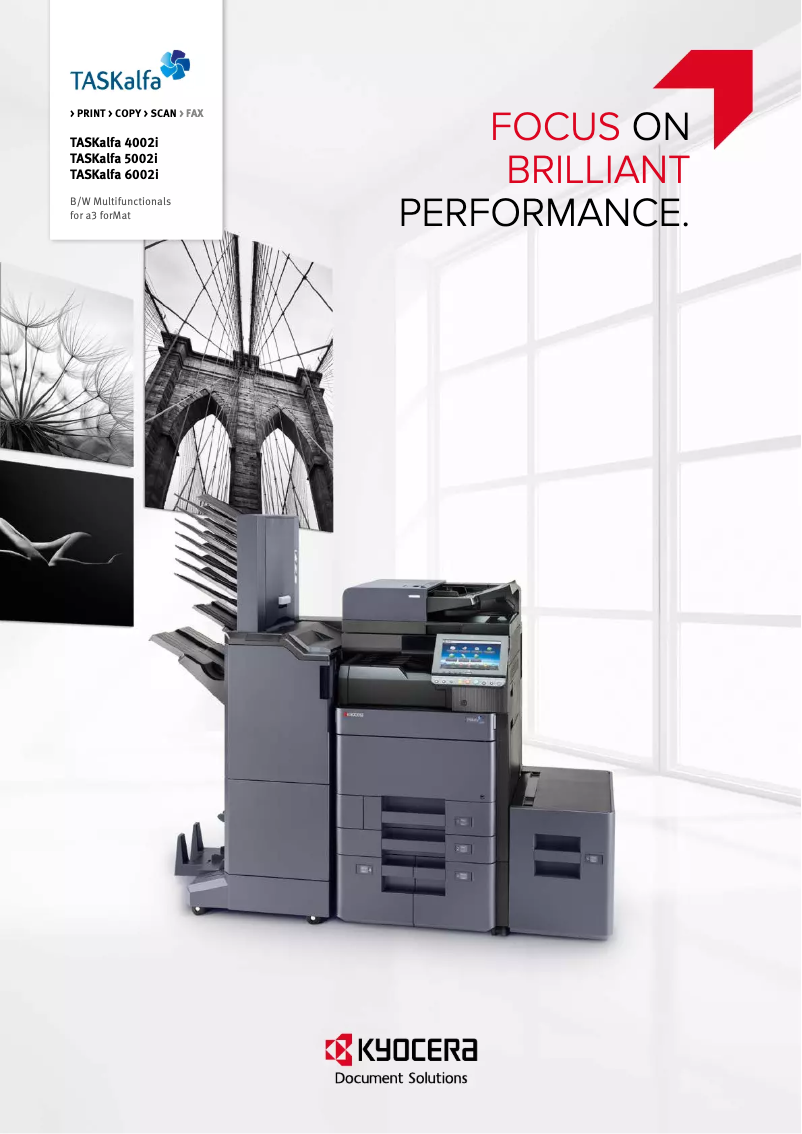
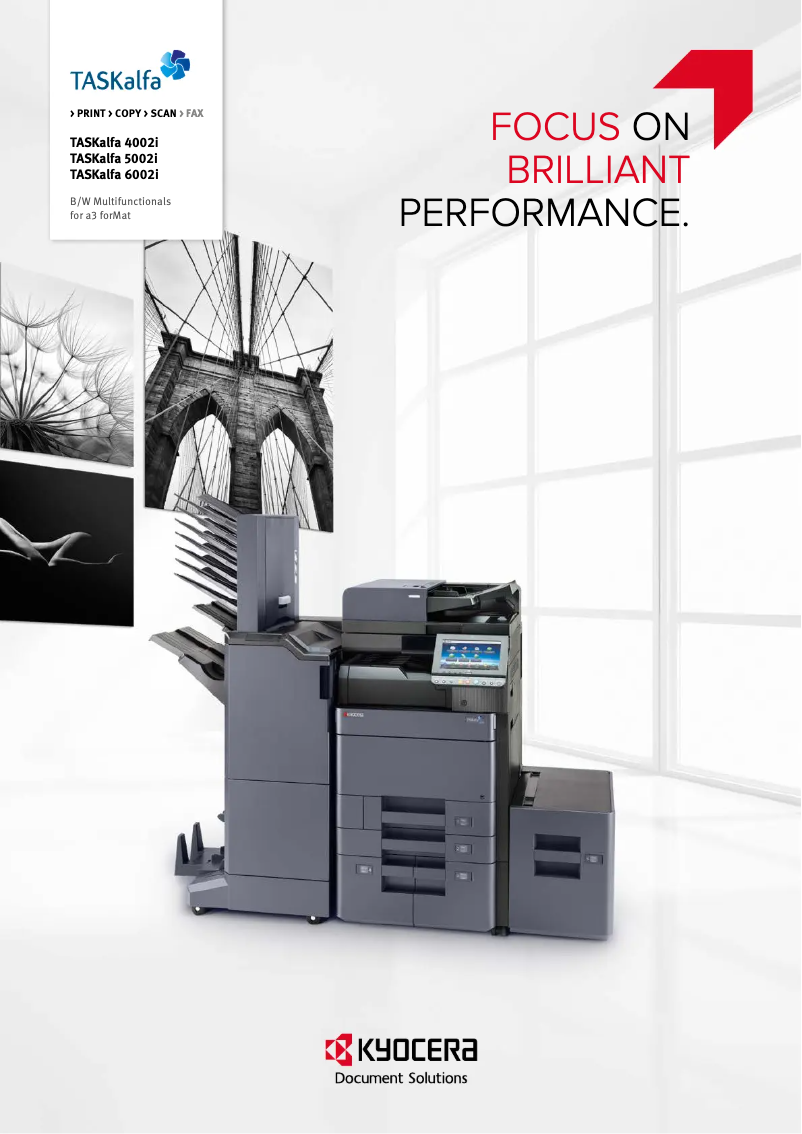
The Kyocera TASKalfa 6002i stands out for its exceptional printing performance, offering image and text quality that perfectly meets the demands of professional environments. Its versatility allows for handling various document formats, making this printer ideal for a multitude of applications, whether for reports, presentations, or marketing documents. Additionally, its energy efficiency helps reduce operating costs while being environmentally friendly. User experience is generally very positive thanks to its user-friendly and intuitive interface, facilitating access to different features. However, some advanced options may require training to be fully utilized, which could be a barrier for some users. Nevertheless, the initial purchase cost can be high, which may deter small businesses or users on a limited budget. The printer is also quite bulky, requiring significant office space for installation. Furthermore, the startup and preparation time can be relatively long, which could slow down operations in high-demand work environments. The toner cartridges, while efficient, are also expensive to replace, which can increase long-term operating costs. Finally, although support is adequate with several documents available, additional information could be beneficial to maximize the use of the printer. In summary, the Kyocera TASKalfa 6002i is a solid choice for businesses looking for a high-performing and versatile printer, but it is essential to consider its cost and bulkiness before making an investment.Score details
User experience
The user experience is very positive thanks to a user-friendly and intuitive interface, making it easy to navigate through the different features of the printer.
Performance
The printing performance is excellent, providing high-quality prints that meet the demands of professional environments.
Value for money
Although the initial purchase cost is high, the energy efficiency and versatility of the printer can justify the long-term investment.
Usability
Ease of use is a major asset, but some advanced features may require training to be fully utilized.
Support
The support is adequate, with several documents available to assist users, although additional information could be beneficial.
Design
The printer is relatively bulky, which can pose space issues in some offices.
Advantages
Clear and precise prints
Supports various document formats
Energy-saving for reduced costs
User-friendly and intuitive interface
Accessible and helpful documentation
Disadvantages
High purchase cost for small businesses
Bulky printer, requires a lot of space
Relatively long preparation time
Expensive toner cartridges to replace
Advanced features require technical training
Technical Specifications TASKalfa 6002i
General Information
-
ModelTASKALFA 6002I
-
Brand
-
Category
-
Type
-
SKU1340140
-
MPN1340140
Frequently Asked Questions
What is the recommended method for removing jammed paper from the printer?
Why is my printer not recognizing the original cartridges?
What could be the reasons for poor print quality?
What are the differences between a laser printer and an inkjet printer?
Why is my inkjet printer leaving black streaks on prints?
What does the term DPI mean?
Is the manual for the Kyocera TASKalfa 6002i printer available in French?
Similar products


More product categories from brand Kyocera
Phones Kyocera
Other Kyocera
More product types from brand Kyocera


Presentation of product TASKalfa 6002i specifications from brand Kyocera
General Information
The Kyocera TASKalfa 6002i is a multifunction printer from the renowned brand Kyocera, known for its commitment to quality and innovation in the office equipment sector. This model is designed to deliver exceptional performance, ensuring an optimal user experience tailored to the demands of professional environments.
Advantages
- High-quality printing: The TASKalfa 6002i produces prints with remarkable clarity, meeting the high standards of professional users.
- Versatility: It supports a variety of formats and document types, making it ideal for tasks ranging from reports to presentations or marketing documents.
- Energy efficiency: Equipped with energy-saving features, this printer helps reduce operating costs while being environmentally friendly.
- Ease of use: Its intuitive interface allows users to easily navigate between different functions, making daily operation simple and quick.
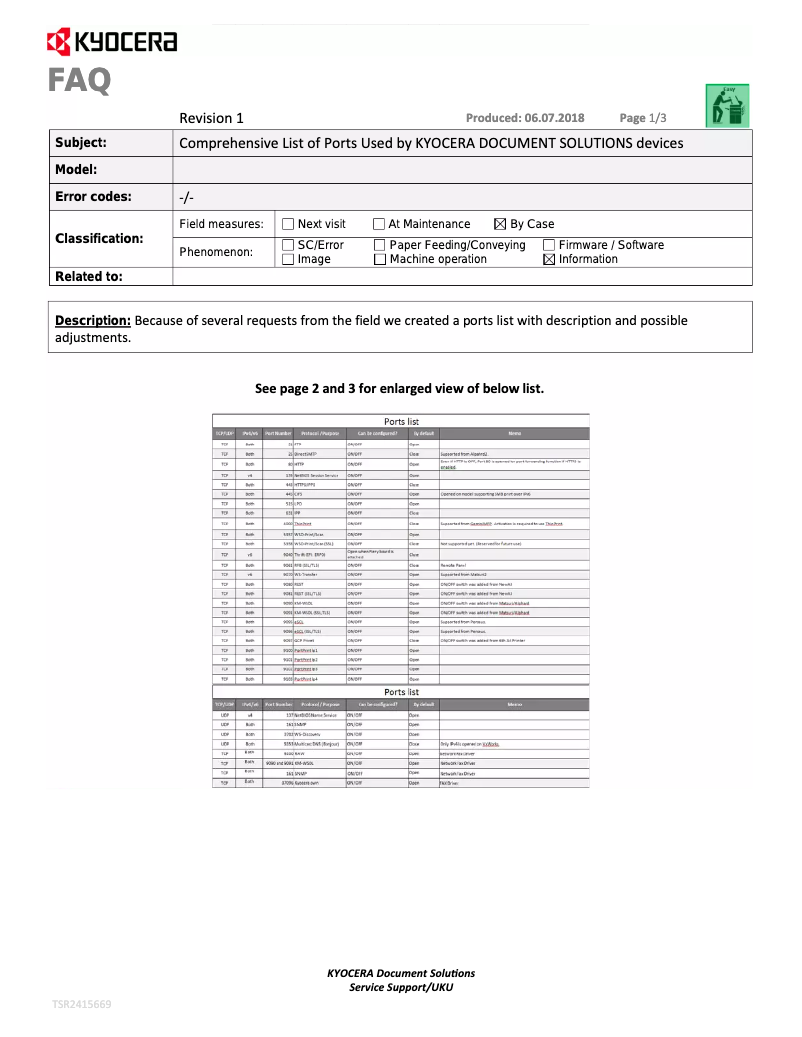
- Support and documentation: Users can access a wealth of resources, such as the user manual and FAQs, to maximize the use of the device.
Disadvantages
- Initial cost: Acquiring the TASKalfa 6002i can represent a significant investment, which may be a barrier for small businesses or users with a limited budget.
- Footprint: Its size may require considerable office space for installation, which can be problematic in tight spaces.
- Setup time: The startup and preparation time can be relatively long, which could slow down efficiency in high-demand work environments.
- Consumable costs: Toner cartridges can be expensive to replace, thus increasing long-term operating expenses.
- Advanced features: Some functions may require training or technical expertise to fully benefit from them.


