
Manuals of product TASKalfa 650c


Editorial note
The Kyocera TASKalfa 650c stands out for its optimal printing performance, ideal for intensive professional use, earning it a score of 85 in terms of performance. Its robustness and durability make it a reliable long-term choice, as evidenced by its high score of 90 for sturdiness. Additionally, the versatility of this printer is commendable, offering various features such as color printing and scanning, which has earned it a score of 80 for its functionalities. However, the user experience may be hindered by an interface deemed complex by some, requiring an adjustment period. This is reflected in the score of 70 given to the user experience. The acquisition cost, relatively high, may also pose a barrier for some companies, although the quality partly justifies this price, resulting in a score of 65 for value for money. Furthermore, the weight and size of the printer can present installation challenges in tight spaces, and the costs of consumables, such as ink and replacement toners, can increase long-term operating expenses. In terms of support, the availability of several useful documents, such as the manual and FAQ, facilitates user assistance, granting it a score of 75. Despite some drawbacks, the Kyocera TASKalfa 650c remains a solid option for professionals seeking a high-performing and reliable printer.Score details
User experience
The user experience is generally satisfactory, but the interface may seem complex for some users, requiring an adjustment period.
Performance
The printing performance is optimal for professional use, ensuring high print quality even in intensive situations.
Value for money
The acquisition cost is relatively high, which can represent a significant investment for some companies, although the quality partly justifies this price.
Robustness
The robustness of the printer is undeniable, with a reputation for durability and reliability, making this model a good long-term choice.
Features
The TASKalfa 650c offers appreciated versatility with features such as color printing and scanning, meeting various office needs.
Support
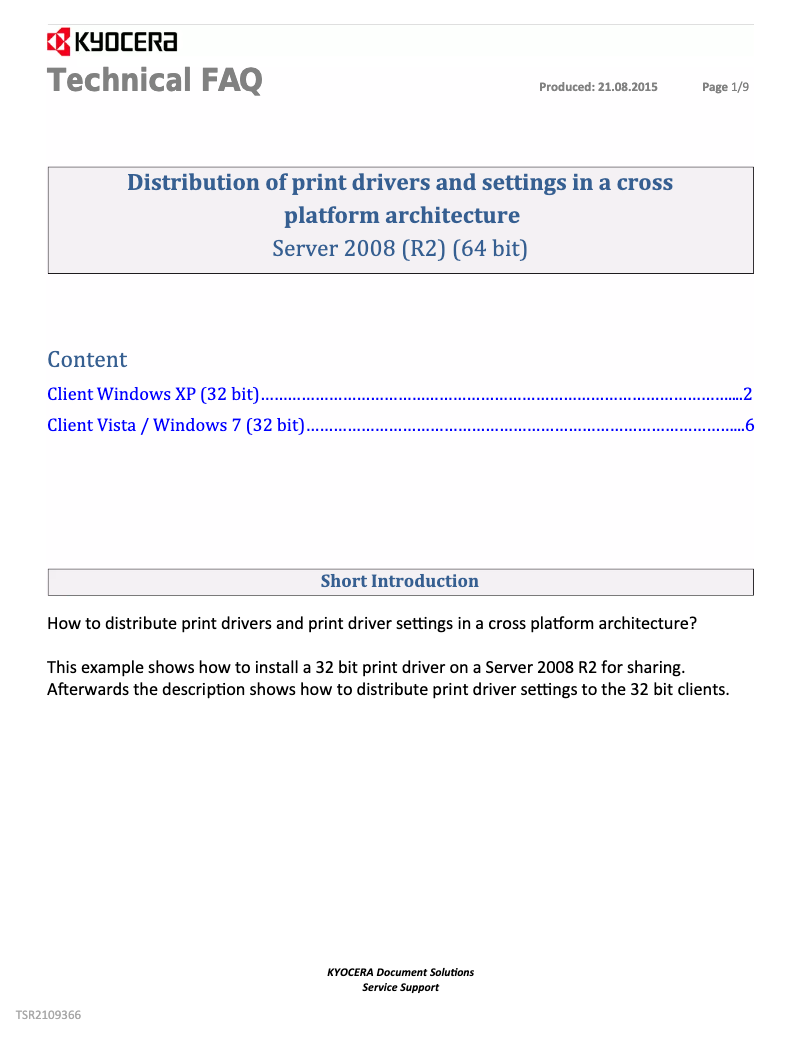
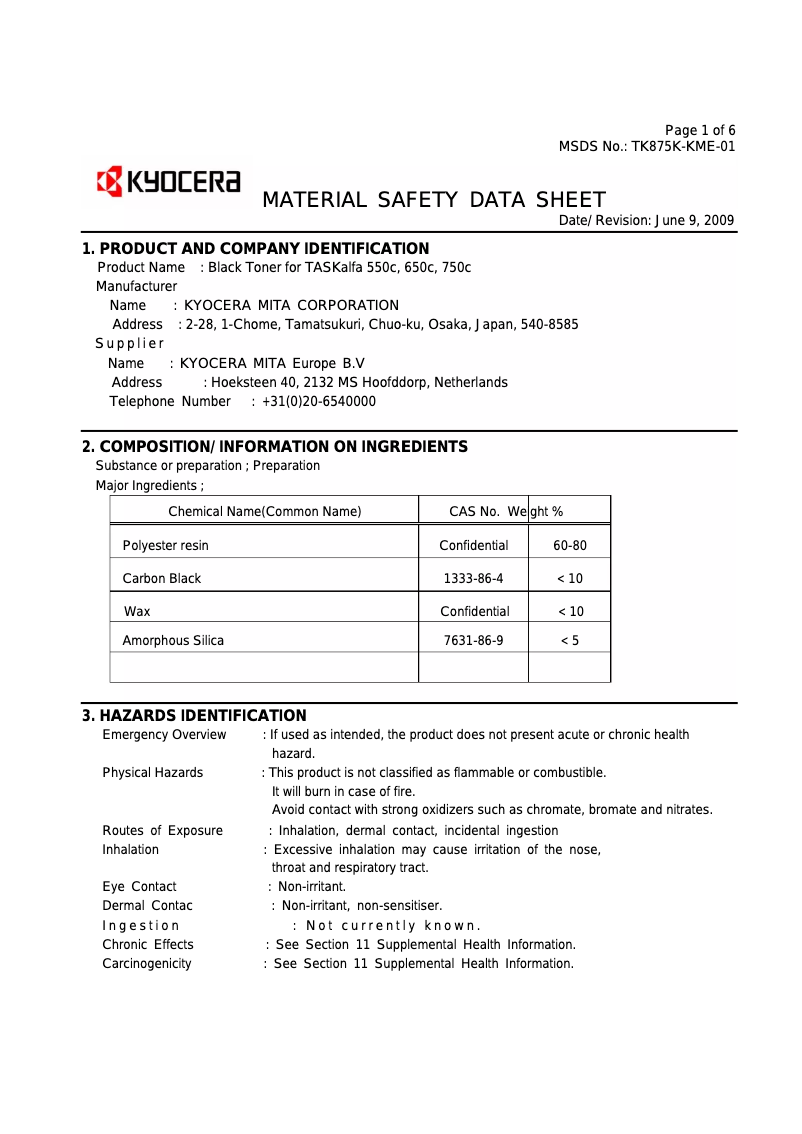
The availability of several help documents, such as the manual and FAQ, facilitates user assistance.
Advantages
High-quality printing
Sturdy and durable device
Easy access to user documents
Energy-efficient and cost-effective
Versatile features
Disadvantages
High acquisition cost.
Bulky size for small spaces.
High cost of replacement toners.
Complex user interface.
High noise level during operation.
Technical Specifications TASKalfa 650c
General Information
-
ModelTASKALFA 650C
-
Brand
-
Category
-
Type
-
SKU1340106
-
MPN1340106
Frequently Asked Questions
What is the recommended method for removing a paper jam in the printer?
Why is my printer not recognizing the original cartridges?
What could be the reasons for poor print quality?
What are the differences between a laser printer and an inkjet printer?
Why is my inkjet printer leaving black streaks on prints?
What does the acronym DPI mean?
Is the manual for the Kyocera TASKalfa 650c available in French?
Similar products


More product categories from brand Kyocera
Phones Kyocera
Other Kyocera
More product types from brand Kyocera


Presentation of product TASKalfa 650c specifications from brand Kyocera
General Information
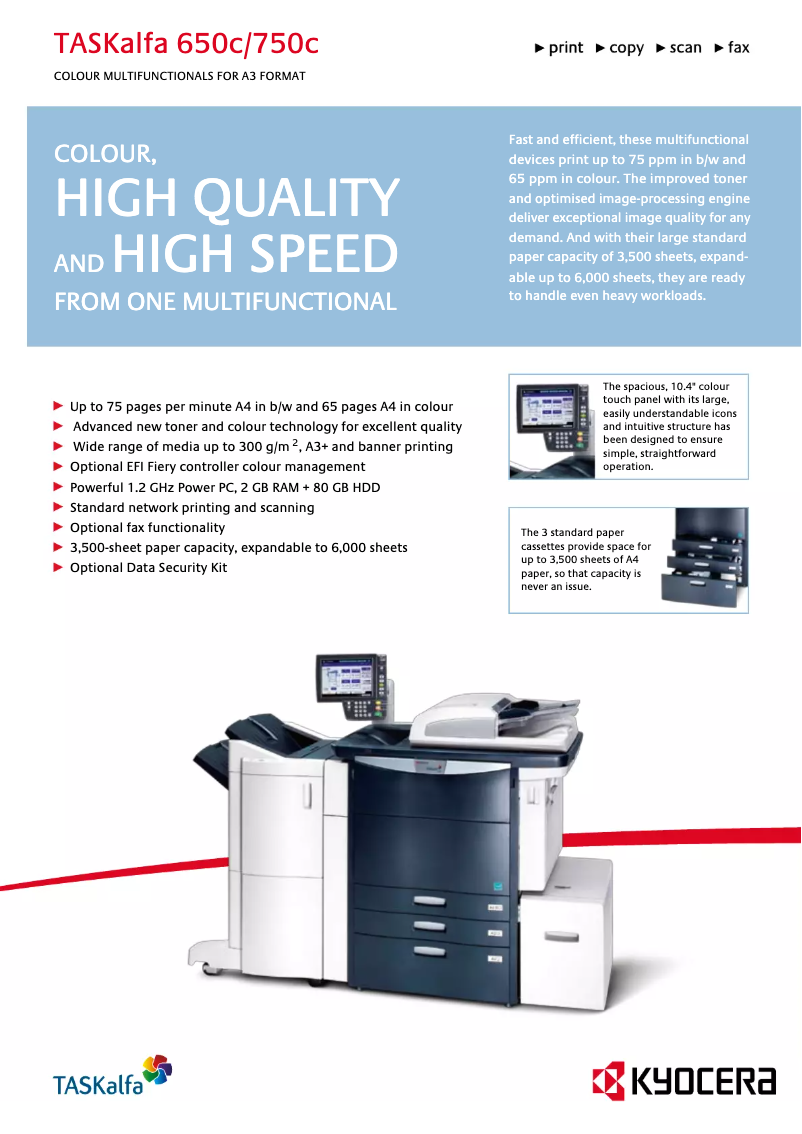
The Kyocera TASKalfa 650c printer is a high-performance model designed by the Kyocera brand, known for its commitment to innovation and sustainability in the office equipment sector. This model stands out for its ability to produce high-quality prints, making it particularly suitable for professional environments where reliability and speed are essential.
Advantages
The TASKalfa 650c is characterized by several notable advantages:
- Optimal performance: It offers high-quality prints, making it an ideal choice for intensive printing tasks.
- Innovation and reliability: Designed by a reputable brand, it ensures robustness and durability that allow for long-term use without issues.
- Ease of use: Access to various supporting documents, such as the user manual and a FAQ, facilitates effective handling.
- Energy efficiency: Its eco-friendly design helps reduce operating costs while being environmentally friendly.
- Versatility: It offers a range of features, including color printing and scanning, thus meeting various professional needs.
Disadvantages
However, it is important to consider some disadvantages associated with this model:
- Acquisition cost: The initial price of the TASKalfa 650c may be higher than that of similar models, representing a significant investment for some companies.
- Size and weight: Its relatively bulky dimensions can pose challenges when installing it in limited workspace.
- Consumable costs: Ink and toner cartridges can incur high operating expenses in the long run.
- User interface: For users unfamiliar with professional printers, the interface may seem complex, requiring an adjustment period.
- Noise level: The operation of the printer can generate high noise, which may disrupt a quiet work environment.


