
Manuals of product TASKalfa 9002i
Editorial note
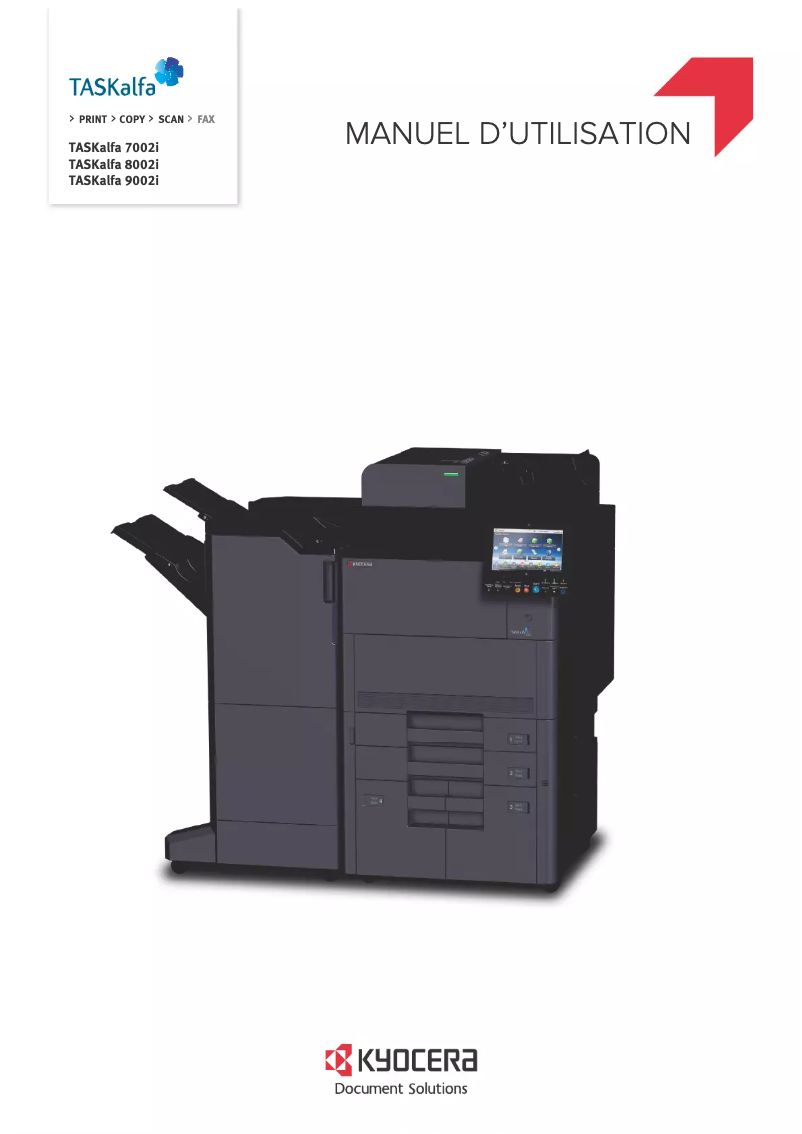
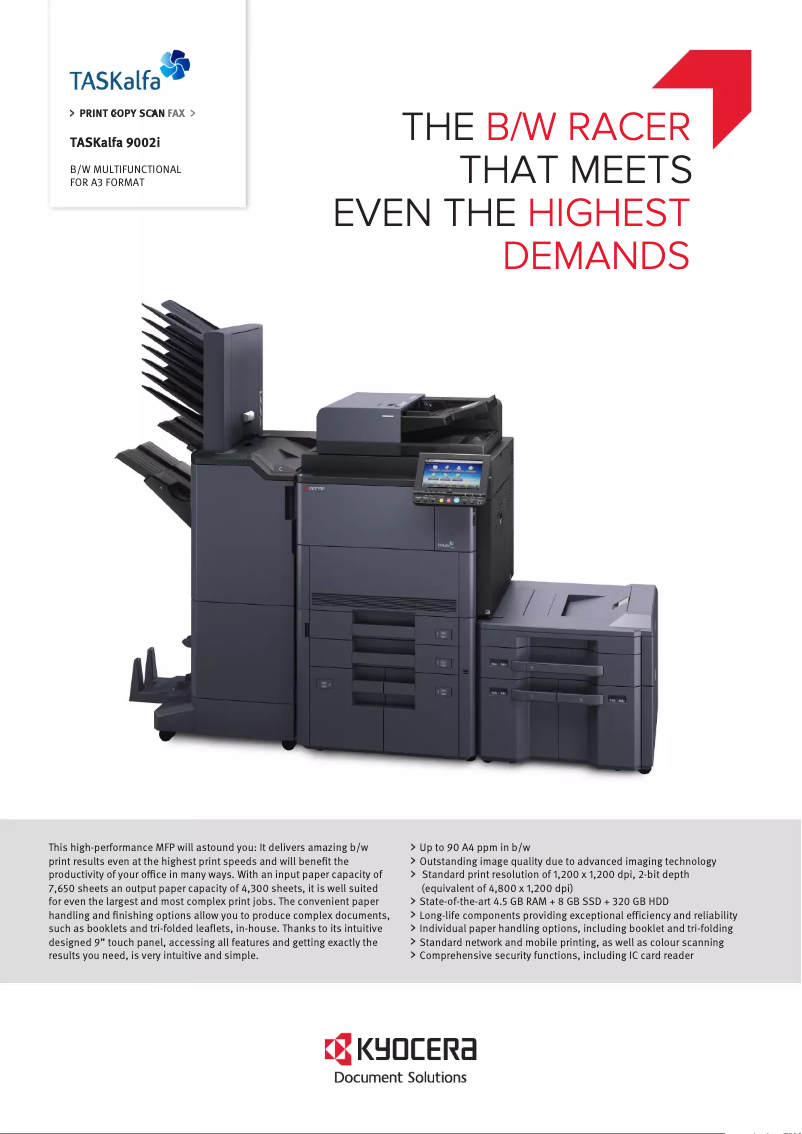
The Kyocera TASKalfa 9002i stands out for its high performance, offering fast and high-quality printing, making it ideal for demanding work environments. Its user-friendly interface and advanced connectivity options facilitate print management and allow for easy integration into an existing network. However, it is important to note that the initial investment cost can be high, which could be a barrier for small businesses or individual users. Additionally, its size and weight may make placement difficult in tight workspaces. Although the TASKalfa 9002i is designed with energy-efficient features, its power consumption in sleep mode could be improved, and the costs associated with toners and replacement parts should also be considered. Regarding durability and repairability, the complexity of the features may require a learning curve for inexperienced users, which can complicate repairs or maintenance. Despite these drawbacks, the Kyocera TASKalfa 9002i remains an attractive option for those seeking a versatile and high-performing printer.Score details
Performance
The high performance of the Kyocera TASKalfa 9002i ensures fast and high-quality printing, ideal for demanding work environments.
Usability
The user-friendly interface and advanced connectivity options make it easy to manage printing and integrate into an existing network.
Design
Although the printer is robust, its size and weight can pose space issues in restricted work environments.
Value for money
The initial investment cost and toner costs can be high, which may be a barrier for some small businesses.
energy_efficiency
The energy-saving features of the TASKalfa 9002i help reduce energy consumption, although standby power consumption could be improved.
repairability
The complexity of the features may require a learning curve for inexperienced users, which can complicate repairs or maintenance.
Advantages
Fast and high-quality prints
Supports various formats and media
Energy-saving and environmentally friendly
User-friendly interface and advanced connectivity
Designed for heavy and durable use
Disadvantages
High initial cost for small businesses
Bulky size for restricted spaces
Relatively high energy consumption
High toner costs in the long run
Complexity requiring a learning curve
Technical Specifications TASKalfa 9002i
General Information
-
ModelTASKALFA 9002I
-
Brand
-
Category
-
Type
-
SKU1875707
-
MPN1875707
Frequently Asked Questions
What is the recommended method for removing jammed paper from the printer?
Why is my printer refusing to accept original cartridges?
What are the possible reasons for poor print quality?
How does a laser printer differ from an inkjet printer?
Why does my inkjet printer leave black streaks on prints?
What does the acronym DPI mean?
Is the manual for the Kyocera TASKalfa 9002i available in French?
Similar products


More product categories from brand Kyocera
Phones Kyocera
Other Kyocera
More product types from brand Kyocera


Presentation of product TASKalfa 9002i specifications from brand Kyocera
General Information
The Kyocera TASKalfa 9002i printer is a high-end device designed to meet the high demands of modern work environments. Known for its innovation and quality, Kyocera has established itself as a leader in the office equipment sector. The TASKalfa 9002i model, reference 1102WA3NL0, stands out for its remarkable performance and intuitive user interface, ensuring a smooth and efficient user experience.
Advantages
This printer offers high performance, capable of producing fast and high-quality prints, ideal for high-volume offices. Its versatility allows it to handle various paper sizes and media types, providing valuable flexibility for different printing projects.
Moreover, the TASKalfa 9002i incorporates energy-efficient features, helping to reduce energy consumption, which is beneficial for both the environment and operating costs. Its user-friendly interface and advanced connectivity options simplify print management and facilitate integration into an existing network. Additionally, its durability is a major asset, designed to withstand intensive use with minimal maintenance required.
Disadvantages
However, it is important to note some disadvantages. The initial acquisition cost can be high, which may pose a barrier for small businesses or individual users. Furthermore, its size and weight can complicate installation in restricted workspaces.
Energy consumption, particularly in standby mode, can be relatively significant, leading to higher operating costs. Additionally, the prices of toners and replacement parts can impact the long-term budget. Finally, the wealth of features of the printer may require a learning curve for less experienced users.


