
Manuals of product TASKalfa 9003i

Editorial note
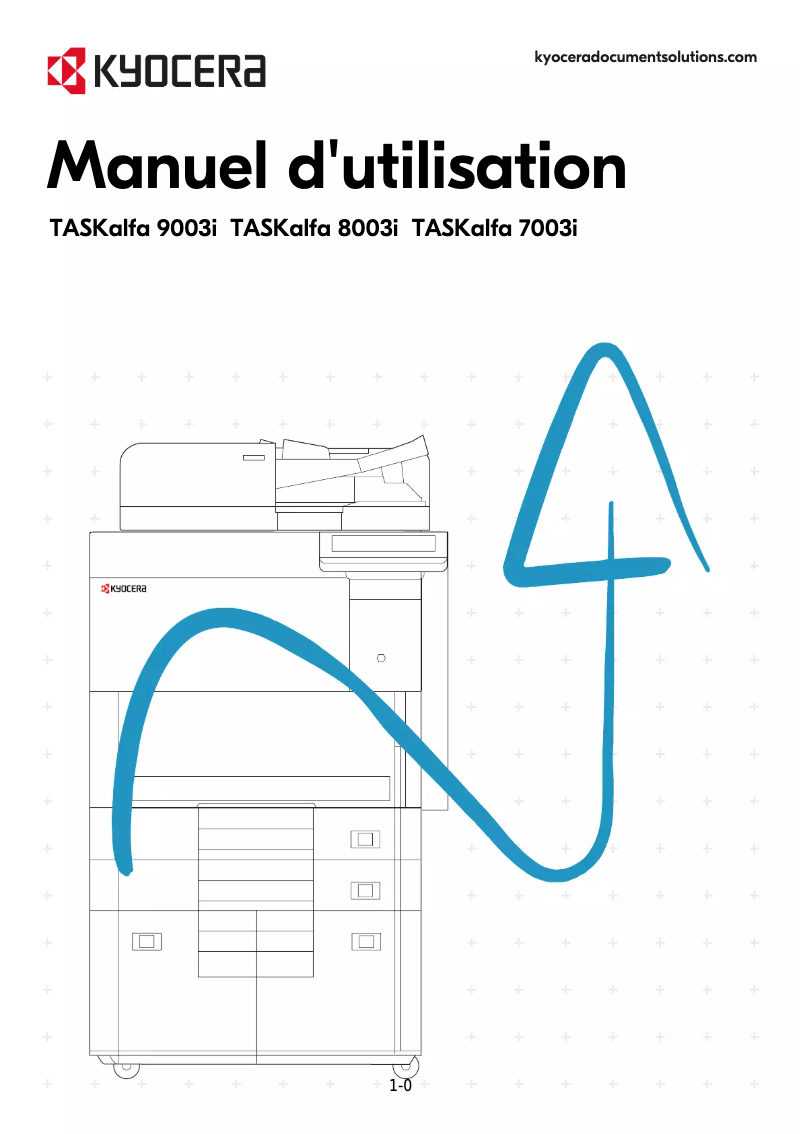
The Kyocera TASKalfa 9003i stands out for its exceptional print quality and versatility. Ideal for professional environments, it offers optimal performance in printing, copying, scanning, and faxing, making it a highly valued all-in-one solution in offices. Its user-friendly interface and intuitive touchscreen simplify task management, although some users may encounter a learning curve. However, the initial purchase cost can be a barrier for small businesses or individual users, and its weight and size may pose space issues during installation. Additionally, maintenance and parts replacement can be costly and require technical skills, which is a drawback for some users. Although the print quality is high, the printing speed may be lower than that of some competing models, which can slow down workflow in high-demand environments. Overall, the TASKalfa 9003i is recognized for its durability and reliability, offering appreciable longevity. The available documents, such as the user manual and the technical sheet, are comprehensive and helpful for a better understanding of the features, thus enhancing the user experience.Score details
User experience
The management of printing and scanning tasks is simplified thanks to a user-friendly interface and an intuitive touchscreen, although some users may encounter a learning curve.
Performance
The print quality is excellent, but the printing speed may be lower than that of some competing models, which can slow down the workflow.
Value for money
The initial purchase cost is high, which may make it less accessible for small businesses or individual users, despite its performance.
Robustness
Manufactured by Kyocera, this printer is known for its durability and reliability, offering appreciable longevity in a professional environment.
Features
The versatility of features, including printing, copying, scanning, and faxing, makes it a highly valued all-in-one solution in offices.
repairability
Maintenance and parts replacement can be costly and require technical skills, which could be a disadvantage for some users.
Design
Its weight and size can pose space issues, making installation difficult in tight areas.
Documentation
The available documents, such as the user manual and technical sheet, are comprehensive and helpful for a better understanding of the features.
Advantages
High-quality printing
All-in-one features
Increased energy efficiency
Intuitive user interface
Durability and reliability
Disadvantages
High purchase cost for small businesses
Difficult clutter in small spaces
Expensive and technical maintenance
Printing speed lower than competitors
Complex user interface to master
Technical Specifications TASKalfa 9003i
General Information
-
ModelTASKALFA 9003I
-
Brand
-
Category
-
Type
-
SKU1340122
-
MPN1340122
Frequently Asked Questions
What is the recommended method for removing paper jammed in the printer?
Why is my printer not recognizing the original cartridges?
What are the possible reasons for poor print quality?
How does a laser printer differ from an inkjet printer?
Why is my inkjet printer producing black streaks on prints?
What does the acronym DPI mean?
Is the manual for the Kyocera TASKalfa 9003i available in French?
Similar products


More product categories from brand Kyocera
Phones Kyocera
Other Kyocera
More product types from brand Kyocera


Presentation of product TASKalfa 9003i specifications from brand Kyocera
General Information
The Kyocera TASKalfa 9003i is a desktop printer designed by the Kyocera brand, known for its commitment to quality and innovation in the printing device sector. This model, the TASKalfa 9003i, stands out for its ability to deliver high performance while enhancing the user experience through a user-friendly interface.
Advantages
This printer is particularly appreciated for its exceptional print quality, ideal for professional environments that require clear and precise documents. As an all-in-one solution, the TASKalfa 9003i is not limited to printing; it also offers copying, scanning, and faxing features, thus meeting the varied needs of modern offices.
Moreover, this device is designed to be energy efficient, which helps reduce energy consumption while maintaining optimal performance, contributing to savings on operating costs. Its intuitive touchscreen makes managing print and scan tasks easier, making the user experience more enjoyable. Finally, the durability and reliability of the TASKalfa 9003i, hallmarks of the Kyocera brand, make it a wise choice for companies seeking a robust device.
Disadvantages
However, it is worth noting that the initial purchase cost of the Kyocera TASKalfa 9003i may be a barrier for some small businesses or individual users, due to its relatively high price. Additionally, its weight and dimensions may pose space issues, making installation in tight spaces more complex.
Maintenance and parts replacement can also be costly and may require technical skills, which could be a disadvantage for some users. Although the print quality is remarkable, the print speed may be lower than that of some competitors, which can slow down workflow in high-demand environments. Finally, the user interface, while user-friendly, may require a learning curve for some users to fully take advantage of all the features offered.


