
Manual of product My First LeapPad
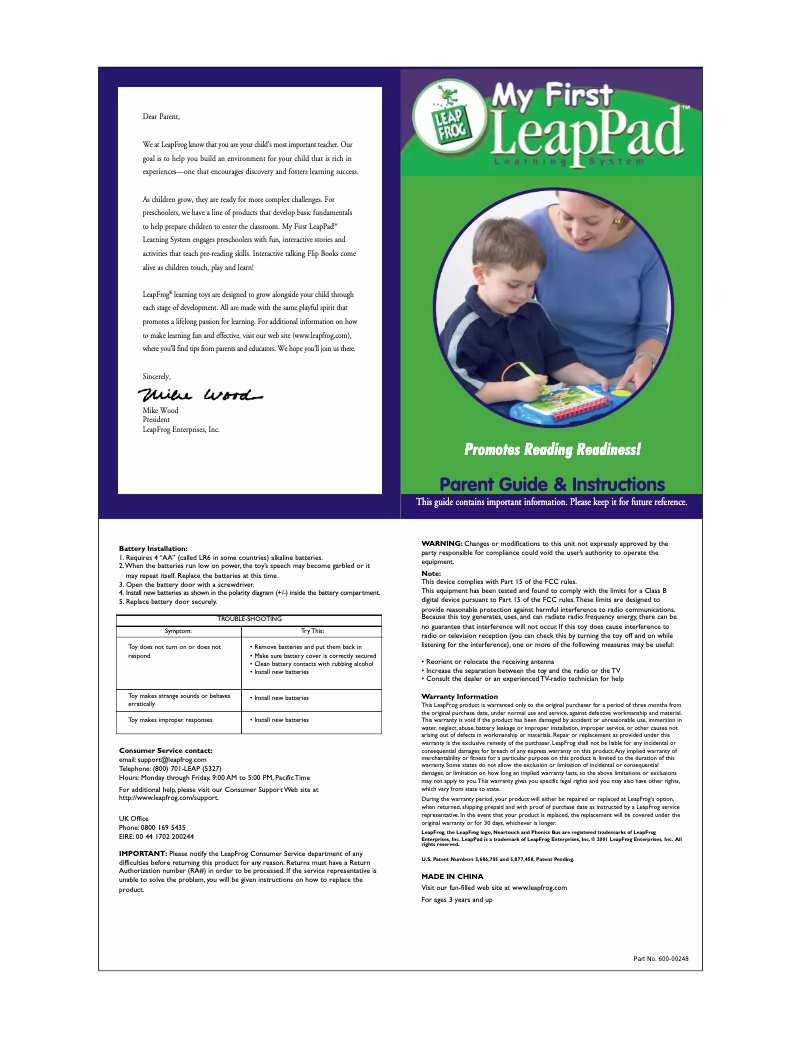
Editorial note
The Leap Frog My First LeapPad is an educational tablet specifically designed for young children, offering a user-friendly and intuitive interface that facilitates independent learning. With a wide range of educational activities and interactive games, this tablet stimulates children's curiosity while making learning fun. The build quality of Leap Frog ensures durability and shock resistance, which is essential for use by children. However, some drawbacks are worth noting. The tablet may have limitations in terms of educational content, which could restrict learning beyond a certain point. Additionally, its interface, while suitable for younger users, may seem too simplistic for older children. The battery life is also a weak point, requiring frequent recharges that can interrupt the user experience. Finally, the relatively high cost compared to other options on the market may pose a barrier for some families. In terms of performance, the tablet is suitable for educational activities but may not meet the needs of more advanced learning. The design is appealing and child-friendly, although some users may find the screen size small, thus affecting readability and interaction with games. Despite these drawbacks, the available user manual allows parents to better understand and utilize all the features of the device, thereby optimizing their children's learning experience.Score details
User experience
The user experience is very good thanks to a user-friendly and intuitive interface, ideal for young children.
Performance
The performance is suitable for educational activities, but may be limited for more advanced learning.
Battery life
The battery life is insufficient, requiring frequent recharges that can disrupt usage.
Design
The design is attractive and suitable for children, although the screen size may be considered small by some users.
Value for money
The cost is relatively high compared to some alternatives, which may limit accessibility for some families.
Features
The tablet offers a variety of educational activities and interactive games, promoting learning while having fun.
Support
The available user manual makes it easier to understand the features, allowing parents to optimize the learning experience.
Advantages
User-friendly interface for young children
Educational activities and interactive games
Durability and shock resistance
User manual for parents included
Development of basic skills
Disadvantages
Limited educational content for learning
Interface too simple for older children
Insufficient battery life for use
High price compared to other options
Small screen size affecting readability
Technical Specifications My First LeapPad
General Information
-
ModelMY FIRST LEAPPAD
-
Brand
-
Category
-
Type
-
SKU1125206
-
MPN1125206
Frequently Asked Questions
What factors influence download speed on the Internet?
What are the dimensions of my tablet's screen?
Is the manual for the Leap Frog My First LeapPad available in French?
Similar products


More product categories from brand Leap Frog


Presentation of product My First LeapPad specifications from brand Leap Frog
General Information
The Leap Frog My First LeapPad is a tablet specifically designed for young children by the brand Leap Frog, known for its commitment to education and innovation. This model, My First LeapPad, is designed to provide an enriching learning experience, promoting the independence of young users through its simple and intuitive interface.
Advantages
This tablet stands out for its variety of educational activities and interactive games that stimulate children's curiosity while entertaining them. Its durability is a major asset, as it withstands the bumps and frequent handling by toddlers. Furthermore, the presence of a user manual allows parents to maximize the device's features to enhance their children's learning experience. The Leap Frog My First LeapPad also encourages the development of fundamental skills such as reading, writing, and mathematics, incorporating playful elements to make learning more enjoyable.
Disadvantages
However, there are some limitations to consider. The educational content may be restricted, which could hinder learning beyond a certain level. Although the interface is suitable for young users, it may seem too simplistic for older children who seek more advanced features. Additionally, the battery life may prove insufficient, leading to frequent recharges that disrupt usage. The cost of the tablet is also a point to consider, as it may be viewed as high compared to other available options, thus limiting its accessibility. Finally, the screen size, while functional, may be perceived as small by some users, which could affect readability and interaction with games and applications.


