
Manual of product C Bot Tab 70
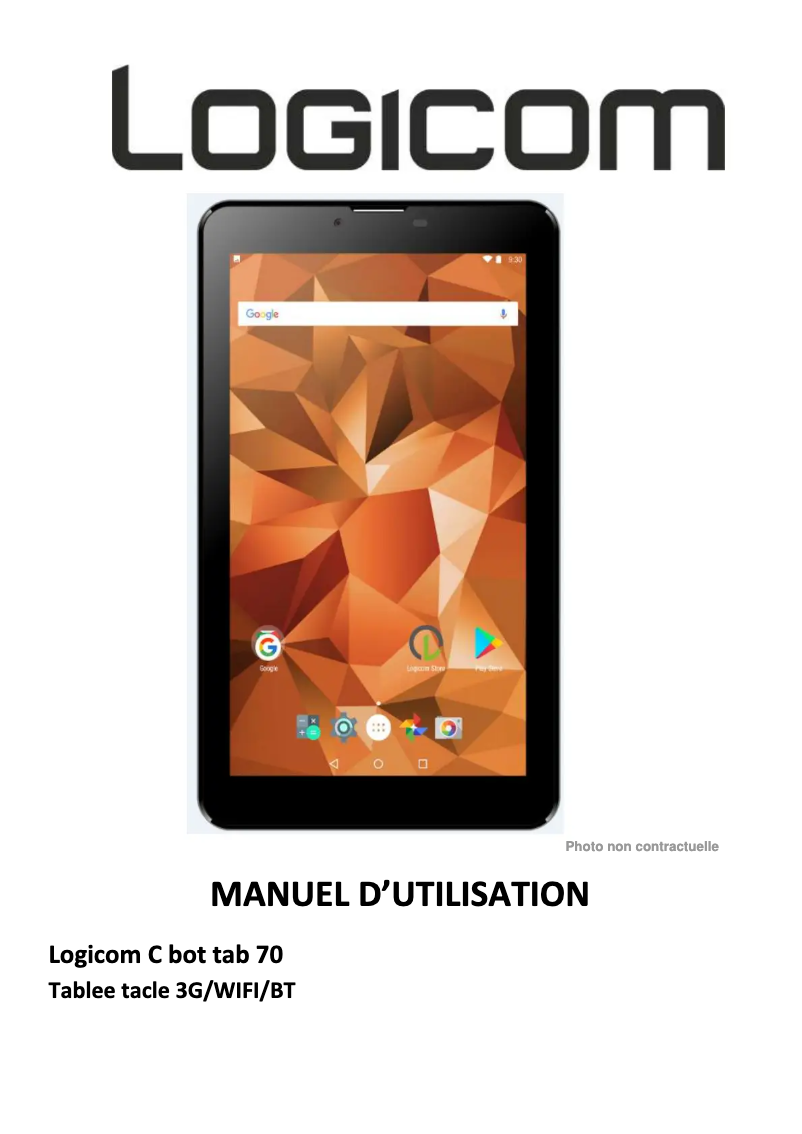
Editorial note
The Logicom C Bot Tab 70 stands out for its ergonomic design and lightweight, making it a practical choice for daily use, whether at home or on the go. Its access to a wide ecosystem of applications allows users to meet various needs, ranging from work to entertainment. Additionally, the tablet offers optimal performance for everyday tasks, ensuring a smooth and responsive user experience. However, there are some drawbacks to consider. Performance may be limited when using demanding applications, leading to slowdowns. Battery life is also relatively short, requiring frequent recharges, especially for users on the move. Furthermore, the screen has a lower resolution compared to other tablets on the market, which can affect display quality when watching videos or browsing. In terms of value for money, the Logicom C Bot Tab 70 is competitive, particularly due to the brand's reputation. However, it lacks advanced connectivity options, and infrequent software updates could pose long-term security and compatibility issues. Overall, this tablet is a good choice for light use, but users looking for high performance or extended battery life may want to consider other options.Score details
User experience
The user experience is positive due to an ergonomic design and access to a wide ecosystem of applications, although performance is limited for demanding applications.
Performance
Performance is optimal for everyday tasks but can slow down when using heavy software, which limits its effectiveness for multitasking.
Battery life
Battery life is relatively short, requiring frequent recharges for prolonged use, which can be a drawback for users on the go.
Design
The design is lightweight and practical, making it easy to transport and pleasant for daily use.
Value for money
The tablet offers good value for money with a brand known for its reliability, but lacks advanced options like modern connectivity.
Support
The included user manual is an asset, but infrequent software updates can pose long-term security and compatibility issues.
Advantages
Smooth performance for efficient multitasking
Reliable and innovative brand
User manual included for easy handling
Lightweight and portable design
Access to a wide range of applications
Disadvantages
Limited performance for demanding applications
Short battery life
Low-resolution screen
Lack of modern connectivity
Rare software updates
Technical Specifications C Bot Tab 70
General Information
-
ModelC BOT TAB 70
-
Brand
-
Category
-
Type
-
SKU1726440
-
MPN1726440
Frequently Asked Questions
What influences the speed of downloads on the Internet?
What are the dimensions of my tablet's screen?
Is the user manual for the Logicom C Bot Tab 70 available in French?
Similar products


More product categories from brand Logicom
More product types from brand Logicom








Presentation of product C Bot Tab 70 specifications from brand Logicom
General Information
The Logicom C Bot Tab 70 is a tablet produced by the brand Logicom, known for its commitment to quality and innovation in the technology sector. This model, the C Bot Tab 70, is designed to provide a smooth and enjoyable user experience, while ensuring optimal performance for daily use.
Advantages
Among the main strengths of the Logicom C Bot Tab 70, we find:
- Optimal performance: Thanks to its technical features, it ensures fast and efficient navigation, suitable for multitasking.
- Recognized brand: Logicom has a solid reputation, ensuring the reliability and durability of its products.
- User manual included: A practical guide accompanies the tablet, making it easier to understand the available features.
- Ergonomic design: Its lightness and compactness make it an ideal companion for daily use, whether at home or on the go.
- Access to an application ecosystem: The tablet allows exploration of a wide range of applications, thus satisfying various professional and leisure needs.
Disadvantages
Despite its qualities, the Logicom C Bot Tab 70 has some limitations:
- Limited performance: It may struggle with demanding applications, leading to slowdowns.
- Battery life: Its battery life is relatively short, requiring frequent recharges for extended use.
- Lower resolution screen: Compared to other tablets, the display quality may be less satisfactory, especially for watching videos.
- Restricted connectivity: The lack of USB-C ports and other advanced connectivity options may limit its use with modern accessories.
- Rare software updates: A limited update frequency may pose long-term security and compatibility issues.


