
Manual of product NID-7007
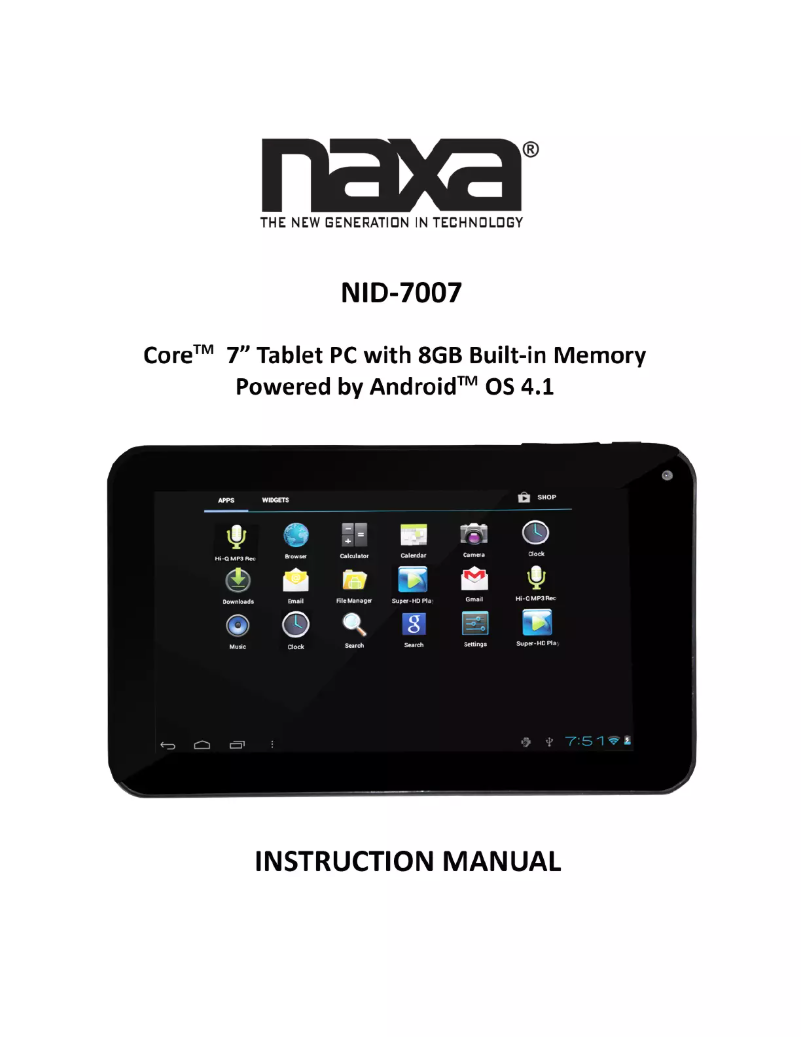
Editorial note
The Naxa NID-7007 tablet stands out for its quality and innovation, hallmark characteristics of the Naxa brand. Designed to provide a smooth and enjoyable user experience, it adapts to various needs, whether for work, entertainment, or education. Its ergonomic design ensures comfort during use, ideal for prolonged handling. Additionally, the presence of a user manual makes it easier to grasp the features, which is an asset for new users. However, the Naxa NID-7007 has certain limitations. Its performance may be insufficient for demanding tasks, leading to reduced fluidity when using heavy applications or games. Battery life can also be an issue during intensive use, especially for multimedia activities. Furthermore, the screen, while functional, displays average quality, with viewing angles and brightness that may not satisfy the most demanding users. Finally, the user interface may seem unintuitive to some, particularly those accustomed to other operating systems. In conclusion, the Naxa NID-7007 offers good value for money, but it is important to consider its limitations in terms of performance and storage before making a choice.Score details
User experience
The user experience is enhanced by optimal features, making its use smooth and intuitive.
Performance
Performance is limited for demanding tasks, which can make the use of some heavy applications less smooth.
Battery life
Battery life may be insufficient for prolonged use without recharging, especially when using multimedia features.
Design
The ergonomic design is made for comfort, making the tablet easy to handle for extended use.
Documentation
The availability of a user manual facilitates quick familiarization with the tablet's features.
Value for money
The tablet offers good value for money, although some limitations in terms of performance and storage should be considered.
Usability
The user interface may seem unintuitive to some, especially for those accustomed to other operating systems.
Advantages
Recognized quality and innovation
Smooth and intuitive user experience
User manual available
Versatile for various needs
Ergonomic and comfortable design
Disadvantages
Limited performance for demanding applications
Insufficient battery life
Average quality screen
Limited internal storage
Unintuitive user interface
Technical Specifications NID-7007
General Information
-
ModelNID-7007
-
Brand
-
Category
-
Type
-
SKU1125170
-
MPN1125170
Frequently Asked Questions
What factors influence download speed on the Internet?
What are the dimensions of my tablet's screen?
Is the manual for the Naxa NID-7007 available in French?
Similar products


More product categories from brand Naxa
More product types from brand Naxa


Presentation of product NID-7007 specifications from brand Naxa
General Information
The Naxa NID-7007 tablet, from the Naxa brand, stands out for its commitment to quality and innovation in the electronics sector. This model is designed to provide optimal performance and an enriched user experience, thus meeting the varied needs of its users.
Advantages
The Naxa NID-7007 is distinguished by several strengths:
- Reliability and performance: Thanks to the brand's reputation, this tablet ensures reliable and efficient use.
- Smooth user experience: Its technical features offer an intuitive interface, facilitating navigation.
- Accessible documentation: A user manual is provided, allowing new users to quickly familiarize themselves with its features.
- Versatility: Suitable for work, entertainment, or education, the Naxa NID-7007 meets various needs.
- Ergonomic design: Its design is intended for user comfort, even over long periods.
Disadvantages
However, some drawbacks can be noted:
- Limited performance: For demanding tasks, using heavy applications or games may be less smooth.
- Battery life: The battery life may prove insufficient during prolonged use, particularly for multimedia applications.
- Average quality screen: Viewing angles and brightness may not satisfy the most demanding users.
- Restricted internal storage: Users needing a lot of space will have to turn to memory cards.
- User interface sometimes not intuitive: Some users, especially those accustomed to other operating systems, may find the interface confusing.


