

Manual of product NID-7012
Editorial note
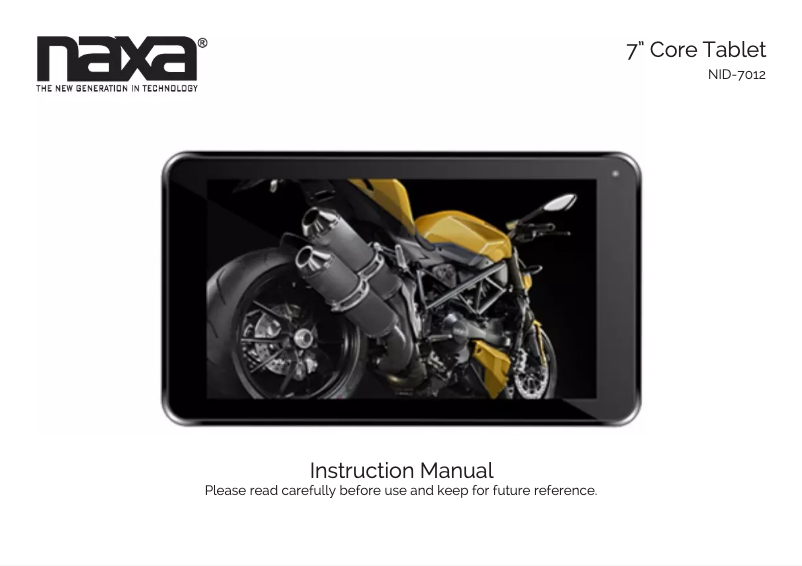
The Naxa NID-7012 tablet stands out for its quality and innovation, characteristics for which the Naxa brand is recognized. This model guarantees optimal performance for everyday tasks, providing a smooth and enjoyable user experience. Thanks to a well-designed user manual, getting started with the tablet is made easier, which is an asset for all types of users. Additionally, the EAN code allows for easy identification of the product, useful for returns or seeking additional information. However, the NID-7012 also has certain limitations. Its performance may be insufficient for demanding applications, leading to slowdowns when using heavy software. Battery life is another weak point, which may not be enough for prolonged use without recharging, which can be problematic when traveling. Its screen, while functional, suffers from lower quality and limited viewing angles, making outdoor use difficult. Furthermore, the limited storage capacity may require resorting to external storage solutions for large files, and the absence of certain modern features like 4G connectivity may disappoint users looking for the latest technologies. Overall, the value for money of the Naxa NID-7012 is satisfactory, although it is important to consider these drawbacks before making a choice.Score details
User experience
The user experience is generally positive thanks to a reliable and durable product, but some limitations may affect the smoothness when using heavy software.
Performance
Performance is optimal for everyday tasks, but the tablet shows signs of slowing down with demanding applications.
Battery life
The battery life is insufficient for prolonged use, which can be inconvenient when traveling.
Design
The design of the tablet is functional, but the lower quality screen with limited viewing angles restricts its use outdoors.
Value for money
The value for money is satisfactory considering the performance and features, although some modern options are lacking.
Documentation
A well-designed user manual is provided, making it easier for all users to get started and use the tablet.
Advantages
Recognized brand for quality and innovation
Optimal performance for a smooth experience
User manual included for easy handling
EAN code for simple product identification
Designed for various needs: work, leisure, education
Disadvantages
Limited performance for demanding software
Insufficient battery life on the go
Mediocre screen quality, restricted viewing angles
Limited storage capacity, requires external storage
Lack of 4G connectivity and modern features
Technical Specifications NID-7012
General Information
-
ModelNID-7012
-
Brand
-
Category
-
Type
-
SKU1125172
-
MPN1125172
Frequently Asked Questions
What factors influence download speed on the Internet?
What are the dimensions of my tablet's screen?
Is the manual for the Naxa NID-7012 available in French?
Similar products


More product categories from brand Naxa
More product types from brand Naxa


Presentation of product NID-7012 specifications from brand Naxa
General Information
The Naxa NID-7012 tablet is a product of the Naxa brand, known for its commitment to quality and innovation in the electronics sector. This model, designated by the name NID-7012, offers optimal performance, thus promoting a smooth and enjoyable user experience. Its EAN code, 0840005009727, allows for unique identification in distribution systems, facilitating return processes or information searches.
Advantages
The NID-7012 tablet stands out for several strengths:
- An established reputation of the Naxa brand, ensuring a reliable and durable product.
- Performance suited for everyday tasks, suitable for both work and leisure.
- A clear user manual, making it easy to use, even for novice users.
- A unique EAN code that simplifies product identification.
- A design intended to meet various needs, whether for study or entertainment.
Disadvantages
Despite its many advantages, the Naxa NID-7012 also has some limitations:
- Performance may be insufficient for demanding applications, leading to slowdowns with heavy software.
- A battery life that may be limited for prolonged use without recharging, especially during travel.
- An inferior quality screen, with restricted viewing angles, making its use outdoors or under bright lighting more difficult.
- Limited storage capacity, requiring external storage solutions for large files.
- An absence of certain modern features, such as 4G connectivity, which may restrict use with some recent applications.


