

Manuals of product Chromebox
Editorial note
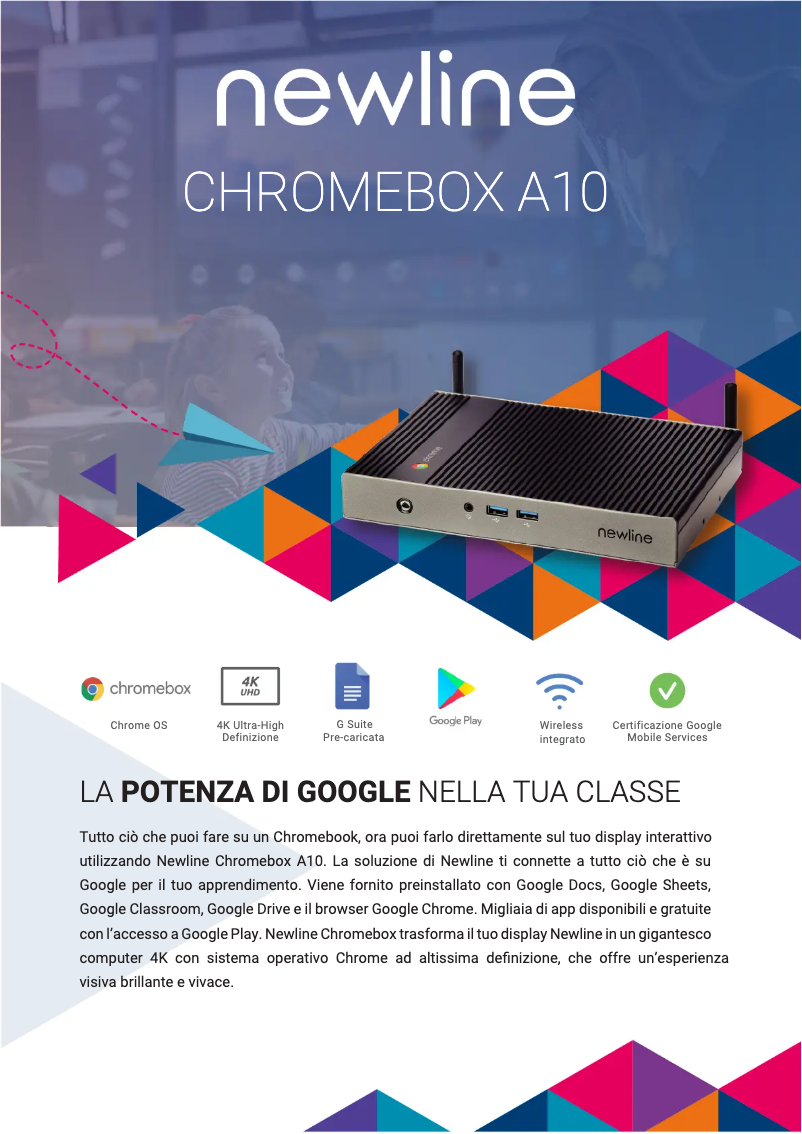
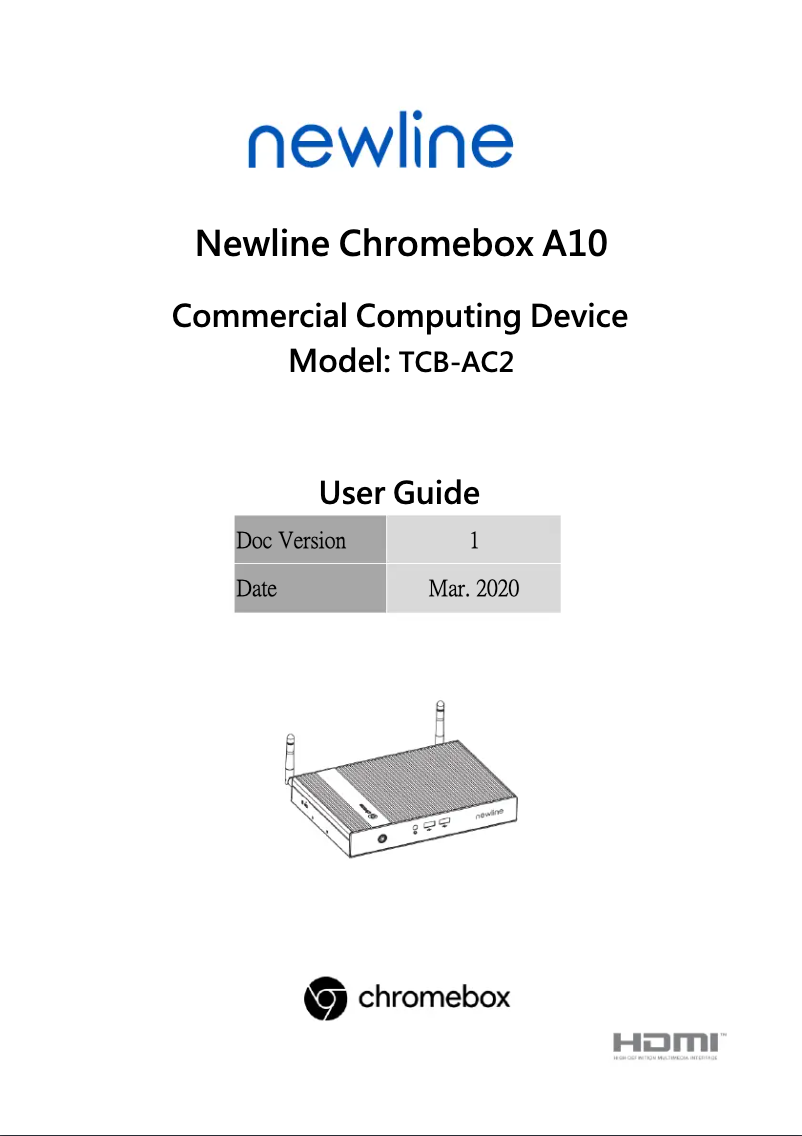
The Newline Chromebox stands out for its optimal performance, ensuring a smooth user experience, whether for work or entertainment. The Newline brand, known for its innovation, guarantees superior quality that is reflected in this model. Additionally, the comprehensive documentation provided, including a technical sheet and a user manual, greatly facilitates the installation and handling of the product. However, the Newline Chromebox has some limitations. Its compatibility with certain specific software or applications may be restricted, which might not suit all users. Furthermore, the built-in storage capacity may prove insufficient for those managing a large number of files. Although its modern design is appealing, it may make connectivity with external devices more challenging due to limited space for ports. Finally, the operating system based on Chrome OS may require an adjustment period for users accustomed to other environments, such as Windows or macOS. In terms of value for money, the Newline Chromebox is acceptable, but it may seem less advantageous compared to other more versatile solutions on the market, depending on the specific needs of the user. In summary, the Newline Chromebox is a solid choice for those seeking performance and versatile use, while being aware of its limitations.Score details
User experience
The user experience is generally positive due to optimal performance and a smooth interface, although some users may encounter limitations with specific software.
Performance
The Newline Chromebox offers remarkable performance, suitable for both work and entertainment, but may show limitations for demanding applications.
Documentation
The provided documentation, including a technical sheet and a user manual, is comprehensive and facilitates the installation and use of the product.
Design
The modern and compact design is aesthetically pleasing, but may pose connectivity issues due to limited space for ports.
Value for money
Although the value for money is acceptable, it may seem less advantageous compared to more versatile solutions on the market, depending on the user's needs.
Advantages
Smooth and responsive performance
Recognized brand innovation
Complete installation documentation
Versatile use in various environments
Modern and functional design
Disadvantages
Limited compatibility with certain software
Insufficient storage capacity
Difficult connectivity with few ports
Necessary adaptation to Chrome OS
Questionable value for money for some users
Technical Specifications Chromebox
General Information
-
ModelCHROMEBOX
-
Brand
-
Category
-
Type
-
SKU2039882
-
MPN2039882
Frequently Asked Questions
Is the Newline Chromebox manual available in French?
Similar products


More product categories from brand Newline


Presentation of product Chromebox specifications from brand Newline
General Information
The Newline Chromebox is a device designed by the brand Newline, known for its commitment to quality and innovation in the tech sector. This model, the Chromebox, is specifically crafted to deliver optimal performance, providing a smooth and enjoyable user experience for both professional tasks and leisure moments.
Advantages
The Newline Chromebox stands out for its remarkable performance, ensuring appreciable responsiveness when using various software and applications. As a product of the Newline brand, it benefits from recognized expertise in the field of technology, making it a reliable choice.
Moreover, it comes with comprehensive documentation, including a technical sheet and a user manual, thus facilitating its installation and handling. Its versatility of use allows it to adapt to different environments, whether at home, in the office, or in collaborative spaces. Finally, its modern design combines aesthetics and functionality, harmoniously integrating into various decors while optimizing the available space.
Disadvantages
However, the Newline Chromebox has some limitations. It may be restricted in terms of compatibility with certain specific applications, which could limit its use for certain tasks. Additionally, its built-in storage capacity may not be sufficient for users needing to manage a large number of files.
Its compact design, while attractive, may also make connectivity with external devices slightly more complex due to the limited space for ports. The operating system based on Chrome OS may not suit everyone, especially those accustomed to environments like Windows or macOS, which could require an adjustment period. Finally, depending on specific needs, the value for money may seem less advantageous compared to other more versatile solutions on the market.


