
Manual of product NV-DS11
Editorial note
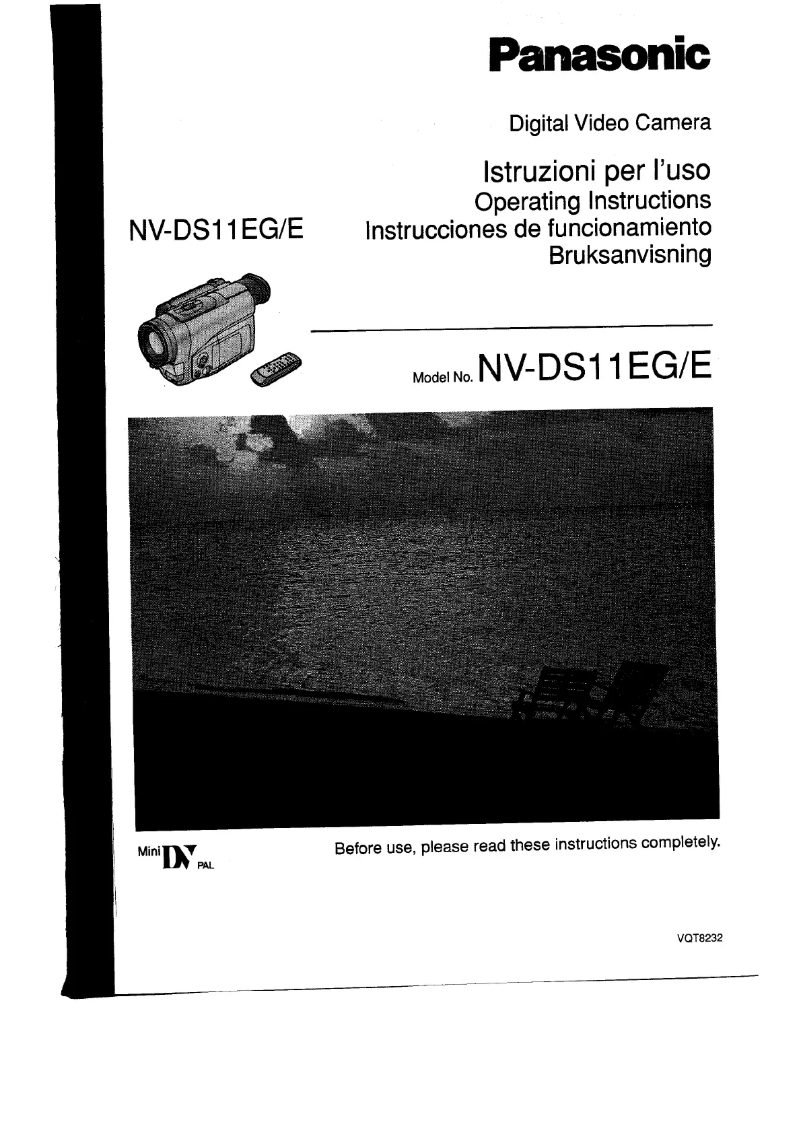
The Panasonic NV-DS11 camcorder stands out for its superior image quality, providing clear and detailed videos thanks to the brand's advanced technology. Its ergonomic and intuitive design makes it easy to handle, even for novice users, contributing to a pleasant user experience. Moreover, Panasonic's reliability, known for its durable products, ensures confident usage. The included user manual is also an asset, providing clear instructions for optimal use. However, the Panasonic NV-DS11 has some drawbacks. Its bulkiness can make it less convenient to carry compared to more compact digital cameras. Additionally, while the image quality is satisfactory, it may not meet the expectations of professional users, especially in low-light conditions. The lack of modern features such as Wi-Fi or Bluetooth limits video sharing and transfer options, which can be frustrating for those seeking simplified connectivity. Finally, the battery life could be improved, as it requires frequent recharges during extended sessions, and the absence of advanced image stabilization may result in less smooth video footage. In summary, the Panasonic NV-DS11 offers good value for money, especially for users looking for a reliable and easy-to-use camcorder, but it may not be suitable for professionals or demanding enthusiasts due to its limitations in features and performance.Score details
User experience
The ergonomic and intuitive design makes it easy to use, even for beginners, which enhances the overall user experience.
Performance
The performance is satisfactory for video capture, but the image quality may disappoint professional users, especially in low light.
Battery life
The battery life is insufficient for extended sessions, requiring frequent recharges or the purchase of additional batteries.
Design
The design is ergonomic, but the camcorder may be considered bulky compared to more compact models.
Features
The lack of modern features like Wi-Fi or Bluetooth limits sharing and transferring options for videos, which can be frustrating.
Value for money
The value for money is reasonable, given the reliability of the Panasonic brand and the superior image quality.
Advantages
Clear and detailed image quality
Ergonomic and intuitive design
Recognized reliability of Panasonic
User manual included
Optimal performance for capturing moments
Disadvantages
Bulky compared to compact cameras.
Average image quality in low light.
No Wi-Fi or Bluetooth for sharing.
Limited battery life for recordings.
Lack of effective image stabilization.
Technical Specifications NV-DS11
General Information
-
ModelNV-DS11
-
Brand
-
Category
-
Type
-
SKU1099656
-
MPN1099656
Frequently Asked Questions
What is a megapixel?
What does the abbreviation "MP" mean?
How do I adjust the focus on my Panasonic NV-DS11 camcorder?
How do I change the shooting mode on my Panasonic NV-DS11 camcorder?
What is the best method to stabilize my videos with the Panasonic NV-DS11 camcorder?
How can I increase the recording time on my Panasonic NV-DS11 camcorder?
What are the options for connecting my Panasonic NV-DS11 camcorder to a TV or computer?
Is the manual for the Panasonic NV-DS11 available in French?
Similar products





More product categories from brand Panasonic
Home appliances Panasonic
Phones Panasonic
Audio Panasonic
Camera and photography Panasonic
Personal care Panasonic
Other Panasonic
Tools Panasonic
Interior Panasonic
More product types from brand Panasonic








Presentation of product NV-DS11 specifications from brand Panasonic
General Information
The Panasonic NV-DS11 is a camcorder from the renowned brand Panasonic, known for its commitment to quality and innovation in the photography and video sector. This model, designed to provide an enriching user experience, stands out for its reliable performance that allows capturing precious moments with clarity.
Advantages
- Superior image quality: Thanks to Panasonic's advanced technology, the NV-DS11 produces sharp and detailed videos, ideal for preserving memories.
- Ergonomic design: Its intuitive grip makes it easy to use, even for novice users, making content creation accessible to everyone.
- Brand reliability: Panasonic is known for its durable and innovative devices, providing additional confidence in the performance of the NV-DS11.
- User manual included: A detailed guide accompanies the camcorder, providing clear instructions to optimize its use.
- Optimal performance: This camcorder is designed to ensure an enhanced user experience, ideal for capturing unforgettable moments.
Disadvantages
- Bulkiness: The NV-DS11 may be perceived as bulky compared to other more compact digital cameras, making it less convenient to transport.
- Low light image quality: While satisfactory, the image quality may not meet the expectations of professional users, especially in low-light conditions.
- Lack of modern connectivity: The absence of features such as Wi-Fi or Bluetooth limits video sharing and transfer options, which can be frustrating for some users.
- Battery life: The battery life may be insufficient for extended recordings, requiring frequent recharges or the purchase of additional batteries.
- Image stabilization: The lack of advanced image stabilization may result in blurry or shaky footage during movement, which can affect video quality.


