Thumbnail of product Lumix DC-G9M2 from brand Panasonic
Logo of brand Panasonic

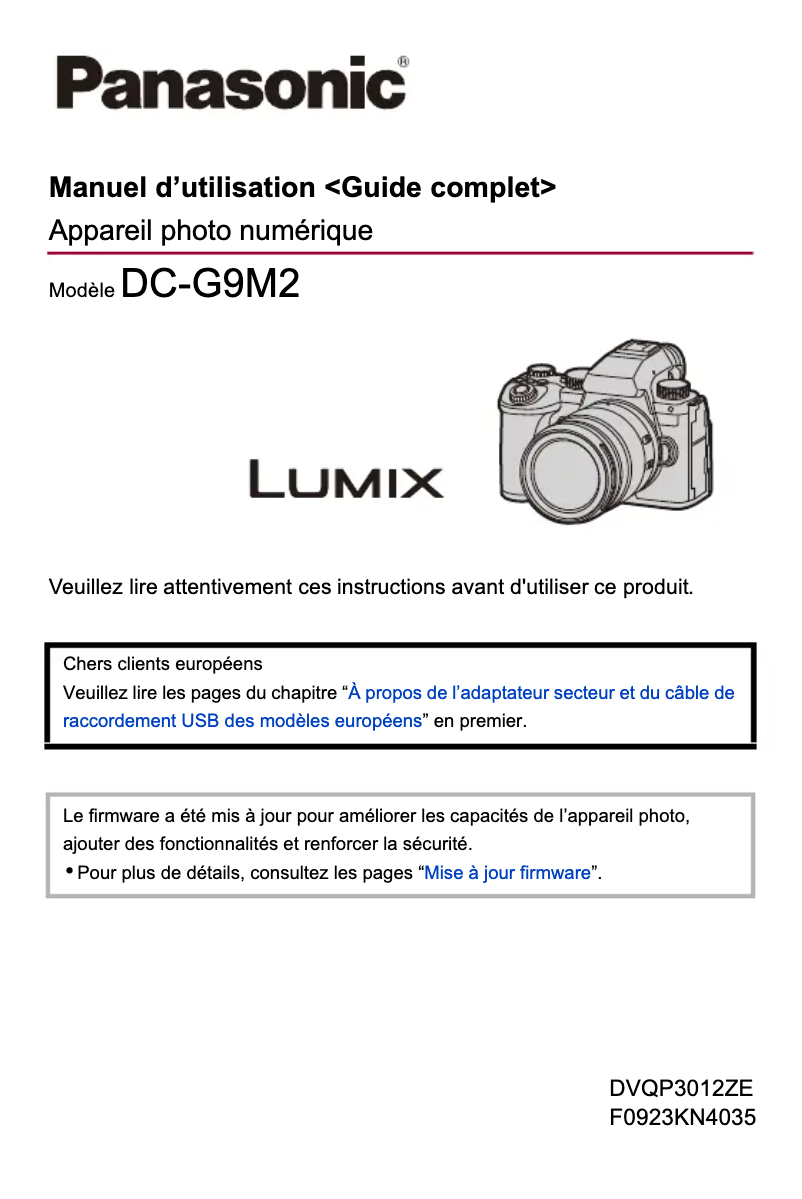
Camera Panasonic Lumix DC-G9M2

The Panasonic Lumix DC-G9M2 is a high-quality camera designed for photography enthusiasts and professionals. This model is known for its ability to capture sharp and detailed images thanks to its optimal performance and technological innovation.

With a robust construction, the Lumix DC-G9M2 is ideal for use in various conditions, offering excellent ergonomics and a comfortable grip. It is equipped with advanced features that allow for exceptional shots, whether they are landscapes, portraits, or sports events.

In addition to its photographic capabilities, this camera also offers high-quality video options, enabling users to create smooth and professional sequences. The Lumix DC-G9M2 comes with helpful documents such as a user manual and a quick start guide, making it easier to get started with the product.

In summary, the Panasonic Lumix DC-G9M2 is an ideal choice for those looking for a high-performing and versatile camera, suitable for a variety of photographic situations.

Manuals of product Lumix DC-G9M2
8 10

Editorial note

The Panasonic Lumix DC-G9M2 stands out for its exceptional image quality, offering high resolution and faithful color reproduction, making it an ideal choice for both professional and amateur photographers. Its low-light performance is also remarkable, allowing for sharp and detailed images to be captured in challenging lighting conditions. Additionally, the ergonomics of the camera are well thought out, with an intuitive design that makes it easy to handle, even though the interface may seem complex for beginners. In terms of robustness, this device is designed to withstand harsh environmental conditions, being both waterproof and dust-resistant, which makes it perfect for outdoor adventures. The advanced connectivity features are an added bonus, allowing for quick sharing of photos and videos on social media. However, the Panasonic Lumix DC-G9M2 has some drawbacks. Its weight may be a hindrance for those looking for a lightweight solution for on-the-go photography. Furthermore, its price is relatively high compared to other models on the market, which could limit its accessibility for some users. The battery life also leaves something to be desired, requiring frequent recharges during long shooting sessions. Finally, the absence of certain advanced features found in competitors may disappoint professional users seeking maximum performance. Overall, the Panasonic Lumix DC-G9M2 is an excellent camera that combines quality and robustness, but it could benefit from improvements in terms of weight, battery life, and value for money.

Score details

User experience

The ergonomics and ease of use are generally good, although the interface may seem complex for beginners, requiring an adjustment period.

Performance

Low-light performance is excellent, allowing for sharp and detailed images even in darkness.

Robustness

The robustness and durability are impressive, with the device being waterproof and dust-resistant, ideal for outdoor adventures.

Value for money

The price may be considered high compared to other models, which limits its accessibility for some users.

Battery life

Battery life could be improved, requiring frequent recharges during long shooting sessions.

Features

The advanced connectivity features are a strong point, facilitating quick sharing of photos and videos.


Advantages

Exceptional image quality

Optimal low-light performance

Intuitive and easy-to-use ergonomics

Durable and waterproof for all conditions

Advanced connectivity for quick sharing

Disadvantages

Weight too high for mobile photography

High price, limited for amateurs

Complex user interface for beginners

Insufficient battery life

Lack of advanced features compared to competitors

Technical Specifications Lumix DC-G9M2

General Information

Frequently Asked Questions

How to properly attach standard accessories to my Panasonic Lumix DC-G9M2 camera?
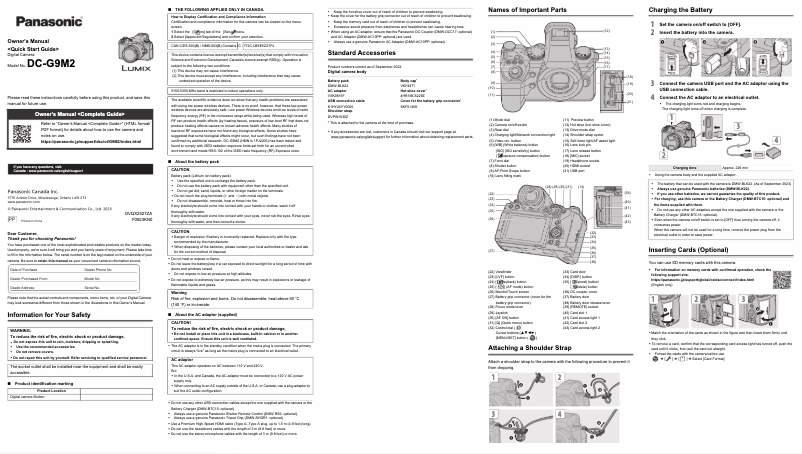
To attach standard accessories to your Panasonic Lumix DC-G9M2 camera, follow these steps: 1. Check for all accessories before using the camera, as these may vary by country of purchase. Refer to the 'User Manual' for more details on accessories. 2. Connect the battery pack to the camera and ensure it is charged before use. 3. Plug the power adapter into the camera for charging and power. 4. Use the USB cable to connect the camera to a computer or other devices if necessary. 5. Attach the strap to the camera to prevent drops. Refer to the manual for the attachment procedure. 6. Protect the lens mount by placing the body cap on the camera when not in use. 7. If you have a battery grip, attach the cover for the grip connector. By following these steps, you can properly attach standard accessories to your Panasonic Lumix DC-G9M2.
What common issues do users encounter with the Panasonic Lumix DC-G9M2 camera?
Users of the Panasonic Lumix DC-G9M2 camera often encounter the following issues: 1. Blurry images: The image stabilizer may be less effective in dark environments, resulting in slower shutter speeds. To remedy this, use a tripod and the self-timer when shooting. 2. Noisy images: If the image has noise, try lowering the ISO sensitivity, increasing noise reduction in the photo style settings, and enabling noise reduction for long exposures. Turning off the camera when not in use can also help maintain image quality. 3. Distorted subjects: When recording moving subjects with functions like [ELEC.] or in video, subjects may appear distorted, which is a characteristic of the CMOS sensor and not a defect. 4. Automatic shutdown: The camera may shut down automatically due to power-saving mode. You can adjust this mode to prevent it. 5. Rapid battery drain: To extend battery life, frequently turn off the camera and use power-saving mode. Also, adjust continuous autofocus settings and disable the USB-SSD function when not in use to reduce power consumption. By being aware of these issues and applying the suggested solutions, users can improve their experience with the Panasonic Lumix DC-G9M2.
Where can I access the full user manual or owner's manual for the Panasonic Lumix DC-G9M2 camera?
To obtain the full user manual or owner's manual for the Panasonic Lumix DC-G9M2 camera, follow these steps: 1. Visit the official Panasonic website. 2. Go to the support section of the site. 3. Look for the "Product Support" or "Downloads" section. 4. Enter your camera model number, DC-G9M2, in the search bar. 5. Select the desired language, here English (EN). 6. Look for the "User Instructions" or "Owner's Manual" option. 7. Click on the download link to access the complete guide in PDF format. 8. Save the file to your computer or device for future reference. By following these steps, you can find and download the full user manual for the Panasonic Lumix DC-G9M2 on the official Panasonic website.
How to navigate through the different sections of the complete guide for the Panasonic Lumix DC-G9M2 camera?
To navigate through the different sections of the complete guide for the Panasonic Lumix DC-G9M2 camera, follow these steps: 1. Access the menu by pressing the Menu button on the camera. 2. Use the arrow buttons (up, down, left, right) to scroll through the menu options. 3. Select a sub-tab by highlighting the desired tab with the arrow buttons, then press the Enter button. 4. If page tabs are present, wait for them to fully load before the next sub-tab appears. 5. To select a menu item, highlight it with the arrow buttons, then press Enter. 6. You can also use the rotary dial (if available) to choose a sub-tab or menu item, then confirm with the Enter button. 7. To access the "My Menu" section, go to the Menu List and choose the [My Menu] option. 8. In "My Menu," you can add, sort, delete, and view items according to your preferences. By following these steps, you can easily navigate through the different sections of the complete guide for the Panasonic Lumix DC-G9M2 camera.
Are there specific features or settings for the Panasonic Lumix DC-G9M2 camera (Model Number DC-G9M2)?
The Panasonic Lumix DC-G9M2 camera (Model Number DC-G9M2) offers features and settings specific to this model. Here are a few examples: 1. AF Customization: You can select autofocus (AF) options in continuous autofocus mode (AFC) and customize them according to the subject and scene. Several sets are available, such as Set 1 for basic settings, Set 2 for subjects moving at a constant speed, Set 3 for random movements with other objects, and Set 4 for significant speed changes. 2. Focus Peaking: This function allows for precise manual focusing by highlighting sharp areas with a specific color. 3. AF Assist Light: The camera has an AF assist light that can be activated to illuminate subjects in low light, making autofocus easier. 4. Filter Settings: You can adjust various filter parameters, including filter effect and simultaneous recording without a filter. These examples illustrate some of the specific features and settings of the Panasonic Lumix DC-G9M2 camera.
Is the manual for the Panasonic Lumix DC-G9M2 available in French?
Yes, the manual for the Panasonic Lumix DC-G9M2 is available in French.

Similar products


Discover the technical sheet of Lumix DMC-ZS8 from Panasonic and its manuals...
Available manuals:
Discover the technical sheet of Lumix DMC-FZ45 from Panasonic and its manuals...
Available manuals:
Discover the technical sheet of Pixpro AZ251 from Kodak and its manuals...
Available manuals:
Discover the technical sheet of Lumix DMC-TZ8 from Panasonic and its manuals...
Available manuals:
Discover the technical sheet of Snap Touch from Polaroid and its manuals...
Available manuals:
Discover the technical sheet of N90S from Nikon and its manuals...
Available manuals:
Discover the technical sheet of NX30 from Samsung and its manuals...
Available manuals:
Discover the technical sheet of 50F from Samsung and its manuals...
Available manuals:
Discover the technical sheet of Lumix DMC-TZ9 from Panasonic and its manuals...
Available manuals:
Discover the technical sheet of Lumix DMC-LC1PP from Panasonic and its manuals...
Available manuals:
Discover the technical sheet of Lumix DMC-FX55 from Panasonic and its manuals...
Available manuals:

Presentation of product Lumix DC-G9M2 specifications from brand Panasonic

General Information

The Panasonic Lumix DC-G9M2 is a high-end camera offered by the Panasonic brand, known for its commitment to quality and innovation in the world of photography. This model, the Lumix DC-G9M2, is designed to deliver exceptional performance and an optimized user experience, whether for amateur or professional photographers.

Advantages

Remarkable image quality: With its high resolution and faithful color reproduction, this camera is ideal for capturing stunning images, whether they are landscapes or portraits.

Low-light performance: The Lumix DC-G9M2 excels in challenging lighting conditions, allowing for sharp and detailed shots even in poorly lit environments.

Ergonomics and ease of use: With its intuitive design and thoughtfully placed controls, this camera makes it easy to handle, allowing users to focus on creativity rather than technique.

Robustness and durability: Designed to withstand the elements, the Lumix DC-G9M2 is weatherproof and dust-resistant, making it a reliable partner for outdoor photo sessions.

Advanced connectivity: With its connectivity features, the Panasonic Lumix DC-G9M2 facilitates quick sharing of photos and videos, whether on social media or between devices.

Disadvantages

Weight: With its relatively high weight, this camera may not be suitable for users looking for a lightweight and easily portable option.

Price: Its cost may seem high compared to other models on the market, which could limit its accessibility for some photography enthusiasts.

User interface: The interface, while comprehensive, may seem complex for beginners, requiring an adjustment period to master all its features.

Battery life: The battery life could be improved, especially during long shooting sessions, which could lead to frequent recharges.

Missing features: Some professional users may be disappointed by the absence of advanced features found in other competing models.

