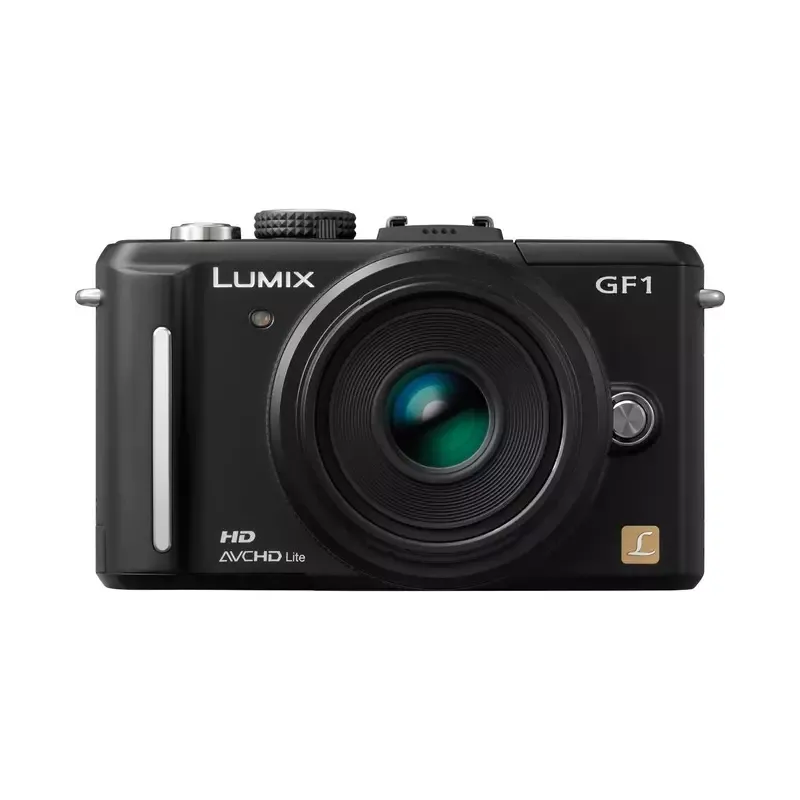

Manual of product Lumix DMC-GF1
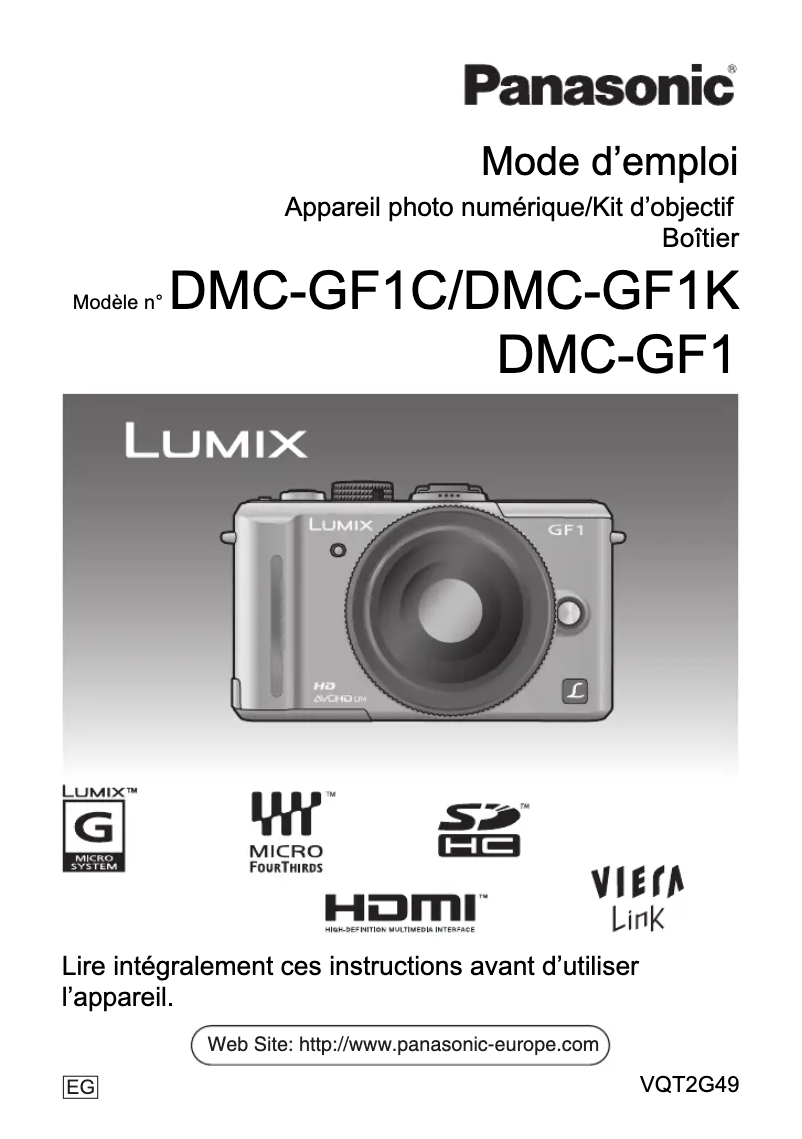
Editorial note
The Panasonic Lumix DMC-GF1 is a camera that stands out for its exceptional image quality, thanks to a high-resolution sensor that captures precise details and vibrant colors. Its compact and lightweight design makes it an ideal choice for photographers on the go, offering portability without sacrificing performance. The user interface is intuitive, making it easy to use for both beginners and more experienced photographers. Additionally, the fast and accurate autofocus system, coupled with broad compatibility with interchangeable lenses, allows for great creative flexibility. However, there are a few drawbacks to note. The battery life is relatively limited, which can be an issue during long shooting sessions without the possibility of recharging. The lack of an optical viewfinder can make composing images difficult in bright sunlight, while the weight and size of the camera may not suit all users, especially those looking for a more compact device. Finally, although the interface is generally accessible, it may seem complex for novices, requiring some adjustment time to fully master all the features. Low-light performance can also be disappointing, resulting in digital noise in images taken in low-light conditions. Overall, the Panasonic Lumix DMC-GF1 is an excellent choice for those seeking a quality camera with a user-friendly interface and extensive creative capabilities, while keeping in mind its few limitations.Score details
User experience
The user interface is intuitive and easy to master, making it accessible to both beginners and experienced photographers.
Performance
The image quality is exceptional thanks to a high-resolution sensor, but low-light performance can lead to digital noise.
Battery life
The battery life is relatively limited, which can be problematic during long shooting sessions.
Design
The Panasonic Lumix DMC-GF1 is compact and lightweight, ideal for photographers on the go, although the weight and size may not suit everyone.
Features
It offers a fast and precise autofocus system, as well as compatibility with a wide range of interchangeable lenses, allowing for creative flexibility.
Usability
Although the interface is intuitive, it may seem complex for beginners, requiring an adjustment period.
Advantages
Exceptional image quality and vibrant colors
Compact and lightweight, ideal for travel
Intuitive and accessible user interface
Fast and precise autofocus
Compatible with many interchangeable lenses
Disadvantages
Limited battery life.
No optical viewfinder.
Size and weight not compact.
Complex user interface.
Poor low-light performance.
Technical Specifications Lumix DMC-GF1
General Information
-
ModelLUMIX DMC-GF1
-
Brand
-
Category
-
Type
-
SKU1101502
-
MPN1101502
Frequently Asked Questions
How to change the ISO settings on my Panasonic Lumix DMC-GF1?
How to shoot in manual mode with my Panasonic Lumix DMC-GF1?
How to enable exposure bracketing on my Panasonic Lumix DMC-GF1?
How to change the autofocus mode on my Panasonic Lumix DMC-GF1?
How to adjust the white balance on my Panasonic Lumix DMC-GF1?
Is the manual for the Panasonic Lumix DMC-GF1 available in French?
Similar products


More product categories from brand Panasonic
Home appliances Panasonic
Phones Panasonic
Audio Panasonic
Camera and photography Panasonic
Personal care Panasonic
Other Panasonic
Tools Panasonic
Interior Panasonic
More product types from brand Panasonic








Presentation of product Lumix DMC-GF1 specifications from brand Panasonic
General Information
The Panasonic Lumix DMC-GF1 is a camera from the renowned brand Panasonic, known for its commitment to quality and innovation in the photography sector. This model, the DMC-GF1, stands out for its high performance and user-friendly interface, providing an enriching user experience. The EAN code for this device, 0037988263851, 0037988263875, 5025232537938, allows for precise identification within distribution systems.
Advantages
The Panasonic Lumix DMC-GF1 benefits from exceptional image quality, thanks to its high-resolution sensor that captures fine details and vibrant colors. Its compact and lightweight design makes it an ideal choice for photographers on the go, ensuring optimal portability without compromising performance.
Moreover, its intuitive user interface makes it easy to use, whether you are a beginner or an experienced photographer. The fast and accurate autofocus system ensures sharp shots, even in low-light conditions. Finally, its compatibility with a wide range of interchangeable lenses offers valuable creative flexibility for photography enthusiasts.
Disadvantages
However, the DMC-GF1 has some limitations. Its battery life is relatively limited, which can be problematic during long sessions without the possibility of recharging. The absence of an optical viewfinder can make composing images more difficult in bright sunlight or well-lit environments.
Additionally, although compact, its weight and size may not suit all users, particularly those looking for an even lighter device. The interface may seem complex for novices, requiring an adjustment period to master all its features. Finally, performance in low light can sometimes be disappointing, resulting in digital noise in images taken under low lighting conditions.


