

Manual of product Lumix DMC-GX80
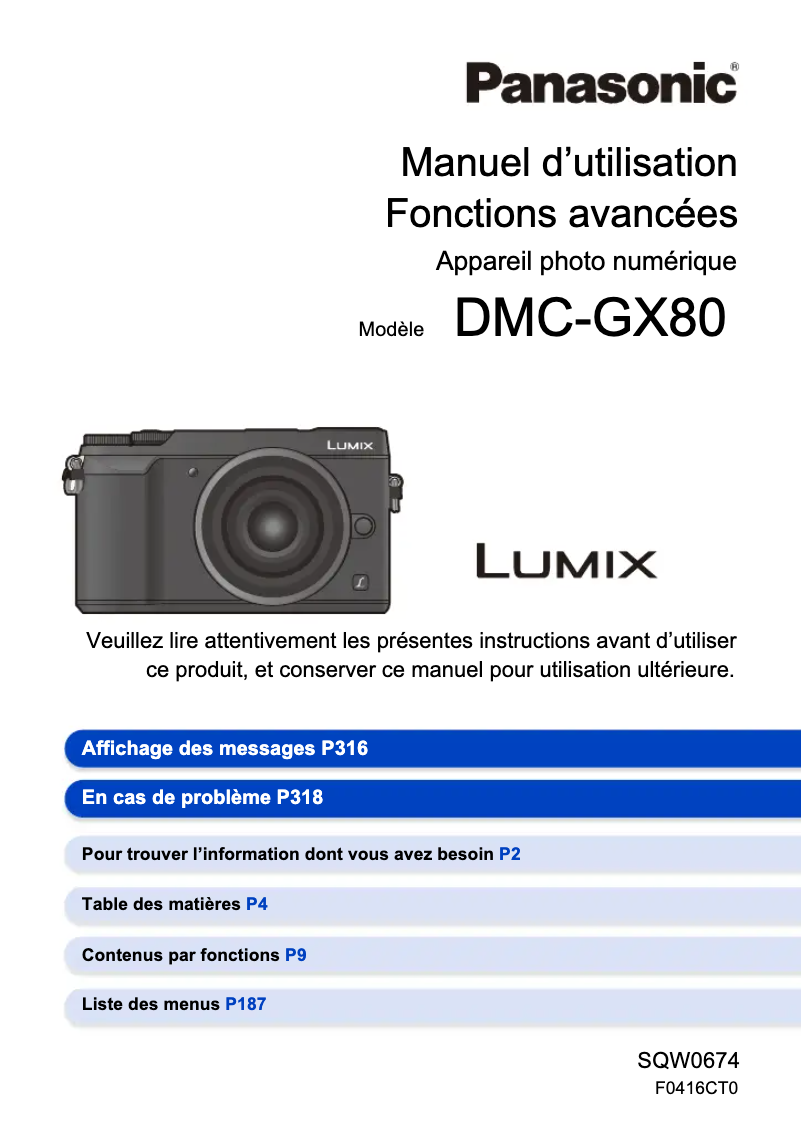
Editorial note
The Panasonic Lumix DMC-GX80 is a camera that stands out for its exceptional image quality, thanks to a high-resolution sensor capable of capturing precise details and vibrant colors. Its built-in image stabilization is a major asset, reducing motion blur, which is particularly useful in low-light conditions or when capturing moving subjects. Additionally, its intuitive user interface and touchscreen make navigating the menus easier, enhancing the experience for users. However, some drawbacks deserve to be highlighted. The battery life is often deemed insufficient for long photography sessions, which can be frustrating for users who frequently need to recharge or replace the battery. Furthermore, although the autofocus system is effective, it can sometimes show signs of slowness in low-light conditions. Moreover, the lack of water and dust resistance limits its use in demanding outdoor environments, and the weight of the camera may pose a problem for those seeking an even lighter model. In terms of design, the Lumix DMC-GX80 is compact and lightweight, making it easy to carry, although this can also be a disadvantage for some users. Advanced connectivity options, such as Wi-Fi, provide real added value, allowing for quick and easy sharing of photos on social media. Overall, the Panasonic Lumix DMC-GX80 is an excellent choice for photographers looking for a high-performing device, but it is essential to consider its limitations, particularly regarding battery life and durability.Score details
User experience
The user experience is generally positive thanks to an intuitive interface and a touchscreen, although some beginner users may find it complex.
Performance
The image quality is exceptional with a high-resolution sensor, but the autofocus system can be slow in low-light conditions.
Battery life
The battery life is insufficient for extended sessions, requiring frequent recharges.
Design
The design is compact and lightweight, making it easy to transport, but the weight can be a disadvantage for some users.
Features
The advanced connectivity options, such as Wi-Fi, allow for easy photo sharing, adding considerable value to the device.
Robustness
The lack of water and dust resistance limits its use in demanding outdoor environments.
Advantages
High-resolution image quality
Built-in image stabilization
Intuitive and touch user interface
Compact and lightweight design
Wi-Fi connectivity for quick sharing
Disadvantages
Limited battery life for long sessions
Complex user interface for beginners
Slow autofocus in low light
Not water or dust resistant
Heavier device than some compact models
Technical Specifications Lumix DMC-GX80
General Information
-
ModelLUMIX DMC-GX80
-
Brand
-
Category
-
Type
-
SKU978511
-
MPN978511
Frequently Asked Questions
How can I change the shutter speed on my Panasonic Lumix DMC-GX80?
How do I change the ISO settings on my Panasonic Lumix DMC-GX80?
How do I enable the touchscreen on my Panasonic Lumix DMC-GX80?
How do I change the shooting mode on my Panasonic Lumix DMC-GX80?
What is the process for transferring my photos wirelessly from my Panasonic Lumix DMC-GX80 to my smartphone?
Is the manual for the Panasonic Lumix DMC-GX80 available in French?
Similar products


More product categories from brand Panasonic
Home appliances Panasonic
Phones Panasonic
Audio Panasonic
Camera and photography Panasonic
Personal care Panasonic
Other Panasonic
Tools Panasonic
Interior Panasonic
More product types from brand Panasonic








Presentation of product Lumix DMC-GX80 specifications from brand Panasonic
General Information
The Panasonic Lumix DMC-GX80 is a camera from the Panasonic brand, known for its commitment to quality and innovation in the photography sector. This model, the DMC-GX80, is designed to deliver superior performance and an enhanced user experience, integrating advanced technologies that meet the needs of both amateur and professional photographers.
Advantages
This model stands out for its exceptional image quality, thanks to its high-resolution sensor that captures precise details and vibrant colors. The built-in image stabilization helps minimize motion blur, which is particularly useful when shooting in low-light conditions or capturing moving subjects. Additionally, its intuitive user interface, accompanied by a touchscreen, makes navigating menus and quickly accessing settings easier.
Its compactness and lightness make transporting the camera easy, making it a comfortable choice for long photography sessions. The advanced connectivity options, including Wi-Fi, allow for quick and simple sharing of photos on social media.
Disadvantages
However, the DMC-GX80 has some drawbacks. The battery life may be insufficient for long photography sessions, often requiring recharging or replacement. Furthermore, while the interface is feature-rich, it may seem complex for beginners, making the initial handling more difficult.
Moreover, the autofocus system, although effective, can sometimes be slow in low-light conditions. The lack of water and dust resistance limits its use in demanding outdoor environments, and for those seeking an even lighter model, the weight of the camera could be a disadvantage.


