
Manual of product KX-MB1530FX
Editorial note
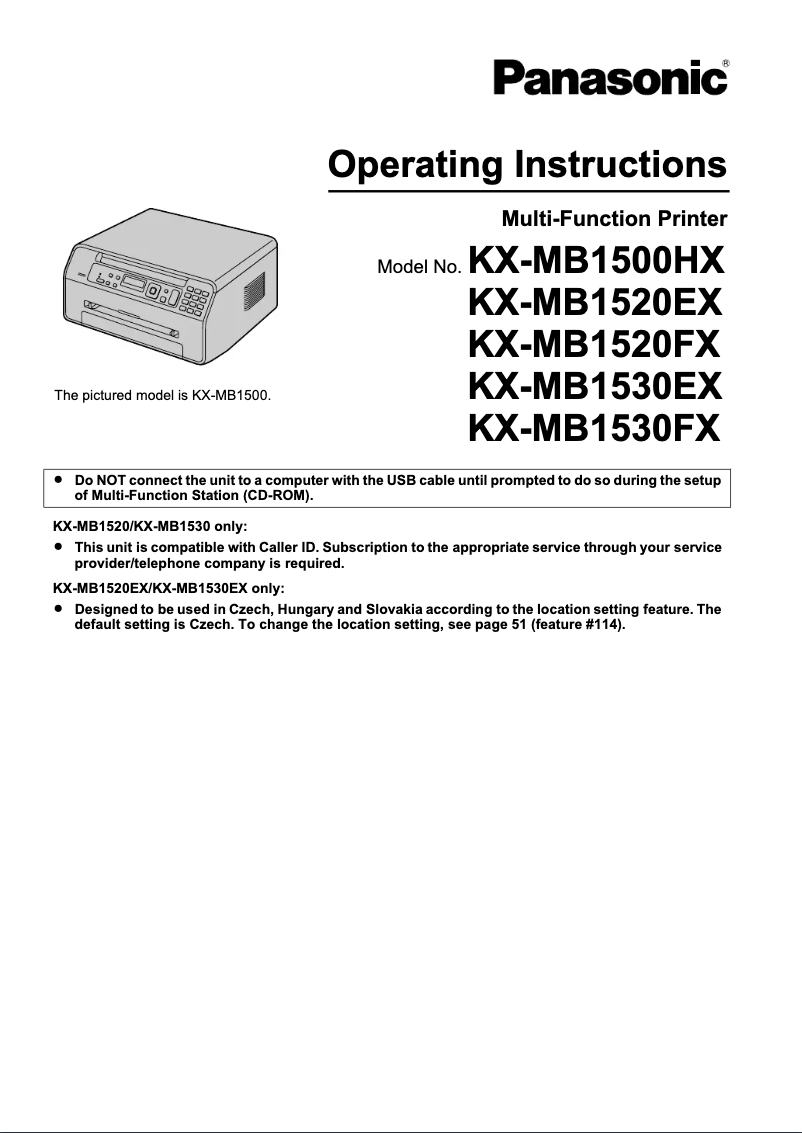
The Panasonic KX-MB1530FX printer stands out for its recognized quality and durability, emblematic characteristics of the Panasonic brand. With a clear and accessible user manual, the handling and installation of the device are greatly facilitated, thus providing a positive user experience. In terms of performance, the printer is adequate for common tasks, but it has limitations for color printing, which may not suit all users. Additionally, its lack of wireless connectivity and relatively slow printing speed may reduce its appeal compared to other models on the market. Regarding value for money, although the maintenance cost can be high due to the frequent replacement of toners, the quality and robustness of the printer justify this investment. Panasonic's technical support is also a strong point, ensuring quick and effective assistance when needed. However, it should be noted that the dimensions and weight of the printer may pose installation and mobility issues, especially for those with limited space. In summary, the Panasonic KX-MB1530FX is a solid choice for those seeking a reliable printer for various uses, provided that high-quality color printing or modern features such as wireless connectivity are not required.Score details
User experience
The user experience is positive thanks to a clear and accessible user manual, making it easy to set up and install the printer.
Performance
The printer's performance is good for everyday tasks, but the limited print quality for color documents may disappoint some users.
Features
The printer offers various features, but the lack of wireless connectivity and relatively slow printing speed limit its appeal in the market.
Value for money
Although the maintenance cost can be high due to the need to frequently replace toners, the quality and durability of the printer justify its price.
Support
Panasonic's technical support network is strong, ensuring quick and effective assistance when needed.
Design
The printer's dimensions and weight can pose installation and mobility issues for those who lack space.
Advantages
Recognized reliability and innovation
Clear and accessible user manual
Features tailored to various needs
Energy efficiency to reduce costs
Fast and effective technical support
Disadvantages
Limited color print quality.
No wireless connectivity.
Slow print speed.
Bulky dimensions and weight.
High maintenance costs.
Technical Specifications KX-MB1530FX
General Information
-
ModelKX-MB1530FX
-
Brand
-
Category
-
Type
-
SKU1104669
-
MPN1104669
Frequently Asked Questions
What is the recommended method for removing jammed paper from the printer?
Why does my printer not recognize original cartridges?
What could be the possible reasons if my prints are of poor quality?
How does a laser printer differ from an inkjet printer?
Why does my inkjet printer leave black streaks on prints?
What does the acronym DPI mean?
Is the manual for the Panasonic KX-MB1530FX available in French?
Similar products


More product categories from brand Panasonic
Home appliances Panasonic
Phones Panasonic
Audio Panasonic
Camera and photography Panasonic
Personal care Panasonic
Other Panasonic
Tools Panasonic
Interior Panasonic
More product types from brand Panasonic








Presentation of product KX-MB1530FX specifications from brand Panasonic
General Information
The Panasonic KX-MB1530FX printer is a model from the Panasonic brand, renowned for its commitment to quality and innovation in the electronics sector. This model has been designed to provide reliable performance and an optimized user experience, thus meeting the varied needs of users.
Advantages
Among the strengths of the KX-MB1530FX printer are:
- Recognized quality: Panasonic's reputation ensures durability and solid performance.
- Ease of use: A clear user manual accompanies the product, making its installation and handling easier.
- Versatility: This printer is capable of adapting to various needs, offering print quality for different types of documents.
- Energy efficiency: Designed to minimize environmental impact, it also helps reduce operating costs.
- Technical support: As a product of the Panasonic brand, it benefits from a strong support network, ensuring quick assistance when needed.
Disadvantages
However, some limitations should be considered:
- Limited print quality: Color prints may not meet the expectations of users seeking high quality.
- Absence of wireless features: This model does not offer wireless connectivity, which may make it less convenient in modern environments.
- Print speed: Its print speed is relatively lower than that of some competing models, which can be a disadvantage for users with high print volumes.
- Dimensions and weight: The printer is quite bulky, which can complicate its movement and installation in tight spaces.
- Maintenance costs: Frequent toner replacements can lead to higher expenses in the long run.


