
Manual of product KX-MB2030BL
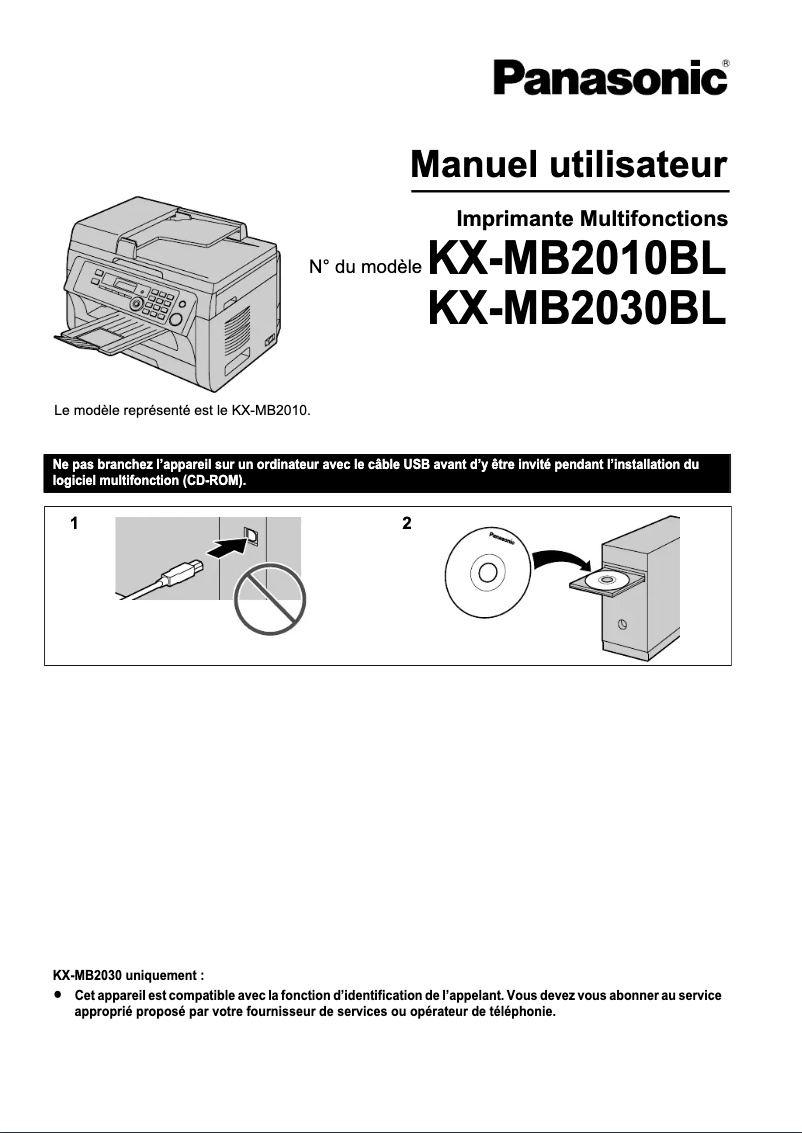
Editorial note
The Panasonic KX-MB2030BL printer stands out for its reliability and durability, qualities intrinsic to the Panasonic brand. With an enhanced user experience thanks to an intuitive interface, this printer is accessible to users of all levels, thus facilitating its everyday use. Its versatile design allows it to handle different types of documents, making it a suitable choice for both personal and professional use. However, some drawbacks must be taken into account. The printer may show signs of slowness when printing large documents, an aspect that could pose a problem in a dynamic work environment. Additionally, it is not compatible with all recent operating systems, which may restrict its use on modern computers. The high cost of ink cartridges compared to other models could also lead to long-term expenses. In terms of support, the user manual is comprehensive and offers clear advice for easy installation and use, which is a positive point. Finally, although the robustness of the KX-MB2030BL is an asset, its bulky size could limit its integration into small workspaces. Overall, this printer is a solid choice for those seeking reliability and versatility, provided that its limitations are taken into account.Score details
User experience
The user experience is enhanced by an intuitive interface, making it easier for users of all levels to use.
Performance
The performance is generally good, but the printer can be relatively slow when printing large documents, which can be problematic in a dynamic work environment.
Value for money
The cost of ink cartridges is high compared to other models, which can increase long-term expenses.
Usability
The user manual is available and provides clear guidance for easy installation and use.
Design
The size of the printer can be bulky for small workspaces, which may limit its integration into compact offices.
Robustness
The reliability of the Panasonic brand ensures durability and optimal performance for the KX-MB2030BL printer.
Support
User support is satisfactory due to the availability of a comprehensive manual to guide users.
Features
The KX-MB2030BL printer is versatile and capable of handling different types of documents, suitable for various uses.
Advantages
Recognized reliability of Panasonic.
Intuitive and easy to use.
Versatile for various types of documents.
User manual included.
Energy saving to reduce costs.
Disadvantages
Slow printing for large documents.
Incompatibility with certain operating systems.
High cost of ink cartridges.
Bulky size for small spaces.
Annoying noise level during printing.
Technical Specifications KX-MB2030BL
General Information
-
ModelKX-MB2030BL
-
Brand
-
Category
-
Type
-
SKU1104656
-
MPN1104656
Frequently Asked Questions
What are the steps to remove a jammed paper from the printer?
Why is my printer rejecting original cartridges?
What could be the reasons for poor print quality?
How does a laser printer differ from an inkjet printer?
Why does my inkjet printer leave black streaks on my prints?
What does the acronym DPI mean?
Is the manual for the Panasonic KX-MB2030BL available in French?
Similar products


More product categories from brand Panasonic
Home appliances Panasonic
Phones Panasonic
Audio Panasonic
Camera and photography Panasonic
Personal care Panasonic
Other Panasonic
Tools Panasonic
Interior Panasonic
More product types from brand Panasonic








Presentation of product KX-MB2030BL specifications from brand Panasonic
General Information
The Panasonic KX-MB2030BL printer represents Panasonic's commitment to quality and innovation. Renowned in the home appliance sector, Panasonic ensures that this model delivers reliable performance and a smooth user experience. Designed for both personal and professional use, the KX-MB2030BL stands out for its versatility in handling various types of documents.
Advantages
This printer benefits from the inherent reliability of the Panasonic brand, ensuring longevity and consistent performance. Its intuitive interface is designed to simplify printing, making the device accessible to everyone, regardless of their skill level. Additionally, it is energy-efficient, which helps reduce operating costs while being environmentally friendly. A user manual is also included to guide installation and usage.
Disadvantages
However, the KX-MB2030BL has some drawbacks. Its printing speed may be insufficient for tasks requiring the quick processing of large documents, which can pose challenges in a demanding professional environment. Furthermore, this printer is not always compatible with the latest operating systems, limiting its use on some modern computers. The cost of ink cartridges can also be high, increasing long-term expenses. Its size may prove cumbersome for small workspaces, and the noise level during printing can be a source of annoyance, especially in environments where quiet is essential.


