
Manual of product KX-MB2128
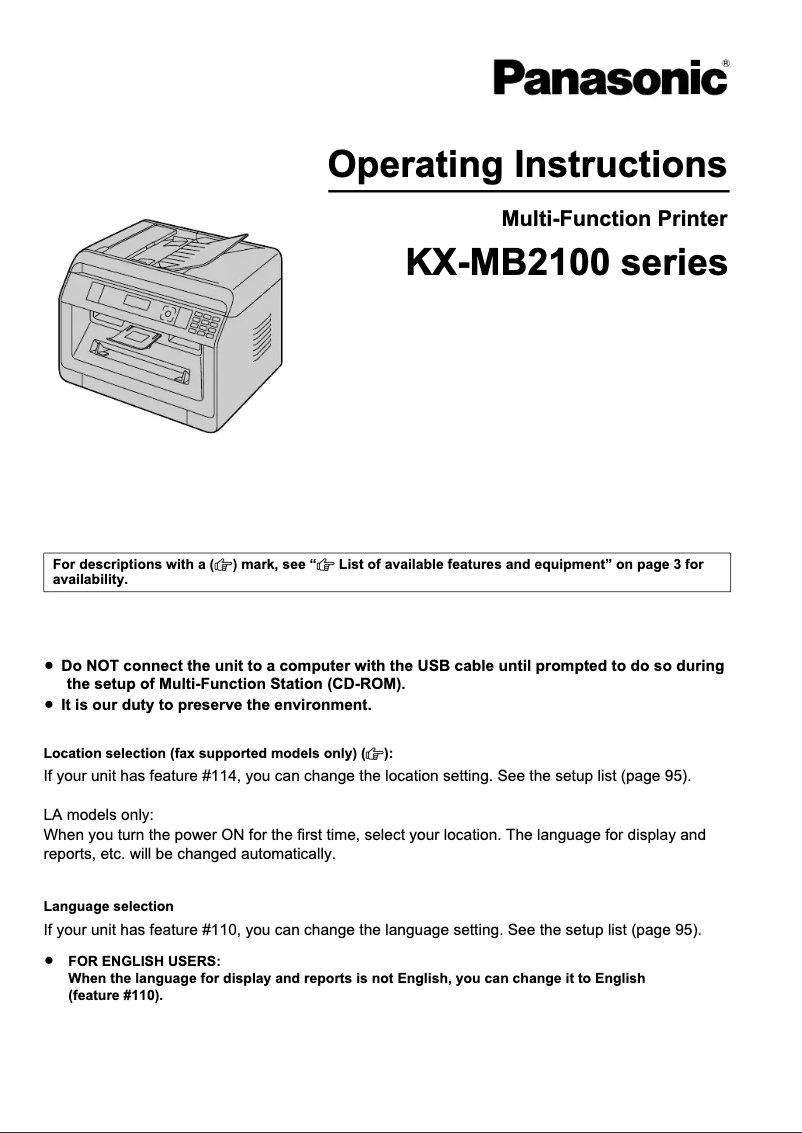
Editorial note
The Panasonic KX-MB2128 printer stands out for the reliability of its brand, known for the quality of its products. It offers optimal performance, ensuring fast and high-quality printing, suitable for both offices and home use. Ease of use is an asset, with a user manual available to help with understanding the features. However, there are some drawbacks to note. Maintenance costs can be high, particularly regarding the replacement of ink cartridges. Additionally, this printer may be relatively slow compared to other models on the market, which may not suit users needing frequent and fast prints. Connectivity is also limited, which can pose problems for users wishing to print wirelessly from multiple devices. The design of the printer may not be suitable for small workspaces, making its integration into compact offices difficult. Finally, although the printer is versatile and capable of handling different types of documents, the user interface may seem unintuitive to some, requiring an adjustment period. Overall, the Panasonic KX-MB2128 is a solid choice for those looking for a reliable printer, but it is essential to consider its limitations in terms of cost and performance before making a purchase.Score details
User experience
The user experience is generally satisfactory, with a user manual that facilitates onboarding, although the interface may seem unintuitive to some.
Performance
Performance is optimal for standard desktop use, but the printer can be relatively slow compared to other contemporary models.
Value for money
Although Panasonic is a reliable brand, high maintenance costs can reduce the product's appeal in terms of value for money.
Design
The design of the printer may not be suitable for small workspaces, which can pose integration issues in a compact office.
Features
The printer is versatile and suitable for various types of documents, but limited connectivity can be a drawback for modern users.
Advantages
Recognized reliability of the Panasonic brand
Fast and high-quality printing
User manual for easy handling
Suitable for various types of documents
Energy saving to reduce costs
Disadvantages
High maintenance costs for ink cartridges.
Slow printing compared to other models.
Limited connectivity for wireless printing.
Bulky design for small spaces.
Unintuitive user interface for some.
Technical Specifications KX-MB2128
General Information
-
ModelKX-MB2128
-
Brand
-
Category
-
Type
-
SKU1229218
-
MPN1229218
Frequently Asked Questions
What is the best method to remove a paper jam from the printer?
Why is my printer not recognizing the original cartridges?
Why is the quality of my prints poor?
What is the difference between a laser printer and an inkjet printer?
Why does my inkjet printer leave black streaks on prints?
What does the acronym DPI mean?
Is the manual for the Panasonic KX-MB2128 available in French?
Similar products


More product categories from brand Panasonic
Home appliances Panasonic
Phones Panasonic
Audio Panasonic
Camera and photography Panasonic
Personal care Panasonic
Other Panasonic
Tools Panasonic
Interior Panasonic
More product types from brand Panasonic








Presentation of product KX-MB2128 specifications from brand Panasonic
General Information
The Panasonic KX-MB2128 printer is a well-known model from the Panasonic brand, recognized for its commitment to quality and innovation in the electronics sector. This model is designed to provide reliable performance and an optimized user experience, ideal for both offices and home use.
Advantages
The reliability of the Panasonic brand ensures users a durable printer capable of meeting various needs. The KX-MB2128 model stands out for its optimal performance, guaranteeing fast and high-quality prints. Its ease of use is facilitated by an included user manual, allowing users to easily master its features. Additionally, this printer offers a commendable versatility, capable of handling different types of documents, making it ideal for office or home use. Finally, its design is intended to be energy-efficient, helping to reduce operating costs.
Disadvantages
However, the Panasonic KX-MB2128 also has some disadvantages. Maintenance costs can be high, particularly regarding the replacement of ink cartridges and other parts. Furthermore, this printer may be perceived as relatively slow compared to other contemporary models, which could be an issue for users with fast printing needs. Its connectivity is limited, which can be a drawback for those wishing to print from multiple wireless devices. Moreover, the design and size of the printer may not be suitable for small workspaces, making its integration into compact offices difficult. Finally, the user interface may seem unintuitive to some, requiring an adjustment period for new users.


