
Manual of product KX-MB261FR
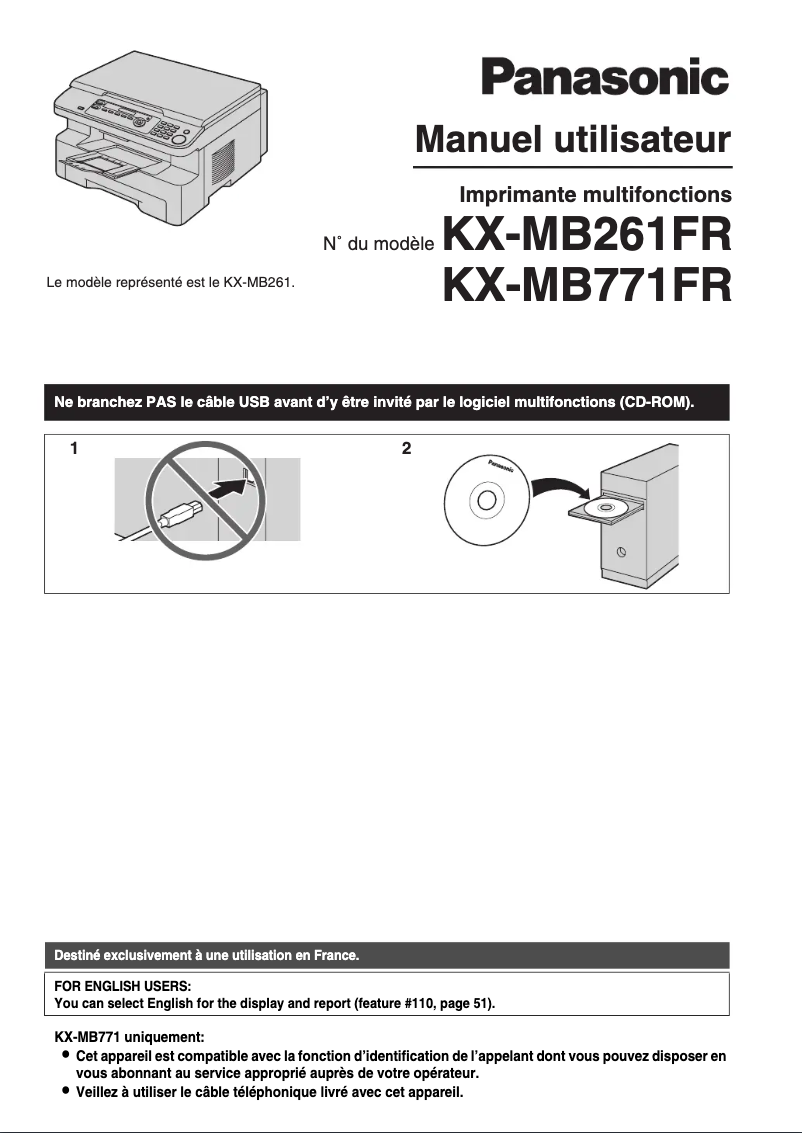
Editorial note
The Panasonic KX-MB261FR printer stands out for its recognized build quality, a guarantee of durability and reliability. Used in a professional setting, it offers generally satisfactory performance, with fast and quality prints. Moreover, its use is facilitated by a clear manual, allowing for quick handling, even for novices. However, some drawbacks must be taken into account. The printing speed can become a hindrance when printing large documents, and the lack of wireless connectivity limits its integration into modern office environments. Furthermore, the high cost of ink cartridges and toners can increase the total cost of ownership for frequent users. Finally, its bulky size can pose space issues in restricted offices. In summary, the Panasonic KX-MB261FR is a solid choice for those looking for a reliable multifunction printer, but users should be aware of its limitations in terms of speed and connectivity.Score details
User experience
The user experience is satisfactory due to ease of use and a clear manual, allowing for quick onboarding, even for novices.
Performance
Performance is generally good, with quality prints, but may be limited by insufficient printing speed for large documents.
Value for money
The cost of ink cartridges and toners can be high, increasing the total cost of ownership, which can be a barrier for frequent users.
Design
The design of the printer is functional, but its bulky size can pose space issues in restricted office environments.
Features
Although the printer offers versatile features, the lack of wireless connectivity limits its use in modern environments.
Robustness
Panasonic's build quality is recognized, ensuring durability and reliability over the long term for this model.
Advantages
Durable and reliable manufacturing quality
Fast and quality prints
Easy installation with a user manual
Multifunction: prints, copies, scans
Energy saving and cost reduction
Disadvantages
Slow printing for large documents.
No wireless connectivity.
High cost of cartridges and toners.
Bulky size for small spaces.
Insufficient print quality for professionals.
Technical Specifications KX-MB261FR
General Information
-
ModelKX-MB261FR
-
Brand
-
Category
-
Type
-
SKU1104626
-
MPN1104626
Frequently Asked Questions
What is the best method to remove paper jammed in the printer?
Why does my printer not recognize original cartridges?
Why is the quality of my prints unsatisfactory?
How does a laser printer differ from an inkjet printer?
Why does my inkjet printer leave black streaks on prints?
What does the acronym DPI mean?
Is the manual for the Panasonic KX-MB261FR available in French?
Similar products


More product categories from brand Panasonic
Home appliances Panasonic
Phones Panasonic
Audio Panasonic
Camera and photography Panasonic
Personal care Panasonic
Other Panasonic
Tools Panasonic
Interior Panasonic
More product types from brand Panasonic








Presentation of product KX-MB261FR specifications from brand Panasonic
General Information
The Panasonic KX-MB261FR printer is an iconic model from the Panasonic brand, known for its commitment to quality and innovation in the home appliance sector. This model, KX-MB261FR, is designed to provide reliable performance and a pleasant user experience, thus meeting the demands of professional users.
Advantages
Among the strengths of the KX-MB261FR printer, we find:
- Build Quality: Panasonic's reputation for durability and performance inspires confidence in the longevity of this device.
- Optimal Performance: This model is designed for fast, high-quality printing, suitable for the varied needs of professional environments.
- Ease of Use: The printer comes with a clear user manual, making its installation and handling easy, even for novice users.
- Versatility: As a multifunction printer, the KX-MB261FR allows for printing, copying, and scanning, thus providing a complete solution for offices.
- Energy Efficiency: This model is designed to minimize energy consumption, helping to reduce operating costs and environmental impact.
Disadvantages
However, some disadvantages may need to be considered:
- Printing Speed: The printer may show signs of slowness when printing large documents, which could be problematic for users with urgent printing needs.
- Limited Connectivity: The lack of wireless features may restrict connectivity and make its use less convenient in a modern office environment.
- Cost of Consumables: Ink cartridges and toners can be relatively expensive, which could increase the total cost of ownership for users who print frequently.
- Bulky Size: The printer's format may be impractical in small workspaces, thus limiting placement options.
- Print Quality: Although generally good, the print quality may not meet the requirements of professional users seeking high resolution for specific graphic work.


