
Manual of product KX-MB773EX
Editorial note
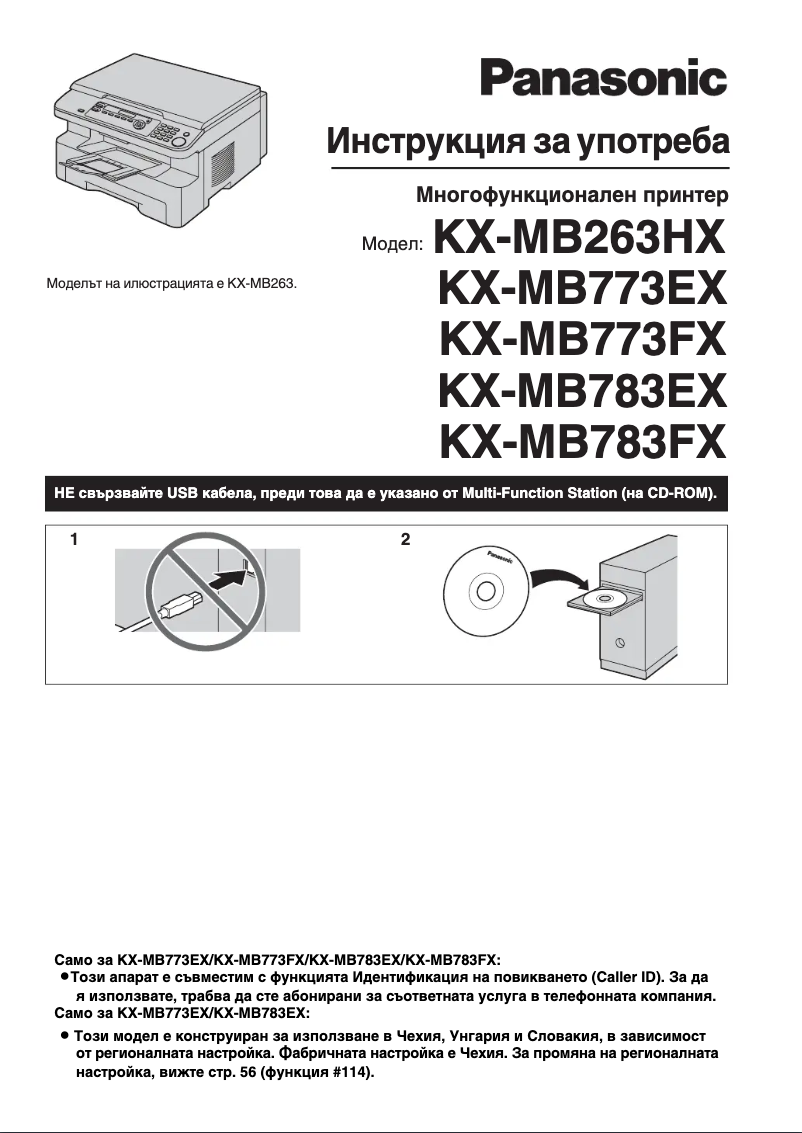
The Panasonic KX-MB773EX is a multifunction printer recognized for its quality and reliability. This brand, known for its innovations, guarantees optimal performance that meets the varied needs of users. Its intuitive use allows for simplified management of printing tasks, although some may find the interface initially complex. In terms of performance, the printer ensures fast and high-quality printing, although it may encounter speed limitations in very active office environments. Additionally, its versatility allows not only for printing but also for scanning and copying, making it a comprehensive tool for the office. However, the Panasonic KX-MB773EX has some drawbacks to consider. Its bulkiness can pose problems in restricted workspaces, and the cost of ink and toner cartridges can quickly add up, increasing the long-term cost of use. Furthermore, the lack of wireless features may limit the flexibility of use for those who prefer printing without a direct connection. Regarding documentation, the product comes with a comprehensive user manual, making installation and use easier. Overall, the Panasonic KX-MB773EX proves to be a solid solution for users looking for a multifunction printer, while being aware of the limitations related to its cost and bulkiness.Score details
User experience
The user experience is improved through intuitive use, although some users may find the interface complex.
Performance
Performance is stable with fast, high-quality printing, but the speed may be insufficient for very busy office environments.
Value for money
Although quality is present, the high cost of ink and toner cartridges can increase long-term usage costs.
Design
The printer's design is functional, but it may be considered bulky for limited workspace.
Features
As a multifunction printer, it offers scanning and copying capabilities, but the lack of wireless features may limit usage flexibility.
Documentation
The product comes with a comprehensive user manual, making installation and use of the printer easier.
Advantages
Renowned brand for reliability and innovation.
Intuitive and simplified use.
Multifunction printer: prints, scans, copies.
Comprehensive user manual included.
Fast and high-quality printing.
Disadvantages
Bulky in small workspaces.
High cost of cartridges and toners.
Insufficient printing speed for busy offices.
Complex and non-intuitive user interface.
Lack of built-in wireless features.
Technical Specifications KX-MB773EX
General Information
-
ModelKX-MB773EX
-
Brand
-
Category
-
Type
-
SKU1123985
-
MPN1123985
Frequently Asked Questions
What is the recommended method for removing a jammed paper from the printer?
Why is my printer not recognizing the original cartridges?
What could be the reasons for poor print quality?
What is the difference between a laser printer and an inkjet printer?
Why is my inkjet printer leaving black streaks on prints?
What does the acronym DPI mean?
Is the manual for the Panasonic KX-MB773EX available in French?
Similar products


More product categories from brand Panasonic
Home appliances Panasonic
Phones Panasonic
Audio Panasonic
Camera and photography Panasonic
Personal care Panasonic
Other Panasonic
Tools Panasonic
Interior Panasonic
More product types from brand Panasonic








Presentation of product KX-MB773EX specifications from brand Panasonic
General Information
The Panasonic KX-MB773EX printer is a model designed by the renowned brand Panasonic, known for its commitment to quality and innovation in the electronics sector. This model, the KX-MB773EX, stands out for its exceptional performance and an optimized user experience, making printing tasks more accessible and efficient.
Advantages
This model has several strengths:
- Recognized quality: Panasonic is synonymous with reliability, thus ensuring optimal performance for the KX-MB773EX printer.
- Improved user experience: Designed to be intuitive, the KX-MB773EX makes managing printing tasks easier, making its use enjoyable.
- Versatility: As a multifunction printer, it offers printing, scanning, and copying capabilities, thus meeting various office needs.
- Clear documentation: The printer comes with a comprehensive user manual, simplifying its installation and handling.
- Stable performance: Thanks to its advanced technical features, it ensures fast and high-quality printing, even for large volumes.
Disadvantages
However, some aspects may be considered disadvantages:
- Bulkiness: The Panasonic KX-MB773EX can be large, making its placement in restricted workspaces more complicated.
- Cost of use: Ink and toner cartridges can be expensive, increasing the long-term cost of using the printer.
- Printing speed: This printer may not meet the speed requirements of very active office environments, potentially leading to delays in document processing.
- User interface: For some users, the interface may seem complex, making initial setup and use less intuitive.
- Lack of wireless features: The absence of wireless connectivity may limit usage flexibility, particularly for those who wish to print from mobile devices.


