Thumbnail of product TH-42PA25 from brand Panasonic
Logo of brand Panasonic

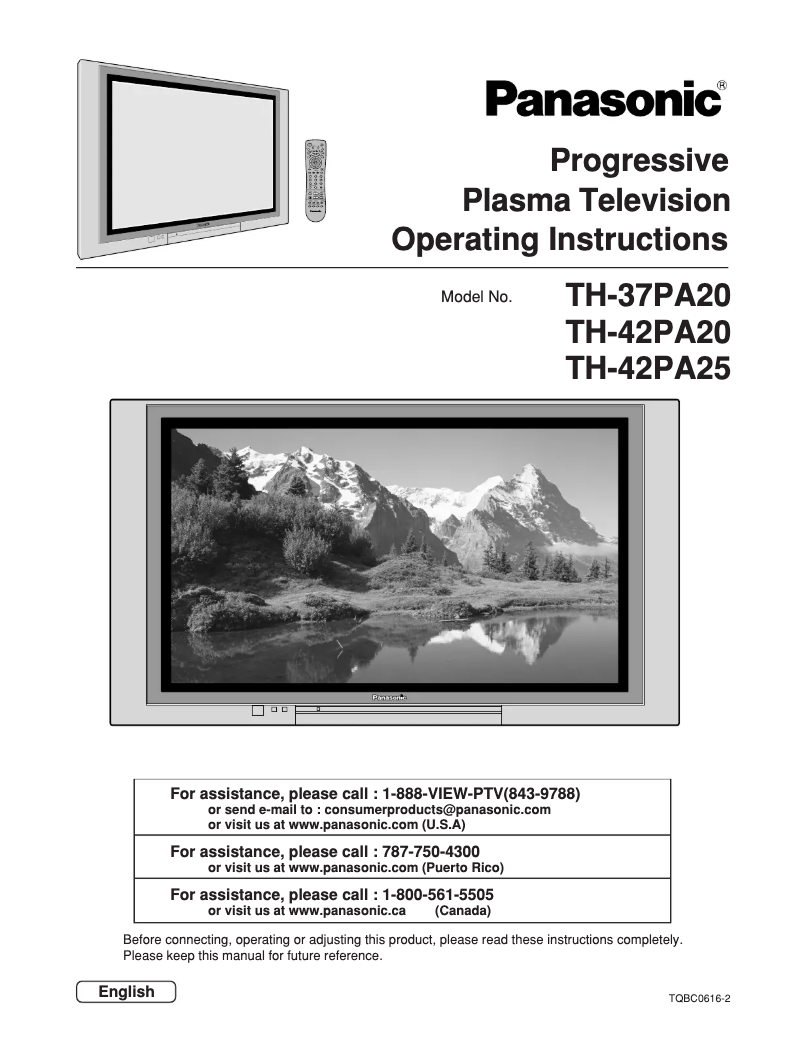
Television Panasonic TH-42PA25

The Panasonic TH-42PA25 television is a model appreciated for its exceptional picture quality and reliable performance. With its 42-inch diagonal, it offers an immersive viewing experience, ideal for movies, series, and sporting events.

Known for its innovation, Panasonic ensures with this model an enhanced user experience, thanks to advanced technical features and a thoughtful design. The TH-42PA25 is designed to easily fit into any living space while providing optimal connectivity for various multimedia devices.

This television also comes with a user manual to guide you through its installation and use. In summary, the Panasonic TH-42PA25 is a wise choice for those looking for a television that combines performance, aesthetics, and innovation.

Manual of product TH-42PA25
8 10

Editorial note

The Panasonic TH-42PA25 television stands out for its exceptional picture quality, offering vibrant colors and optimal definition that enhance the viewing experience, whether for movies, series, or video games. The Panasonic brand is known for its reliability and innovation, thus ensuring a durable and high-performing product. Moreover, ease of use is a major asset, thanks to a comprehensive manual that allows for quick handling, even for novice users. Its modern and elegant design integrates harmoniously into various interiors, adding an aesthetic touch to your living space. However, this model has some drawbacks. The 42-inch screen size may seem limited for users preferring a larger television, especially in spacious living rooms. Additionally, its refresh rate and image technologies may not meet the expectations of cinema or video game enthusiasts. The lack of built-in smart features also limits its appeal for those looking to easily access streaming applications. Finally, although its design is sleek, it may appear outdated compared to more recent models. In summary, the Panasonic TH-42PA25 offers good value for money thanks to its stable performance and picture quality, but it may disappoint users seeking modern features and a more generous screen size.

Score details

User experience

The user experience is enhanced by the exceptional image quality and ease of use, with a comprehensive manual for quick familiarization.

Performance

Performance is stable for everyday tasks, but the refresh rate and image technologies may not satisfy cinema or video game enthusiasts.

Design

The modern and sleek design fits well into various interiors, but may appear outdated compared to newer models.

Value for money

The value for money is good due to the reliability of the Panasonic brand and the image quality, although the screen size may disappoint some users.

Features

The lack of built-in smart features limits the product's appeal for those who want easy access to streaming apps.

Usability

Ease of use is a strong point, allowing for intuitive handling even for novice users thanks to a detailed manual.


Advantages

Exceptional image quality and vibrant colors

Recognized reliability of the Panasonic brand

Easy to use with a comprehensive manual

Modern and sleek design

Stable performance for smooth viewing

Disadvantages

42-inch screen deemed too small

Outdated refresh rate for gaming

No built-in smart features

Aging design compared to recent models

Limited connectivity for multiple devices

Technical Specifications TH-42PA25

General Information

Frequently Asked Questions

What is the recommended viewing distance for my Panasonic television?
For your Panasonic television, the optimal viewing distance varies depending on the screen size. Generally, it is advised to sit about 2.4 times the diagonal size of the screen.
What should I do if my television is no longer receiving a signal?
If your television is not receiving a signal, check the following: - Ensure that your television is set to the correct source. - Check that the connections are properly established via the HDMI or SCART input.
What are the dimensions of my television screen?
The size of your television is usually indicated in inches, with 1 inch equivalent to 2.54 centimeters. This size corresponds to the diagonal of the screen, which you measure from the bottom left corner to the top right corner.
What does HDMI mean?
HDMI stands for High-Definition Multimedia Interface. An HDMI cable transmits audio and video signals between different devices.
Is it possible to connect devices from different brands via Bluetooth?
Yes, Bluetooth is a universal technology that allows connection between various compatible devices.
How can I prevent burns or injuries from heat coming from the ventilation of the Panasonic TH-42PA25 plasma television?
To prevent burns or injuries from heat emitted by the ventilation openings of the Panasonic TH-42PA25 plasma television, follow these recommendations: 1. Keep your hands, face, and objects away from the ventilation openings, especially at the top which can become very hot. 2. Avoid allowing body parts or objects to get too close to the openings to prevent burns. 3. Do not place anything near the top of the television that could block the ventilation openings. 4. Unplug all cables before moving the television to avoid damaging the cables, which could cause a fire or electric shock. 5. Regularly clean the power cable to prevent dust accumulation that could increase humidity and pose a fire risk. 6. Position the infrared sensor away from direct or reflected light from the television to avoid interference.
What precautions should I take before moving the Panasonic TH-42PA25 plasma television to avoid damaging the cables and risks of fire or electric shock?
Before moving the Panasonic TH-42PA25 plasma television, follow these precautions to avoid damaging the cables and prevent risks: 1. Unplug all cables from the television before moving it to avoid damage that could lead to a fire or electric shock. 2. Unplug the power cord from the wall outlet before cleaning the television to avoid electric shocks. 3. Regularly clean the power cable to prevent dust accumulation that could harm insulation and cause a fire. 4. Keep the television away from electronic devices that may receive electromagnetic waves to avoid interference. 5. If the television will not be used for an extended period, unplug the power cord to avoid any potential issues. 6. In case of problems during use, such as no image or unusual smells, immediately unplug the power cord and contact an authorized service center for assessment and repairs.
How can I avoid operational problems caused by water infiltration into the device?
To avoid operational problems due to water infiltration in your Panasonic TH-42PA25 television, follow these tips: 1. Avoid placing the television near water sources such as bathtubs, sinks, or pools. 2. Clean the television only with a dry cloth, without using liquid or aerosol products. 3. Ensure that the ventilation openings are not blocked to prevent overheating. 4. Keep the television away from heat sources such as radiators or stoves. 5. Protect the power cord from pinching or pedestrian traffic. 6. Use only specified accessories. 7. Unplug the television during storms or during prolonged periods of non-use. 8. Seek qualified personnel for maintenance if the television has been exposed to moisture or is experiencing malfunctions. 9. Securely connect the ground pin to the power outlet to prevent electric shocks.
How can I access the user manual for my Panasonic TH-42PA25 plasma television?
To access the user manual for your Panasonic TH-42PA25 plasma television, follow these steps: 1. Read all safety and usage instructions provided in the manual. 2. Keep these instructions for future reference. 3. Pay attention to all warnings mentioned in the manual. 4. Follow all instructions given for proper use of the television. 5. Avoid using the television near water or in humid environments. 6. Clean the television only with a dry cloth, avoiding liquid products. 7. Ensure adequate ventilation by not blocking any openings. 8. Do not place the television near heat sources to avoid overheating. 9. Use only accessories recommended by the manufacturer. 10. Unplug the television during storms or when not in use for long periods. 11. If maintenance is needed, seek qualified service personnel.
What steps should I follow before plugging in, using, or adjusting my Panasonic TH-42PA25 television?
1) Read all safety and usage instructions before turning on the Panasonic TH-42PA25 television. 2) Keep these instructions for future reference. 3) Adhere to all warnings provided on the television and in the manual. 4) Carefully follow all usage instructions. 5) Avoid placing the television near water sources such as bathtubs or sinks. 6) Clean the television only with a dry cloth, without using liquid products. 7) Ensure that the ventilation openings are clear during installation. 8) Keep the television away from heat sources to avoid overheating. 9) Use the power cord and accessories recommended by the manufacturer. 10) Protect the power cord from pinching or trampling. 11) Unplug the television during storms or when it is not used for long periods. 12) Seek qualified personnel for maintenance if the television is damaged or not functioning properly. 13) Ensure that the ground pin is properly connected to the power outlet to prevent electric shocks.
Is the manual for the Panasonic TH-42PA25 available in French?
Unfortunately, the manual for the Panasonic TH-42PA25 is not available in French. It is only offered in English.

Similar products


Discover the technical sheet of Viera TX-L55ET5E from Panasonic and its manuals...
Available manuals:
Discover the technical sheet of Viera TX-LF32E30 from Panasonic and its manuals...
Available manuals:
Discover the technical sheet of 55LED1600 from Salora and its manuals...
Available manuals:
Discover the technical sheet of 28LED1600 from Salora and its manuals...
Available manuals:
Discover the technical sheet of 43LED1600 from Salora and its manuals...
Available manuals:
Discover the technical sheet of Viera TX-L47ET5E from Panasonic and its manuals...
Available manuals:
Discover the technical sheet of 20LED1600 from Salora and its manuals...
Available manuals:
Discover the technical sheet of Viera TX-L42ET5E from Panasonic and its manuals...
Available manuals:
Discover the technical sheet of 22LED1600 from Salora and its manuals...
Available manuals:
Discover the technical sheet of Viera TX-L42U2E from Panasonic and its manuals...
Available manuals:
Discover the technical sheet of Viera TX-L55DT65B from Panasonic and its manuals...
Available manuals:
Discover the technical sheet of 32LED1600 from Salora and its manuals...
Available manuals:

Presentation of product TH-42PA25 specifications from brand Panasonic

General Information

The Panasonic TH-42PA25 television is a 42-inch model designed to provide a quality viewing experience. Panasonic, a well-established brand in the electronics sector, is known for its innovation and commitment to quality, ensuring reliable and durable performance.

This model is specifically designed to deliver excellent image definition and vibrant colors, enhancing the viewing experience whether for movies, series, or video games. Additionally, it comes with a detailed user manual for quick handling, even for novice users.

With its modern design, the Panasonic TH-42PA25 easily fits into various interiors, adding an aesthetic touch to your space. This television also ensures optimal performance, allowing for a smooth and uninterrupted viewing experience.

Technical Specifications

This television features a 42-inch screen that, while suitable for many spaces, may seem limited for those who prefer larger models, especially in spacious living rooms. Its image technology and refresh rate, while satisfactory, do not always meet the most modern standards, which could disappoint some cinema or video game enthusiasts.

It is important to note that the Panasonic TH-42PA25 does not offer built-in smart features, which may restrict access to streaming applications directly from the device. Furthermore, its design, while sleek, may seem a bit outdated compared to other newer models that emphasize contemporary aesthetics and thinner formats.

Finally, connectivity is limited to HDMI ports and a few other inputs, which may pose a problem for users wishing to connect multiple devices simultaneously.

