

Manuals of product TX-49FX603E
Editorial note
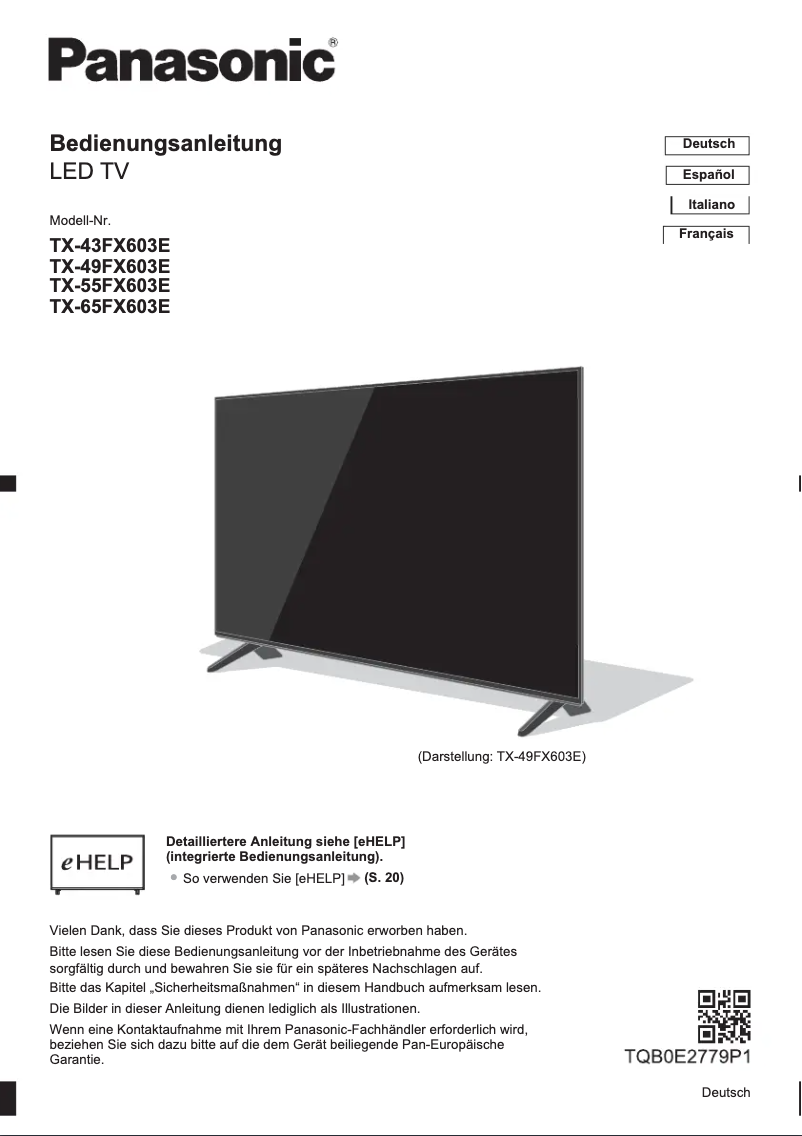
The Panasonic TX-49FX603E stands out for its exceptional image quality thanks to its 4K Ultra HD resolution and HDR technology, providing sharp images and realistic colors that immerse the user in a captivating visual experience. This television is also appreciated for its versatile connectivity, with multiple HDMI and USB ports allowing for easy connection of various multimedia devices. Additionally, the user experience is facilitated by a quick start guide and a manual, making installation accessible even for less tech-savvy users. However, some drawbacks deserve to be highlighted. The audio quality may be deemed insufficient, which could necessitate the addition of an external audio system for a better sound experience. Furthermore, the model is not equipped with OLED technology, which may limit the depth of blacks and contrast compared to competing models. The user interface, while functional, may seem less intuitive than those of other brands, which can make navigation less enjoyable. Finally, the absence of certain modern features, such as compatibility with voice assistants, may disappoint users seeking a more advanced connected experience. In summary, the Panasonic TX-49FX603E offers good value for money with solid performance, but it could be improved with more contemporary audio and technological features.Score details
User experience
The user experience is generally positive thanks to a quick start guide and a manual, making installation easier. However, the interface may seem less intuitive than that of some competing brands.
Performance
The image quality is exceptional with 4K Ultra HD resolution and HDR technology, providing sharp images and realistic colors. However, the audio quality may require an external system.
Design
The design is modern and sleek, but the backlighting can cause light bleed on the edges of the screen, affecting the visual experience in low-light conditions.
Features
The television offers versatile connectivity with multiple HDMI and USB ports. However, it lacks some advanced features like compatibility with voice assistants.
Value for money
The Panasonic TX-49FX603E offers good value for money with solid performance, although the lack of certain modern technologies may be disappointing.
Advantages
4K Ultra HD image quality
HDR technology for realistic colors
Easy installation with quick guide
Reliability and durability of Panasonic
Connectivity with HDMI and USB ports
Disadvantages
Insufficient audio, requires an external system.
No OLED technology, limited contrast.
User interface not very intuitive.
Lack of modern features.
Light leaks on the edges.
Technical Specifications TX-49FX603E
General Information
-
ModelTX-49FX603E
-
Brand
-
Category
-
Type
-
SKU1214488
-
MPN1214488
Frequently Asked Questions
What is the recommended viewing distance for my Panasonic television?
What should I do if my television is not receiving a signal?
What are the dimensions of my television screen?
What does the acronym HDMI stand for?
Is it possible to connect devices from different brands via Bluetooth?
Is the manual for the Panasonic TX-49FX603E available in French?
Similar products


More product categories from brand Panasonic
Home appliances Panasonic
Phones Panasonic
Audio Panasonic
Camera and photography Panasonic
Personal care Panasonic
Other Panasonic
Tools Panasonic
Interior Panasonic
More product types from brand Panasonic








Presentation of product TX-49FX603E specifications from brand Panasonic
General Information
The Panasonic TX-49FX603E television embodies Panasonic's commitment to quality and innovation in the multimedia device sector. This 49-inch model is designed to provide a high-level visual experience, combining technical performance and ease of use. With its advanced specifications, it ensures optimal satisfaction for users, whether they are movie enthusiasts, gamers, or television viewers.
Advantages
The Panasonic TX-49FX603E stands out for its exceptional image quality, with a 4K Ultra HD resolution that ensures remarkably sharp images and precise details, allowing for total immersion in the viewed content. Additionally, its HDR technology (High Dynamic Range) enhances contrast and color palette, offering more vibrant and realistic scenes.
This television is also designed to be accessible with an intuitive user experience, featuring a quick start guide and clear documentation, making installation and setup easy for everyone, even those less familiar with technology. Furthermore, the reliability of the Panasonic brand ensures durable and high-performing products, contributing to long-term satisfaction.
The versatile connectivity is another advantage, with multiple HDMI and USB ports that allow for easy connection of various multimedia devices, making the use of this television even more convenient.
Disadvantages
However, some aspects could be improved. The audio quality may be considered insufficient compared to other similar models, which may require the addition of an external audio system for an optimal sound experience. Additionally, the absence of OLED technology may affect the depth of blacks and contrast, especially compared to competing models.
The user interface may also seem less intuitive and responsive, making navigation through the menus less enjoyable for some users. Finally, the lack of certain advanced features, such as compatibility with voice assistants or frequent software updates, may disappoint those seeking a more modern connected experience. It is worth noting that the backlighting may cause light bleed at the edges of the screen, which can detract from the visual experience in low-light conditions.


