

Manuals of product TX-55DX603E

Editorial note
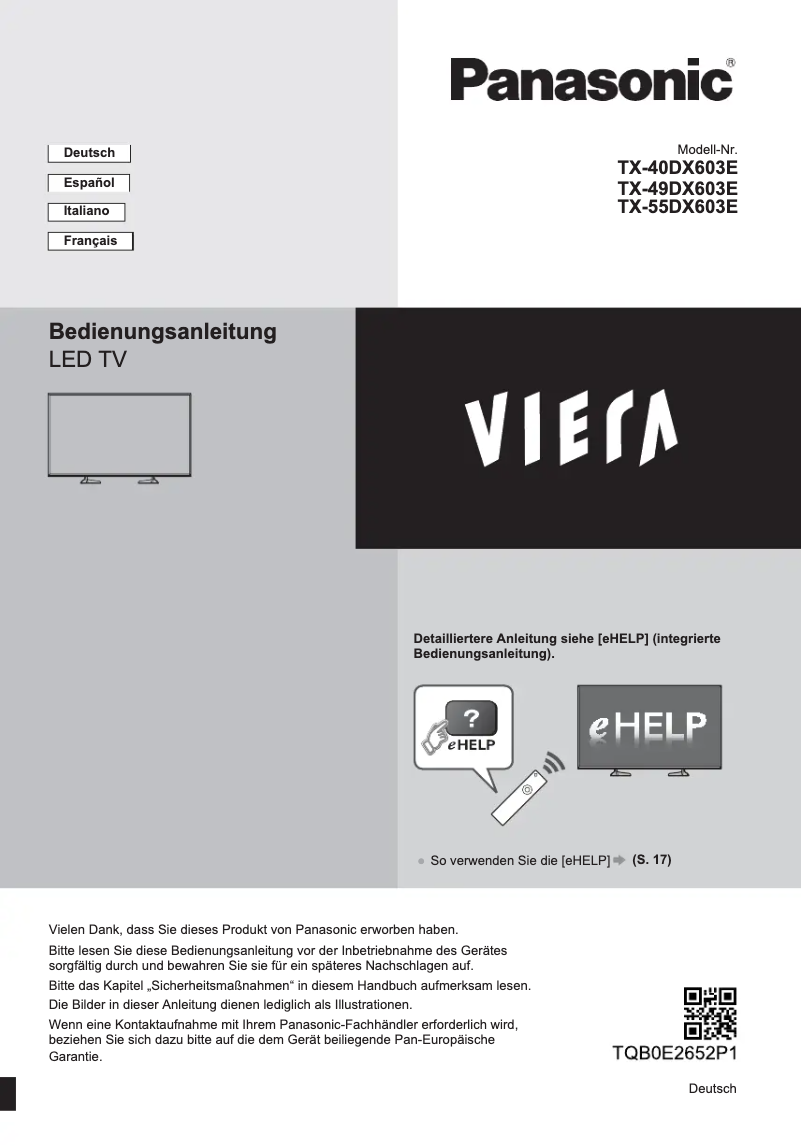
The Panasonic TX-55DX603E stands out for its exceptional picture quality, offering vibrant colors and deep contrasts thanks to advanced technologies. This visual performance enhances the viewing experience, although some users have reported suboptimal viewing angles, which can affect color perception. In terms of design, this television features a modern and sleek aesthetic that easily integrates into various interior decors, which is an asset for style-conscious users. However, its relatively high price compared to other models in the same range may deter some buyers, despite Panasonic's reputation for reliability and durability. The accessibility of documents such as the user manual and quick start guide makes the installation and use of the television easier, although it is unfortunate that the number of these documents is limited. Furthermore, connectivity is restricted, with a number of HDMI and USB ports that may not be sufficient for users wishing to connect multiple devices simultaneously. Additionally, the built-in audio system may lack power, prompting some to turn to external audio solutions. Finally, the remote control, while feature-rich, may seem complex for some users, making its use less intuitive. Overall, the Panasonic TX-55DX603E is a solid choice for those seeking excellent picture quality and a refined design, but it requires consideration of value for money and connectivity.Score details
User experience
The optimal performance of the Panasonic TX-55DX603E enhances the user experience, making viewing more enjoyable. However, the remote control may seem complex for some users.
Performance
The image quality is exceptional thanks to advanced technologies, offering vibrant colors and deep contrasts. However, some users report that the viewing angles are not optimal.
Value for money
The relatively high cost compared to other models in the same range may deter some buyers, despite the recognized quality and durability of the brand.
Design
The modern and sleek design of the Panasonic TX-55DX603E easily fits into any type of interior decor, which is a strong point for users concerned about aesthetics.
Support
The accessibility of useful documents such as the user manual and quick start guide facilitates installation and use, although the number of documents may seem limited.
Robustness
The Panasonic brand is known for its reliability and durability, ensuring a trustworthy product for users.
Advantages
Exceptional image with vibrant colors
Reliable and durable brand
User manuals that are easy to access
Optimal performance for a good experience
Modern design that easily integrates
Disadvantages
High price compared to the competition
Limited connectivity in HDMI and USB ports
Poor viewing angles, distorted colors
Built-in sound lacks power
Complex and non-intuitive remote control
Technical Specifications TX-55DX603E
General Information
-
ModelTX-55DX603E
-
Brand
-
Category
-
Type
-
SKU864426
-
MPN864426
Frequently Asked Questions
What is the recommended viewing distance for my Panasonic television?
What should I do if my television is not receiving a signal?
What are the dimensions of my television screen?
What does the acronym HDMI stand for?
Is it possible to connect devices from different brands via Bluetooth?
Is the manual for the Panasonic TX-55DX603E available in French?
Similar products


More product categories from brand Panasonic
Home appliances Panasonic
Phones Panasonic
Audio Panasonic
Camera and photography Panasonic
Personal care Panasonic
Other Panasonic
Tools Panasonic
Interior Panasonic
More product types from brand Panasonic








Presentation of product TX-55DX603E specifications from brand Panasonic
General Information
The Panasonic TX-55DX603E television is a high-end model from the renowned brand Panasonic, known for its commitment to quality and innovation in the electronics sector. This 55-inch television offers optimal performance, ensuring an immersive viewing experience thanks to its advanced technologies.
Among its many advantages, the TX-55DX603E stands out for its exceptional picture quality, displaying vibrant colors and deep contrasts, making it ideal for enjoying movies and series. Its modern and sleek design allows it to blend harmoniously into various interior decors.
Users also benefit from easy access to practical documents such as the user manual and quick start guide, thus facilitating the installation and use of the television. Moreover, the performance of this model is designed to enhance the user experience, making every viewing moment more enjoyable.
Disadvantages
However, the Panasonic TX-55DX603E has some drawbacks. Its price may be perceived as relatively high compared to other similar models, which could deter some buyers. Additionally, connectivity is limited with a restricted number of HDMI and USB ports, which may pose issues for those wishing to connect multiple devices simultaneously.
Although the picture quality is generally very good, some users have reported that the viewing angles are not optimal, leading to color distortion when viewed from an angle. Regarding sound, the built-in audio system may lack power and depth, prompting users to consider external audio systems for a better sound experience. Finally, the remote control, while packed with features, may seem complex to some, making its use less intuitive.


