Thumbnail of product TX-55DXF687 from brand Panasonic
Logo of brand Panasonic

Television Panasonic TX-55DXF687

The Panasonic TX-55DXF687 television is a 55-inch model that combines performance and image quality. Known for its innovation, the Panasonic brand offers with this television an immersive visual experience thanks to advanced technologies that ensure vibrant colors and striking contrasts.

This TX-55DXF687 model is designed to meet the expectations of modern users, providing an intuitive interface to easily navigate between your favorite channels and streaming apps. With a 4K resolution, it allows you to enjoy your movies and series with exceptional clarity.

Furthermore, the Panasonic TX-55DXF687 is equipped with several ports for easy connectivity with your other devices, allowing you to enjoy your multimedia content effortlessly. A user manual is also included to help you make the most of your television.

In summary, the Panasonic TX-55DXF687 stands out for its remarkable image quality and practical features, making it an excellent choice for television and multimedia enthusiasts.

Manual of product TX-55DXF687
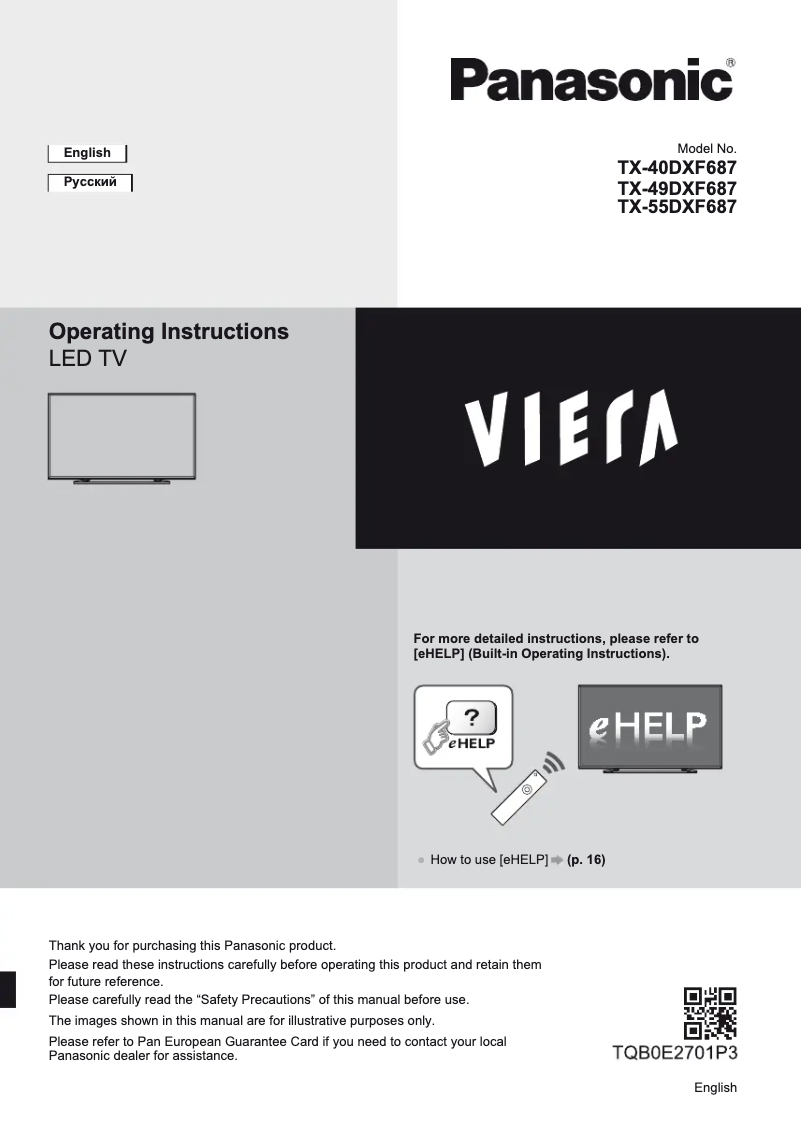
8 10

Editorial note

The Panasonic TX-55DXF687 is a television that stands out for its exceptional picture quality, thanks to the advanced technology of the brand. The vivid colors and precise details provide an immersive viewing experience, enhanced by optimal performance that ensures smooth navigation and ease of use. Its modern and elegant design allows it to blend harmoniously into any type of interior, adding a contemporary touch to your living space. Additionally, the model comes with a detailed user manual, making it easier to grasp the advanced features. However, some drawbacks should be noted. The sound quality may be deemed insufficient by some users, making the addition of a soundbar or external speakers almost necessary for a satisfying audio experience. Furthermore, the TX-55DXF687 may seem bulky in small spaces, and its user interface may appear less intuitive compared to other brands, which can complicate navigation through the menus. Finally, although the television offers excellent value for money in terms of performance and picture quality, its price may be perceived as high compared to other similar models on the market, which could deter some buyers. In summary, the Panasonic TX-55DXF687 is an excellent choice for those seeking superior picture quality, provided that its limitations in sound and ergonomics are taken into account.

Score details

User experience

The user experience is generally positive thanks to a user-friendly interface, although some users find the navigation less intuitive compared to other brands.

Performance

The performance of the TX-55DXF687 model is optimal for navigation and use of features, providing a smooth and responsive experience.

Design

The design is modern and sleek, fitting well into various interiors and adding a contemporary touch to the living space.

Value for money

The price may seem high compared to other similar models, which could deter some buyers, despite the exceptional picture quality.

Features

The television includes a detailed manual that makes it easy to get started, although the limited connectivity may pose issues for users wanting to connect multiple devices.

sound_quality

The sound quality may be insufficient for some users, requiring the purchase of a soundbar or external speakers for an optimal audio experience.


Advantages

Exceptional and immersive image quality

Recognized reliability of the Panasonic brand

Smooth navigation and user-friendly interface

Detailed user manual included

Modern and sleek design

Disadvantages

Insufficient sound quality, requires speakers

Bulky for small spaces

Non-intuitive user interface

Limited connectivity for multiple devices

High price compared to competitors

Technical Specifications TX-55DXF687

General Information

Frequently Asked Questions

What is the recommended viewing distance for my Panasonic television?
The optimal viewing distance for your Panasonic television depends on the screen size. Generally, it is advised to be positioned about 2.4 times the diagonal of the screen.
What should I do if my television is no longer receiving a signal?
If your television is not receiving a signal, check the following: - Ensure that your television is set to the correct source. - Check that your television is properly connected via the HDMI or SCART input.
What are the dimensions of my television screen?
The size of your television is usually expressed in inches, where 1 inch equals 2.54 centimeters. This size corresponds to the diagonal of the screen, measured from the bottom left corner to the top right corner.
What does the acronym HDMI stand for?
HDMI stands for High-Definition Multimedia Interface. An HDMI cable allows the transmission of audio and video signals between different devices.
Is it possible to connect devices from different brands via Bluetooth?
Yes, Bluetooth technology is universal and allows different Bluetooth devices to connect with each other.
How can I determine why the Panasonic TX-55DXF687 television won't turn on?
To diagnose why the Panasonic TX-55DXF687 television won't turn on, follow these steps: 1. Check that the power cable is properly connected to the television and the power outlet. 2. Check if the automatic standby function is activated and, if so, disable it in the settings. 3. Ensure that the remote control batteries are correctly installed and functional, and replace them if necessary. 4. Point the remote control at the television's signal receiver, ensuring there are no obstructions. 5. If the problem persists, check the power supply by testing the outlet with another device or using a different outlet. If none of these steps resolve the issue, contact Panasonic customer service for assistance.
How can I resolve the absence of sound when viewing external inputs on the television?
To resolve the issue of no sound on the Panasonic TX-55DXF687 television when using external inputs, follow these steps: 1. Check the input mode by pressing the AV button on the remote control multiple times until the correct mode is selected. 2. Check the volume settings in the [eHELP] menu to ensure that the audio is not muted and is set to an audible level. 3. Ensure that the external equipment is properly connected with the appropriate cables. 4. If you are using an amplifier, make sure it is properly connected and use HDMI2 if possible. 5. Consult the equipment manuals for instructions on audio settings. If the problem persists, contact Panasonic customer support.
What should I do if I can't find the [eHELP] function on my Panasonic TX-55DXF687 television?
To locate the [eHELP] function on the Panasonic TX-55DXF687 television, proceed as follows: 1. Press the [MENU] button on the remote control to access the main menu. 2. Navigate to 'Settings' or 'Configuration'. 3. Look for an option related to 'Help' or 'User Manual'. 4. Select this option to access the built-in instructions. 5. Use the arrow keys to navigate to the [eHELP] function and press [OK] or [ENTER] to select it. If you still cannot find the function after these steps, consult the user manual or contact Panasonic customer support.
How can I check if the remote control is working properly with devices connected to the Panasonic TX-55DXF687 television?
To diagnose a problem with the remote control functioning with devices connected to the Panasonic TX-55DXF687 television, follow these steps: 1. Check the remote control batteries to ensure they are properly installed and charged. 2. Point the remote control at the television's signal receiver, avoiding obstructions. 3. Make sure to stay about 7 meters away and within a 30-degree angle of the receiver. 4. Keep the television away from bright light sources that may interfere with the signal. 5. Consult the manuals of the connected devices for specific troubleshooting instructions. If the problem persists, contact Panasonic customer service.
How can I resolve an issue if the remote control code does not change correctly for my DVD recorder or Blu-ray player?
To resolve the issue of the remote control code not changing for your DVD recorder or Blu-ray player on the Panasonic TX-55DXF687 television, follow these steps: 1. Check the compatibility of your equipment with the television. Refer to the manuals for more information. 2. Access the remote control settings in the television menu to ensure the correct code is selected. 3. Reset the remote control code if necessary, referring to the equipment manuals. 4. Test different remote control codes by consulting the manuals for a list of compatible codes. 5. If the problem persists, contact Panasonic customer support or the manufacturer of your equipment for further assistance.
Is the manual for the Panasonic TX-55DXF687 available in French?
Unfortunately, the manual for the Panasonic TX-55DXF687 is not available in French. It is only accessible in English.

Similar products


Discover the technical sheet of Viera TX-L55ET5E from Panasonic and its manuals...
Available manuals:
Discover the technical sheet of Viera TX-LF32E30 from Panasonic and its manuals...
Available manuals:
Discover the technical sheet of 55LED1600 from Salora and its manuals...
Available manuals:
Discover the technical sheet of 28LED1600 from Salora and its manuals...
Available manuals:
Discover the technical sheet of 43LED1600 from Salora and its manuals...
Available manuals:
Discover the technical sheet of Viera TX-L47ET5E from Panasonic and its manuals...
Available manuals:
Discover the technical sheet of 20LED1600 from Salora and its manuals...
Available manuals:
Discover the technical sheet of Viera TX-L42ET5E from Panasonic and its manuals...
Available manuals:
Discover the technical sheet of 22LED1600 from Salora and its manuals...
Available manuals:
Discover the technical sheet of Viera TX-L42U2E from Panasonic and its manuals...
Available manuals:
Discover the technical sheet of Viera TX-L55DT65B from Panasonic and its manuals...
Available manuals:
Discover the technical sheet of 32LED1600 from Salora and its manuals...
Available manuals:

Presentation of product TX-55DXF687 specifications from brand Panasonic

General Information

The Panasonic TX-55DXF687 television embodies the excellence of the Panasonic brand, renowned for its commitment to quality and innovation in the electronics sector. This 55-inch model is designed to deliver remarkable performance, ensuring an enriching visual experience for users.

Advantages

This television stands out for its exceptional picture quality, thanks to advanced technologies that produce vibrant colors and precise details, thus ensuring total immersion in your favorite content.

The reliability of the Panasonic brand is a major asset, known for durability and innovation, it ensures long-term customer satisfaction.

The TX-55DXF687 also offers optimal performance, facilitating smooth and intuitive navigation thanks to its user-friendly interface. Additionally, a detailed user manual is included, making it easier to grasp the advanced features of the television.

Its modern and elegant design harmoniously fits into any type of interior, adding a contemporary touch to your living room or entertainment area.

Disadvantages

However, some users may find that the sound quality is insufficient, which could lead them to invest in a soundbar or external speakers for a better audio experience.

Moreover, the model may be perceived as bulky for small spaces, making its installation more complex.

The user interface may also seem less intuitive compared to other competing brands, which could complicate navigation through the menus.

The limited connectivity to certain inputs could pose problems for those wishing to connect multiple devices at the same time. Finally, the price of the TX-55DXF687 may be considered high compared to other similar models on the market, which could deter some buyers.

