Thumbnail of product TX-L32EM5 from brand Panasonic
Logo of brand Panasonic

Television Panasonic TX-L32EM5

The Panasonic TX-L32EM5 is a television from the renowned brand Panasonic, famous for its quality and innovation in the multimedia device world. This model, designed to deliver optimal performance, ensures an enriching user experience thanks to its advanced features.

With an elegant design and features tailored to modern needs, the TX-L32EM5 stands out as an ideal choice for home entertainment enthusiasts. Its 32-inch screen allows you to enjoy your favorite movies and shows with remarkable clarity.

This television comes with a user manual that makes its installation and handling easy. In summary, the Panasonic TX-L32EM5 is a television that combines performance and simplicity, perfect for enhancing your daily viewing experience.

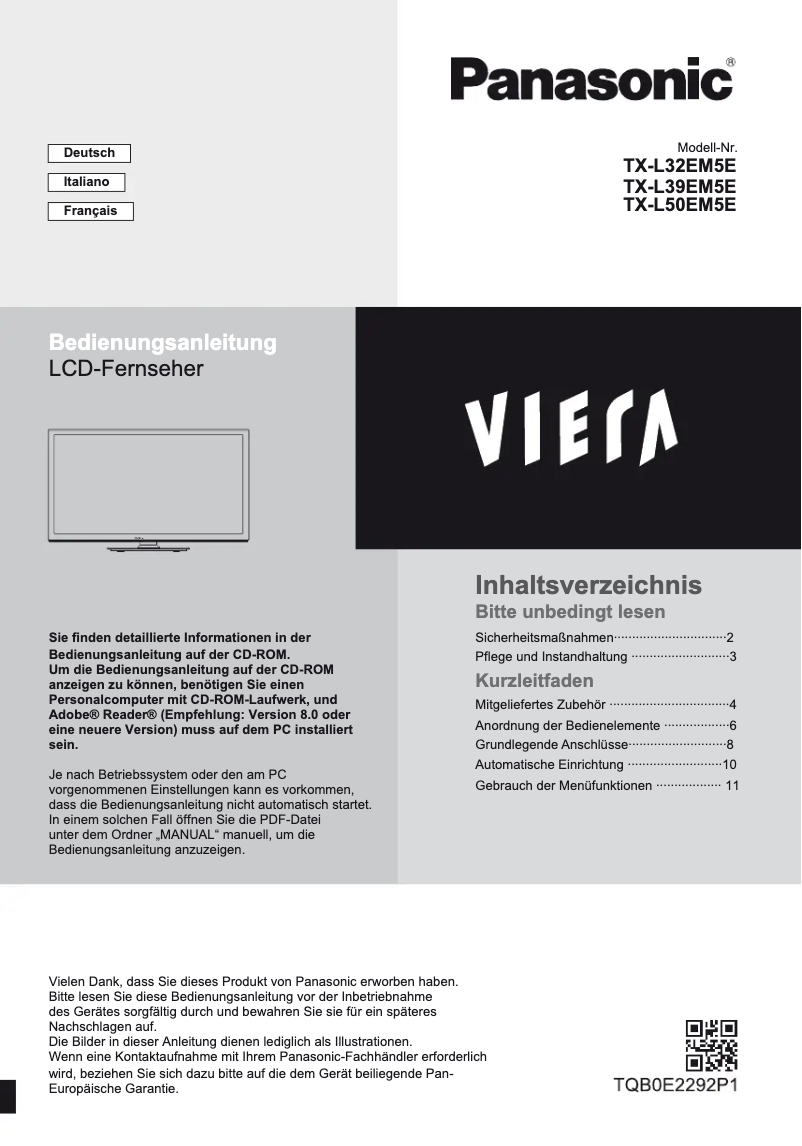
Manual of product TX-L32EM5
7 10

Editorial note

The Panasonic TX-L32EM5 is a television that stands out for its exceptional picture quality, thanks to the brand's advanced display technology. The vivid colors and precise details provide an enjoyable viewing experience, whether for movies, series, or sporting events. Additionally, its sleek and modern design allows for a harmonious integration into various types of interiors, adding an aesthetic touch to your space. However, some limitations can be noted. The 32-inch screen size may be insufficient for large rooms or for those seeking a cinematic immersion. Furthermore, although the performance is optimal, the TX-L32EM5 model does not offer certain modern features, such as 4K connectivity or built-in streaming apps, which may disappoint tech-savvy users. The sound quality may also require the addition of an external audio system for an enhanced experience. In terms of user experience, using the television is intuitive thanks to an available user manual. However, the user interface may seem outdated compared to the standards of recent models, making navigation less smooth. Despite these drawbacks, Panasonic's reliability and commitment to sustainability make this model a solid choice for those seeking a reliable and high-performing television.

Score details

User experience

The use is intuitive and user-friendly thanks to an available user manual, making it easy to set up and navigate through the various features.

Performance

The performance is optimal for a smooth viewing experience, but it may lack some modern features such as 4K connectivity.

Design

The design is sleek and modern, fitting perfectly into any type of interior and adding an aesthetic touch to the space.

Value for money

Although the image quality is exceptional, the 32-inch screen size may not justify the price for those seeking an immersive cinematic experience.

Robustness

The reliability of the Panasonic brand is an asset, recognized for its commitment to sustainability and the longevity of its products.

Usability

The user interface may seem outdated compared to newer models, making navigation less intuitive.

Features

The TX-L32EM5 model may lack some modern features, such as built-in streaming apps, which limits its appeal to tech-savvy users.


Advantages

Exceptional image with vibrant colors

Modern and elegant design

Intuitive and easy to use

Recognized reliability of Panasonic

Smooth viewing experience

Disadvantages

32-inch screen too small.

Lack of 4K and built-in apps.

Insufficient sound quality, requires an audio system.

Outdated and unintuitive user interface.

No automatic updates.

Technical Specifications TX-L32EM5

General Information

Frequently Asked Questions

What is the recommended viewing distance for my Panasonic TV?
The optimal viewing distance for your Panasonic TV depends on the screen size. Generally, it should be about 2.4 times the diagonal of the screen.
What should I do if my TV is no longer receiving a signal?
If your TV is not receiving a signal, you can check the following: - Make sure your TV is set to the correct source. - Check that the connections via HDMI or SCART are correct.
What are the dimensions of my TV screen?
The size of your TV is usually indicated in inches, where 1 inch equals 2.54 centimeters. This size refers to the diagonal of the screen, which you measure from the bottom left corner to the top right corner.
What does the acronym HDMI stand for?
HDMI stands for High-Definition Multimedia Interface. An HDMI cable allows for the transmission of audio and video signals between different devices.
Is it possible to connect devices from different brands via Bluetooth?
Yes, Bluetooth is a standard technology that allows connection between different Bluetooth-compatible devices.
How can I check if my Panasonic TX-L32EM5 TV won't turn on?
To diagnose if your Panasonic TX-L32EM5 TV won't turn on, follow these steps: 1. Check the power: Make sure the cord is plugged in. If you are using a power strip, check that it is working. 2. Test the outlet: Plug in another device to see if it works. 3. Check the remote: Press the power button on the remote. If it doesn't work, replace the batteries or use the button on the TV. 4. Perform a power cycle: Unplug the TV, wait a minute, then plug it back in. 5. Contact customer service: If the problem persists, contact Panasonic customer service for assistance.
What should I do if the image on my Panasonic TX-L32EM5 TV is distorted?
To resolve a distorted image on your Panasonic TX-L32EM5 TV, do the following: 1. Check the connections: Make sure all cables are properly connected. 2. Check the type of cable: Use the appropriate cable for your connection. 3. Check for interference: Ensure no electronic devices are causing interference. 4. Adjust the picture settings: Modify brightness, contrast, etc., in the menu. 5. Test with another device: Connect another device to see if the problem persists. If it does, contact Panasonic customer support.
How do I troubleshoot if my Panasonic TX-L32EM5 TV is not producing sound?
To address a sound issue on the Panasonic TX-L32EM5 TV, follow these steps: 1. Check the volume: Make sure it is not muted. 2. Check the audio source: Select the correct source. 3. Check external devices: Ensure they are properly connected and powered on. 4. Adjust audio settings: Configure the audio settings in the menu. 5. Reset the TV: If the problem persists, perform a factory reset. Contact customer support if necessary.
What should I do if the remote control is not working with my Panasonic TX-L32EM5 TV?
To troubleshoot remote control issues with the Panasonic TX-L32EM5 TV, follow these steps: 1. Check the batteries: Ensure they are properly inserted and charged. 2. Remove obstacles: Make sure nothing is blocking the signal. 3. Clean the remote: Ensure it is clean. 4. Reset the remote: Remove the batteries and press the buttons to discharge. Reinsert the batteries and try again. 5. Contact customer service: If it still doesn't work, contact Panasonic customer service.
How can I diagnose if my Panasonic TX-L32EM5 TV is not connecting to my Wi-Fi network?
To troubleshoot the Wi-Fi connection with your Panasonic TX-L32EM5 TV, follow these steps: 1. Check Wi-Fi settings: Ensure the Wi-Fi option is enabled and the correct network is selected. 2. Check the password: Make sure it is entered correctly. 3. Move closer to the router: If the TV is too far away, move it closer. 4. Restart the TV and router: Turn both off, wait a moment, then turn them back on. 5. Update the firmware: Check for available updates. If the problem persists, contact customer support.
How do I diagnose if the Panasonic TX-L32EM5 TV won't turn on?
To determine why the Panasonic TX-L32EM5 TV won't turn on, follow these steps: 1. Check the power: Make sure everything is plugged in. 2. Test the remote: Use the power button. 3. Check the power indicator: Observe the indicator light. 4. Reset the TV: Hold the power button for 10 seconds. 5. Contact customer service: If the problem persists, seek help from Panasonic.
What should I do if the image on the Panasonic TX-L32EM5 TV is distorted?
To correct a distorted image on the Panasonic TX-L32EM5 TV, follow these steps: 1. Check the connections: Ensure the cables are properly connected. 2. Check the type of cable: Use the correct type for each connection. 3. Inspect the ports: Make sure they are clean and in good condition. 4. Test with another device: Connect another device to see if the image is correct. 5. Adjust picture settings: Modify the settings in the menu. If the problem persists, contact customer support.
How do I resolve the issue if my Panasonic TX-L32EM5 TV is not producing sound?
To resolve the lack of sound on your Panasonic TX-L32EM5 TV, follow these steps: 1. Check the volume: Make sure it is not muted. 2. Check the audio source: Select the correct source. 3. Check external devices: Ensure they are properly connected. 4. Test different content: Try other sources to see if it works. 5. Reset audio settings: Access the audio settings and reset them. If the problem persists, contact customer support.
What should I do if the remote control is not working with my Panasonic TX-L32EM5 TV?
To resolve the remote control issue with the Panasonic TX-L32EM5 TV, follow these steps: 1. Check the batteries: Ensure they are correctly inserted and charged. 2. Clean the remote: Remove dust around the buttons. 3. Test the remote: Point it at the sensor and press a button. 4. Reset the remote: Remove the batteries, press the buttons, then reinsert the batteries. 5. Contact customer service: If the problem persists, seek help from Panasonic.
How do I troubleshoot if my Panasonic TX-L32EM5 TV is not connecting to my Wi-Fi network?
To resolve the Wi-Fi connection on your Panasonic TX-L32EM5 TV, follow these steps: 1. Check Wi-Fi settings: Ensure they are correct. 2. Check the password: Make sure it is correct. 3. Move closer to the router: Move the TV closer to the router if necessary. 4. Restart the devices: Turn off the TV and router, then turn them back on. 5. Update the firmware: Check for available updates. If the problem persists, contact customer support.
Is the manual for the Panasonic TX-L32EM5 available in French?
Yes, the manual for the Panasonic TX-L32EM5 is available in French.

Similar products


Discover the technical sheet of Viera TX-L55ET5E from Panasonic and its manuals...
Available manuals:
Discover the technical sheet of Viera TX-LF32E30 from Panasonic and its manuals...
Available manuals:
Discover the technical sheet of 55LED1600 from Salora and its manuals...
Available manuals:
Discover the technical sheet of 28LED1600 from Salora and its manuals...
Available manuals:
Discover the technical sheet of 43LED1600 from Salora and its manuals...
Available manuals:
Discover the technical sheet of Viera TX-L47ET5E from Panasonic and its manuals...
Available manuals:
Discover the technical sheet of 20LED1600 from Salora and its manuals...
Available manuals:
Discover the technical sheet of Viera TX-L42ET5E from Panasonic and its manuals...
Available manuals:
Discover the technical sheet of 22LED1600 from Salora and its manuals...
Available manuals:
Discover the technical sheet of Viera TX-L42U2E from Panasonic and its manuals...
Available manuals:
Discover the technical sheet of Viera TX-L55DT65B from Panasonic and its manuals...
Available manuals:
Discover the technical sheet of 32LED1600 from Salora and its manuals...
Available manuals:

Presentation of product TX-L32EM5 specifications from brand Panasonic

General Information

The Panasonic TX-L32EM5 television is a model from the Panasonic brand, known for its excellence and innovation in the electronics sector. This 32-inch television is designed to deliver quality performance and a pleasant viewing experience, suitable for various types of content, whether movies, series, or sporting events.

Advantages

This model stands out for its exceptional image quality, thanks to Panasonic's advanced display technology, which ensures vibrant colors and precise details. Its elegant and modern design allows for seamless integration into any type of interior, adding an aesthetic touch to your living space. Additionally, the device is designed to be user-friendly, with a clear user manual that simplifies setup and navigation among the various features. The reliability of the Panasonic brand is also an asset, known for its commitment to the durability and longevity of its products. Finally, its optimal performance ensures a smooth and enjoyable viewing experience.

Disadvantages

However, some aspects may not suit all users. The 32-inch screen size may seem insufficient for large rooms or for those seeking a complete cinematic immersion. Moreover, the TX-L32EM5 model does not offer certain modern features such as 4K connectivity or built-in streaming apps, which are becoming increasingly common in recent televisions. The sound quality may also be deemed inadequate by some, requiring the addition of an external audio system for a better listening experience. Finally, the user interface may appear outdated compared to other models, which could make navigation less intuitive. It is worth noting that there is no support for automatic update technologies, which could limit the product's lifespan in the face of technological advancements.

