

Manuals of product Viera TX-65EX730E

Editorial note
The Panasonic Viera TX-65EX730E is a television that stands out for its exceptional picture quality, thanks to Panasonic's advanced technology, offering vibrant colors and deep contrasts. The overall user experience is positive, with an intuitive interface, although some users find it occasionally not very smooth. However, this model has some drawbacks. Its price is high compared to other similar televisions, which may not suit all budgets. Additionally, while the picture quality is generally good, some users report a lack of black depth in low-light conditions. Connectivity could also be improved, as it lacks some modern ports like HDMI 2.1, limiting compatibility with the latest devices. Regarding durability, the Panasonic brand is known for its longevity and innovation, which reassures users about the lifespan of their purchase. The available documents, such as the user manual and quick start guide, make installation and use easier. However, the audio quality of the built-in speakers does not always meet expectations, which may require an external audio system for an enhanced sound experience. Overall, the Panasonic Viera TX-65EX730E is a good choice for those seeking superior picture quality and an accessible user interface, while being aware of its limitations in terms of connectivity and audio quality.Score details
User experience
The user experience is generally positive, with an intuitive interface, although some users find it somewhat sluggish.
Performance
The image quality is exceptional, but a few users noted a lack of black depth in low-light conditions.
Value for money
The price is high compared to other similar models, which may not suit all budgets.
Robustness
The robustness and reliability of the Panasonic brand are recognized, ensuring durability and innovation.
Features
Access to a multitude of multimedia features, but connectivity may lack some modern ports like HDMI 2.1.
Support
Available documents, such as the user manual and quick start guide, make installation and use easier.
audio_quality
The built-in speakers do not provide audio quality that meets expectations, requiring an external audio system for a better experience.
Advantages
Exceptional image quality and vibrant colors
Intuitive interface and easy navigation
Access to a wide range of multimedia content
Durability and reliability of the Panasonic brand
Manuals available for easy installation
Disadvantages
High price compared to competitors
Blacks lacking depth in low light
Absence of modern HDMI 2.1 ports
Unintuitive user interface
Disappointing built-in audio quality
Technical Specifications Viera TX-65EX730E
General Information
-
ModelVIERA TX-65EX730E
-
Brand
-
Category
-
Type
-
SKU1120244
-
MPN1120244
Frequently Asked Questions
What is the recommended viewing distance for my Panasonic television?
What should I do if my television is not receiving a signal?
What are the dimensions of my television screen?
What does the acronym HDMI stand for?
Is it possible to connect devices from different brands via Bluetooth?
Is the manual for the Panasonic Viera TX-65EX730E available in French?
Similar products


More product categories from brand Panasonic
Home appliances Panasonic
Phones Panasonic
Audio Panasonic
Camera and photography Panasonic
Personal care Panasonic
Other Panasonic
Tools Panasonic
Interior Panasonic
More product types from brand Panasonic








Presentation of product Viera TX-65EX730E specifications from brand Panasonic
General Information
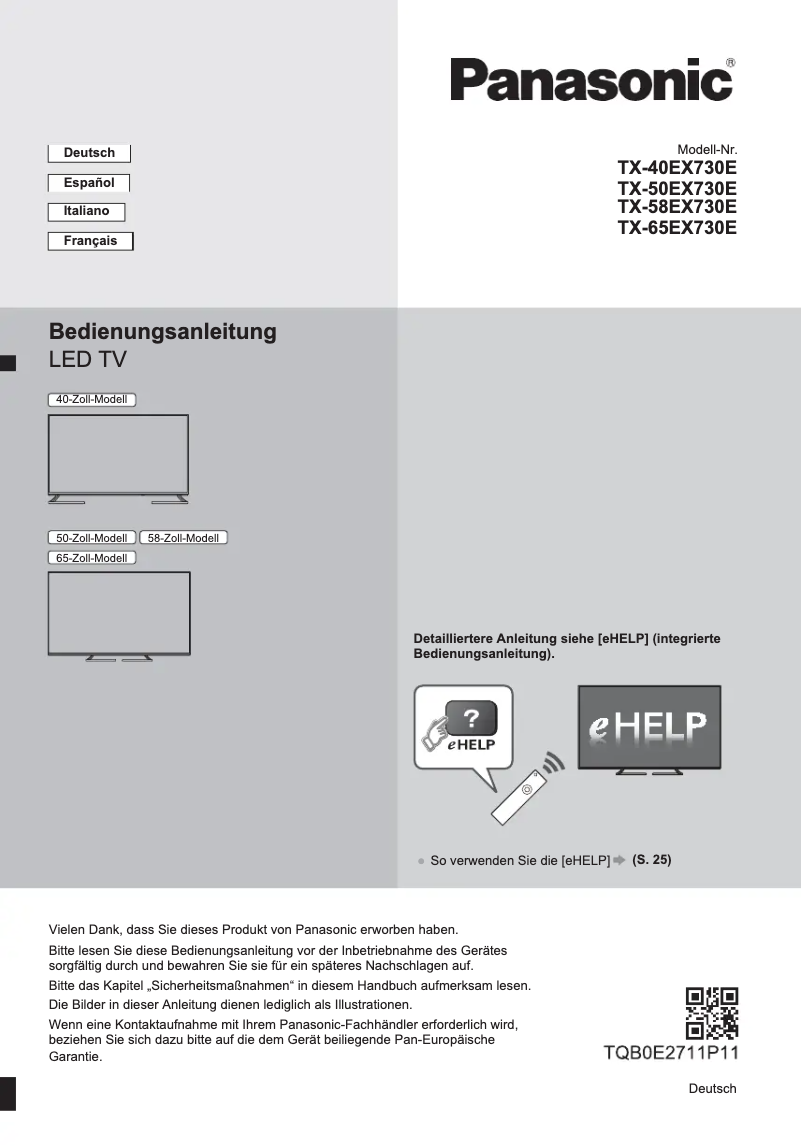
The Panasonic Viera TX-65EX730E is a television from the Panasonic brand, known for its excellence and innovation in the consumer electronics sector. This 65-inch model is designed to provide an immersive viewing experience, combining visual performance with advanced features.
Thanks to Panasonic's cutting-edge technology, this television offers exceptional picture quality, resulting in vibrant colors and deep contrasts. The user interface is designed to be intuitive, making it easy to navigate between different sources and multimedia content.
The Viera TX-65EX730E provides access to a wide range of multimedia features, allowing you to enjoy movies, series, and games in high definition. In addition to its robustness, this model is backed by Panasonic's reputation for reliability, ensuring durability and innovation.
For simplified installation, documents such as the user manual and quick start guide are provided, ensuring easy use from the start.
Advantages
- Impressive picture quality with vivid colors and striking contrasts.
- User-friendly interface that facilitates navigation between different content sources.
- Access to a variety of multimedia features for an enriching experience.
- Strong reputation for durability and reliability associated with the Panasonic brand.
- Included documentation for simplified installation and use.
Disadvantages
- Relatively high price compared to other similar models, which may not suit all budgets.
- Some users have noted a lack of black depth, which may affect viewing in low-light environments.
- Connectivity, while satisfactory, may not include modern ports like HDMI 2.1, limiting compatibility with new technologies.
- The user interface may seem unintuitive to some, making navigation less smooth.
- The built-in speakers may not provide the expected audio quality, potentially requiring an external audio system for a better sound experience.


