
Manual of product Viera TX-L55WT50E
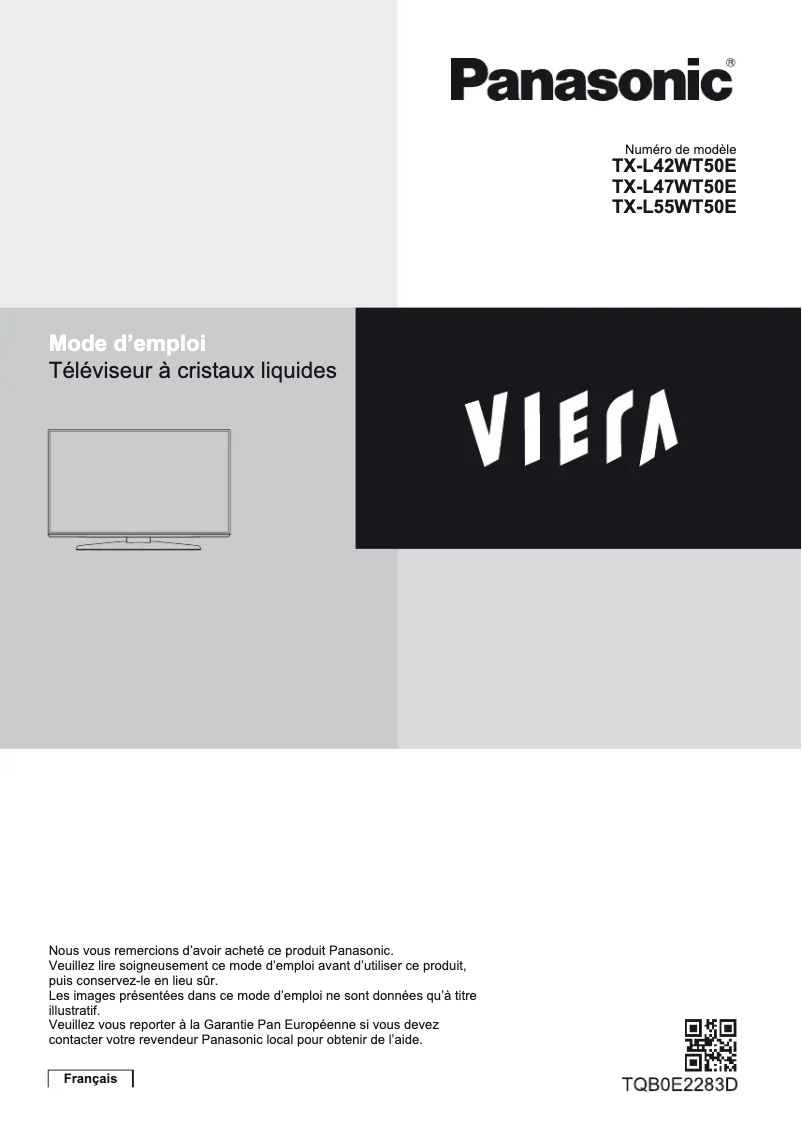
Editorial note
The Panasonic Viera TX-L55WT50E stands out for its exceptional picture quality, thanks to advanced technology that offers vibrant colors and deep contrasts, ensuring an immersive viewing experience. Its sleek and modern design allows it to blend harmoniously into any type of interior, adding a touch of sophistication to your space. However, this model has some drawbacks. Its price can be relatively high compared to other televisions of similar size, which may not suit all budgets. Additionally, although the picture quality is generally very good, some users have reported backlighting issues in dark lighting conditions. Installation can also be problematic due to its weight, potentially requiring the assistance of two people. Finally, the limited connectivity in HDMI or USB ports may frustrate users eager to connect multiple devices. In terms of user experience, ease of use is a plus, thanks to the provided manual, although the interface may seem less intuitive than that of some competitors. The reliability of the Panasonic brand is another strong point, ensuring durability and longevity. Overall, the Panasonic Viera TX-L55WT50E is a solid choice for those seeking excellent picture quality and an attractive design, provided that its limitations in terms of price and connectivity are taken into account.Score details
User experience
Ease of use is a strong point, thanks to the user manual, but the interface may be less intuitive than that of some competitors.
Performance
Performance is optimal for watching multimedia content, providing an immersive experience with vibrant colors and deep contrasts.
Design
The design is sleek and modern, perfectly integrating the television into any type of interior while adding a touch of sophistication.
Value for money
The price can be relatively high compared to other similar models, which may not suit all budgets.
Robustness
The reliability of the Panasonic brand is recognized, ensuring appreciable durability and longevity.
Features
Although the picture quality is exceptional, some users report backlight issues in dark lighting conditions.
Usability
The weight of the television can make installation difficult, and the limited connectivity in HDMI or USB ports can be frustrating for some users.
Advantages
Exceptional image quality and vibrant colors
Modern and elegant design for all interiors
Quick and intuitive setup with the manual
Reliability of the Panasonic brand, durable
Optimal performance for movies and games
Disadvantages
High price compared to other models
Reported backlight issues
Difficult installation due to weight
Unintuitive user interface
Limited HDMI and USB connectivity
Technical Specifications Viera TX-L55WT50E
General Information
-
ModelVIERA TX-L55WT50E
-
Brand
-
Category
-
Type
-
SKU869671
-
MPN869671
Frequently Asked Questions
What is the recommended viewing distance for my Panasonic TV?
What should I do if my television is no longer receiving a signal?
What are the dimensions of my television screen?
What does the acronym HDMI stand for?
Is it possible to connect devices from different brands via Bluetooth?
How do I connect my cable or satellite box to my Panasonic Viera TX-L55WT50E?
How do I activate the built-in Wi-Fi function on my Panasonic Viera TX-L55WT50E?
How do I change the picture settings on my Panasonic Viera TX-L55WT50E?
How do I access the smart TV features on my Panasonic Viera TX-L55WT50E?
How do I set up and adjust the audio settings on my Panasonic Viera TX-L55WT50E?
Is the manual for the Panasonic Viera TX-L55WT50E available in French?
Similar products


More product categories from brand Panasonic
Home appliances Panasonic
Phones Panasonic
Audio Panasonic
Camera and photography Panasonic
Personal care Panasonic
Other Panasonic
Tools Panasonic
Interior Panasonic
More product types from brand Panasonic








Presentation of product Viera TX-L55WT50E specifications from brand Panasonic
General Information
The Panasonic Viera TX-L55WT50E is a television from the Panasonic brand, known for its excellence and commitment to innovation in the multimedia device sector. This model, the TX-L55WT50E, is designed to deliver superior performance and an enhanced visual experience, whether for watching movies, series, or playing video games.
Advantages
This television stands out for its remarkable picture quality, thanks to advanced technology that offers vibrant colors and deep contrasts, ensuring total immersion during your viewing. Its modern and elegant design allows it to blend harmoniously into any interior, adding a touch of sophistication. Moreover, the ease of use is a major asset, with a clear user manual that facilitates initial setup. The reliability of the brand Panasonic ensures exemplary durability, reinforcing users' confidence in the longevity of this product. Finally, the optimal performance of the television guarantees an improved user experience for all your multimedia content.
Disadvantages
However, the Panasonic Viera TX-L55WT50E has some drawbacks. Its price can be relatively high compared to other televisions of similar size, which may pose a barrier for some budgets. Although the picture quality is generally excellent, some users have noted backlight issues, such as light bleed in dark lighting conditions. Additionally, the weight of the television can make installation tricky, potentially requiring the assistance of two people. The user interface and operating system may also seem less intuitive compared to those of some competitors, which could cause some frustration. Finally, the limited connectivity in terms of HDMI and USB ports may pose problems for users wishing to connect multiple devices simultaneously.


