
Manual of product Viera TX-P65VT60
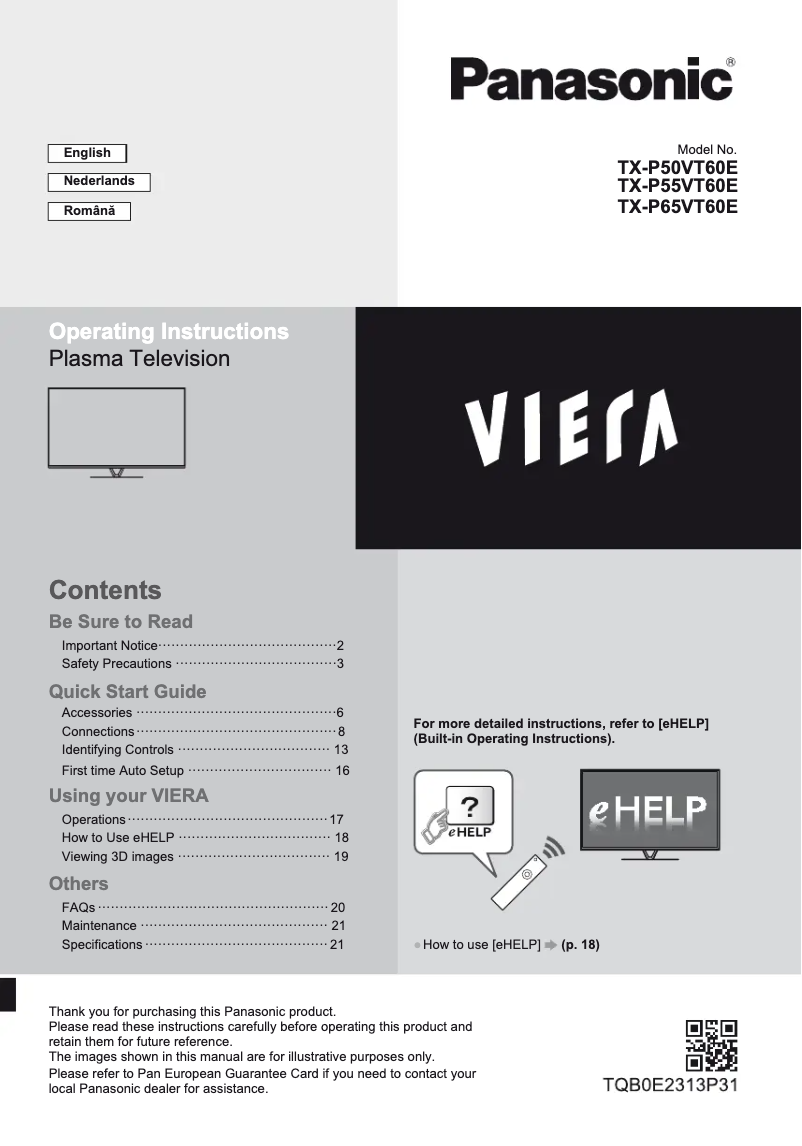
Editorial note
The Panasonic Viera TX-P65VT60 stands out for its exceptional picture quality, thanks to plasma technology that offers deep blacks and vibrant colors. This 65-inch television is particularly appreciated by movie enthusiasts and sports fans, providing an immersive viewing experience. Additionally, its sleek and modern design allows for seamless integration into any type of interior, thereby enhancing its aesthetic appeal. However, this model also has some drawbacks. Its size and weight can pose challenges during installation or relocation. Furthermore, although plasma technology is known for its quality, it can be prone to image retention issues if static images are displayed for too long. Moreover, the purchase cost is relatively high compared to other LED or OLED televisions, which may make it less accessible for some consumers. Finally, its age limits support for the latest connectivity and smart TV technologies, and its energy consumption is higher than that of many LED models, which can lead to higher electricity bills. Overall, the Panasonic Viera TX-P65VT60 is an excellent choice for those seeking superior picture quality and an attractive design, but it is important to consider its drawbacks before making a purchase.Score details
User experience
The user experience is enhanced by advanced features and an available user manual, providing a practical guide.
Performance
The image quality is exceptional thanks to plasma technology, offering deep blacks and vibrant colors.
Design
The design is sleek and modern, fitting harmoniously into any type of interior.
Value for money
The purchase cost is high compared to other LED or OLED TVs with similar features, which may make it less accessible.
Robustness
The Panasonic brand is known for its reliability and the durability of its products, although the model is relatively heavy and bulky.
Features
Some of the latest connectivity and smart TV technologies are not supported by this model due to its age.
Battery life
The energy consumption is higher than that of LED models, which can lead to higher electricity bills in the long run.
Advantages
Exceptional image quality with deep blacks
Modern design that fits into any interior
Recognized reliability of the Panasonic brand
Advanced features and user guide available
65-inch screen for an immersive experience
Disadvantages
Heavy and cumbersome to move
Risks of image retention
High purchase cost
Higher energy consumption
Obsolete connectivity technologies
Technical Specifications Viera TX-P65VT60
General Information
-
ModelVIERA TX-P65VT60
-
Brand
-
Category
-
Type
-
SKU869653
-
MPN869653
Frequently Asked Questions
What is the recommended viewing distance for my Panasonic TV?
What should I do if my TV is no longer receiving a signal?
What are the dimensions of my TV screen?
What does the acronym HDMI stand for?
Can I establish a Bluetooth connection between devices from different brands?
How do I change the picture settings on my Panasonic Viera TX-P65VT60 TV?
Why is the sound not working on my Panasonic Viera TX-P65VT60 TV?
How do I connect external devices to my Panasonic Viera TX-P65VT60 TV?
Why is my remote control not working with my Panasonic Viera TX-P65VT60 TV?
How do I reset the settings on my Panasonic Viera TX-P65VT60 TV?
Is the manual for the Panasonic Viera TX-P65VT60 available in French?
Similar products


More product categories from brand Panasonic
Home appliances Panasonic
Phones Panasonic
Audio Panasonic
Camera and photography Panasonic
Personal care Panasonic
Other Panasonic
Tools Panasonic
Interior Panasonic
More product types from brand Panasonic








Presentation of product Viera TX-P65VT60 specifications from brand Panasonic
General Information
The Panasonic Viera TX-P65VT60 is a television from the Panasonic brand, known for its excellence and innovation in the field of electronic equipment. This 65-inch model is designed to provide an immersive and high-quality visual experience, integrating advanced technologies that enhance performance and user interaction.
Advantages
This television stands out for its exceptional picture quality, thanks to its plasma technology that produces deep blacks and vibrant colors. Its modern and elegant design easily blends with all interior styles, making it an aesthetic choice for any living space. Furthermore, the reliability associated with the Panasonic brand ensures appreciable durability. The Viera TX-P65VT60 also offers an enhanced user experience thanks to its advanced features and a handy user manual. For movie and sports enthusiasts, the large 65-inch screen size is an undeniable asset, creating a captivating atmosphere.
Disadvantages
However, several disadvantages must be taken into account. This model is relatively heavy and bulky, which can pose challenges during installation or relocation. Additionally, although plasma technology is known for its picture quality, it can be prone to image retention (burn-in) issues if static images are displayed for long periods. The purchase cost of this television is also high compared to other LED or OLED models, which could make it less accessible for some consumers. Moreover, its energy consumption may be higher than that of LED televisions, leading to higher electricity bills in the long run. Finally, due to its age, it may not support some of the latest connectivity and smart TV technologies, thus limiting its features compared to newer models.


