

Manuals of product M6550N

Editorial note
The Pantum M6550N printer stands out for its optimal performance, offering fast and quality printing for everyday tasks. As a multifunction model, it also allows for scanning and copying, making it versatile and suitable for various needs both at the office and at home. The Pantum brand has a solid reputation for reliability and innovation, ensuring users a durable and efficient product. However, some drawbacks deserve to be highlighted. The printing speed may be lower than that of some competing models, which could disappoint users with high printing volumes. Additionally, the cost of toner cartridges can be relatively high, thus increasing long-term expenses for frequent use. Furthermore, compatibility with certain operating systems may pose difficulties during installation, and the print quality of images may not meet the expectations of professional users. Regarding the user experience, although the interface is generally user-friendly, some may find the control panel not very intuitive. On the other hand, the documentation is easily accessible through a user manual and a FAQ, thus facilitating the optimization of its use. In summary, the Pantum M6550N represents an interesting choice for those looking for a reliable and versatile printer, while remaining mindful of its limitations in terms of cost and printing speed.Score details
User experience
The user experience is generally positive due to a user-friendly interface, but some users may find the control panel unintuitive.
Performance
Performance is high for common tasks, but printing speed may be lower than that of some competing models.
Value for money
The cost of toner cartridges can be relatively high, which may increase long-term expenses.
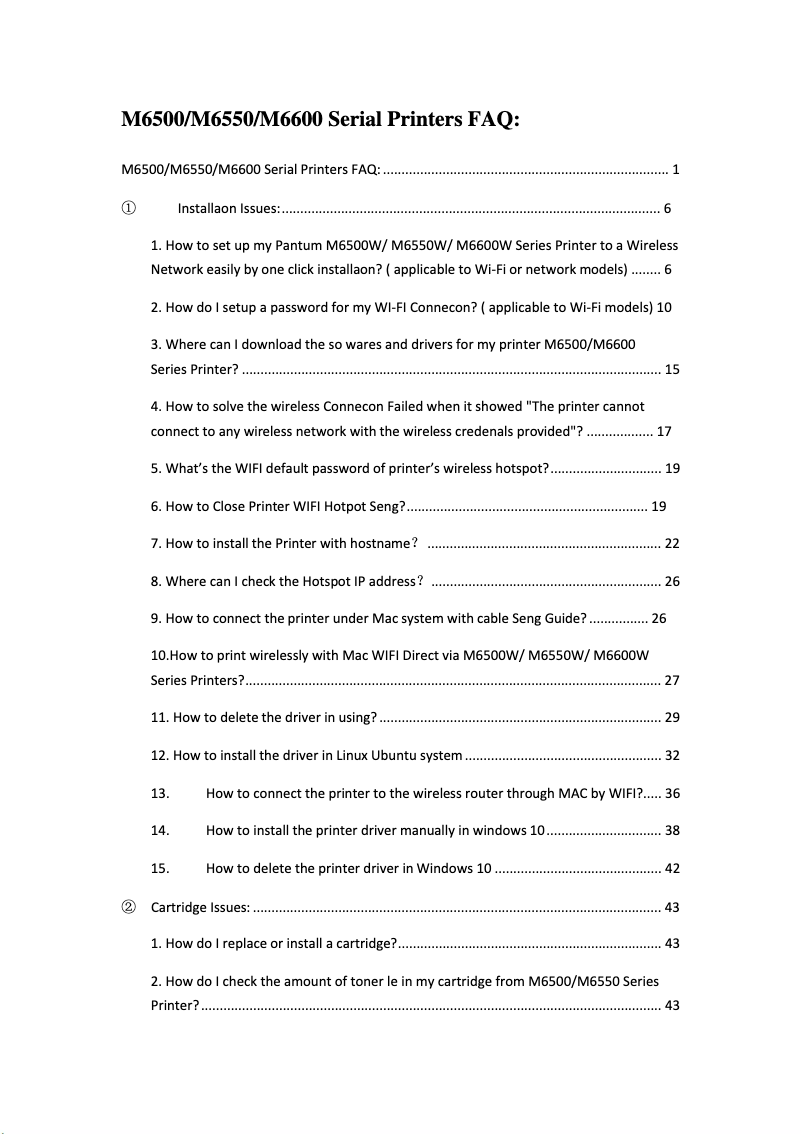
Documentation
Documentation is easily accessible, with a user manual and FAQ available, making it easier to optimize usage.
Robustness
Pantum is recognized for its reliability and commitment to quality, ensuring a durable and effective product.
Features
The versatility of the printer, which allows for printing, scanning, and copying, meets the diverse needs of users.
Advantages
High-speed printing performance
Multifunction printer: prints, scans, copies
Reliable and innovative brand
Easily accessible manual and FAQ
User-friendly interface for all users
Disadvantages
Limited compatibility with certain operating systems
Printing speed lower than some competitors
High cost of toner cartridges
Insufficient image printing quality
Unintuitive user interface
Technical Specifications M6550N
General Information
-
ModelM6550N
-
Brand
-
Category
-
Type
-
SKU1453475
-
MPN1453475
Frequently Asked Questions
What is the best method to remove paper stuck in the printer?
Why does my printer not recognize original cartridges?
What could be the reasons for poor print quality?
What is the difference between a laser printer and an inkjet printer?
Why does my inkjet printer leave black streaks on prints?
What does the abbreviation DPI mean?
Is the manual for the Pantum M6550N available in French?
Similar products


More product categories from brand Pantum
More product types from brand Pantum

Presentation of product M6550N specifications from brand Pantum
General Information
The Pantum M6550N printer is a model from the Pantum brand, known for its commitment to quality and innovation in the field of office equipment. This multifunction model, which combines printing, scanning, and copying, is designed to meet the diverse needs of users, whether at home or in the office. With its advanced features, the Pantum M6550N stands out for its ability to deliver impressive results while optimizing the user experience.
Advantages
Optimal performance: This model is designed to provide fast and high-quality prints, ensuring efficiency during daily use.
Versatility: As a multifunction printer, it not only allows printing but also scanning and copying, making it ideal for a variety of tasks.
Brand reliability: Pantum is renowned for its commitment to durability and performance, which inspires confidence in users.
Accessible documentation: The user manual and FAQ provided greatly facilitate the setup and optimization of the device.
Enhanced user experience: With an intuitive interface, the Pantum M6550N is easy to use, even for those who are not very familiar with technology.
Disadvantages
Limited compatibility: The printer may encounter compatibility issues with certain operating systems or software, which can make installation difficult for some users.
Printing speed: The printing speed may be lower than that of some competing models, which can be a disadvantage for users with high printing volumes.
Cost of cartridges: Toner cartridges can be relatively expensive, increasing long-term expenses for users who print frequently.
Limited print quality: The print quality of images and graphics may not meet the expectations of professional users or those with specific needs.
User interface: Some users may find the control panel not very intuitive, making navigation and adjustments more complicated.


