
Manual of product Aficio 3025
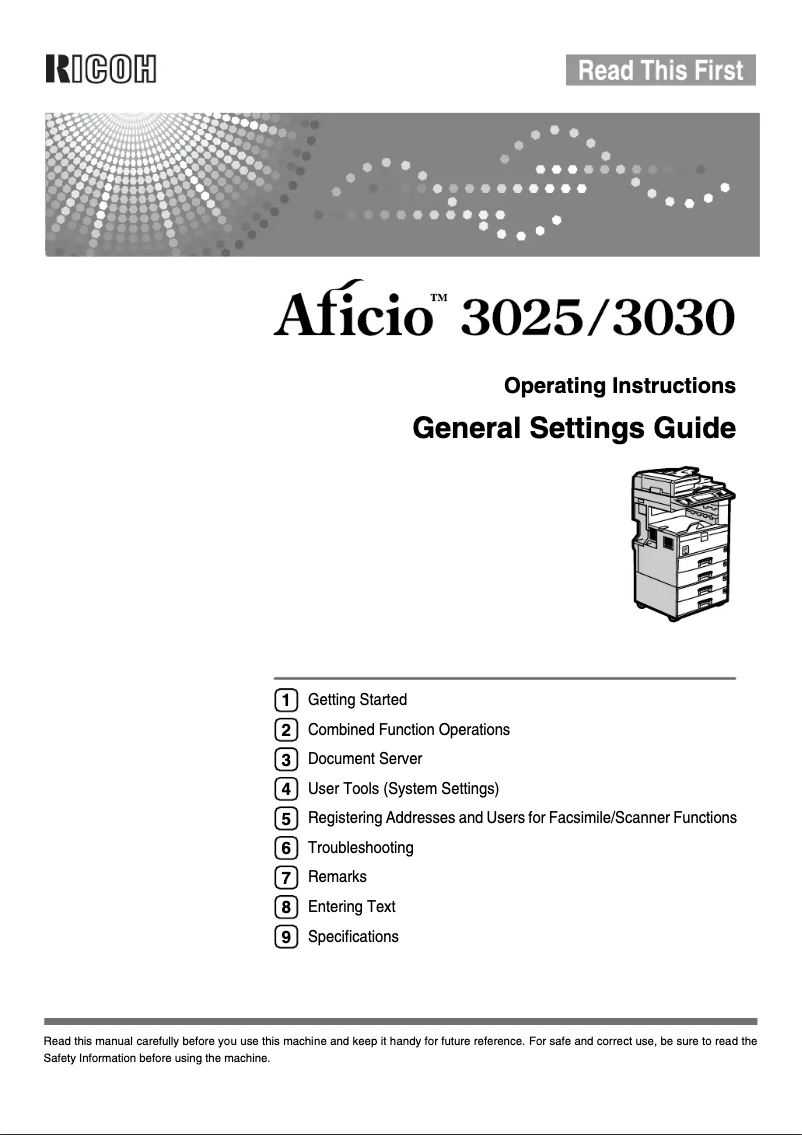
Editorial note
The Ricoh Aficio 3025 stands out for its high print quality, delivering sharp and professional documents, perfect for demanding office environments. In addition to its printing capabilities, this versatile device also offers copying and scanning features, making it a comprehensive tool to meet various needs. Furthermore, it is designed to optimize energy consumption, thereby helping to reduce operational costs and environmental impact. However, the Ricoh Aficio 3025 also has some drawbacks. Its purchase and maintenance costs can be high, which may pose a problem for small businesses. Additionally, its bulky size can complicate installation in limited workspaces. The warm-up time can also slow down workflow, especially in high-demand environments. Finally, although the user interface is user-friendly, some users may find it complex, requiring a learning curve. In summary, the Ricoh Aficio 3025 is a wise choice for businesses looking for a reliable and high-performing device, provided that investment and space costs are taken into account.Score details
User experience
The handling is facilitated by a user-friendly interface and a comprehensive user manual, but some users may find the interface complex to use.
Performance
The Ricoh Aficio 3025 offers excellent print quality and versatility with copying and scanning features, but the warm-up time can slow down the workflow.
Value for money
The purchase and maintenance costs can be high, which may not be suitable for all businesses, especially small ones.
Design
The size of the printer can be bulky, making installation difficult in small workspaces.
Battery life
Although the printer is energy efficient, the toner cartridges can be expensive to replace, thus increasing long-term operational expenses.
Advantages
High-quality printing
Copying and scanning features
Optimal energy efficiency
User-friendly and easy-to-use interface
Reliable and durable brand
Disadvantages
High purchase and maintenance cost
Bulky size for small spaces
Long preheating time
Complex user interface
Expensive toner cartridges
Technical Specifications Aficio 3025
General Information
-
ModelAFICIO 3025
-
Brand
-
Category
-
Type
-
SKU87029
-
MPN87029
Frequently Asked Questions
What is the recommended method for removing paper jammed in the printer?
Why does my printer not recognize the original cartridges?
What are the possible causes of poor print quality?
What is the difference between a laser printer and an inkjet printer?
Why does my inkjet printer leave black streaks on prints?
What does the acronym DPI mean?
Is the manual for the Ricoh Aficio 3025 available in French?
Similar products


More product categories from brand Ricoh
More product types from brand Ricoh



Presentation of product Aficio 3025 specifications from brand Ricoh
General Information
The Ricoh Aficio 3025 is a multifunction printer from the brand Ricoh, known for its commitment to quality and innovation in the field of office equipment. This model, the Aficio 3025, is designed to deliver exceptional performance and intuitive use, meeting the demands of modern professional environments.
Advantages
Superior print quality: The Ricoh Aficio 3025 produces sharp and precise prints, ideal for high-level professional documents.
Functional versatility: In addition to printing, this device also allows for copying and scanning, making it indispensable for various office tasks.
Energy efficiency: Designed to minimize energy consumption, this device helps reduce costs while being environmentally friendly.
Ease of use: With its user-friendly interface and user manual, getting started with the printer is quick and intuitive.
Reliability: The Ricoh brand is synonymous with durability, ensuring increased confidence in the longevity and performance of the device.
Disadvantages
Acquisition and maintenance costs: The purchase price and the cost of consumables can be high, which may not be suitable for all organizations, especially small businesses.
Bulkiness: The size of the printer can pose installation challenges in tight workspaces.
Warm-up time: A relatively long warm-up time can delay workflow in high-demand environments.
Interface complexity: For some users, the interface may seem complex, requiring an adjustment period for optimal use.
Toner cartridge costs: Toner cartridges can represent a significant investment, thereby increasing long-term operational expenses.


