
Manual of product Aficio 3260C
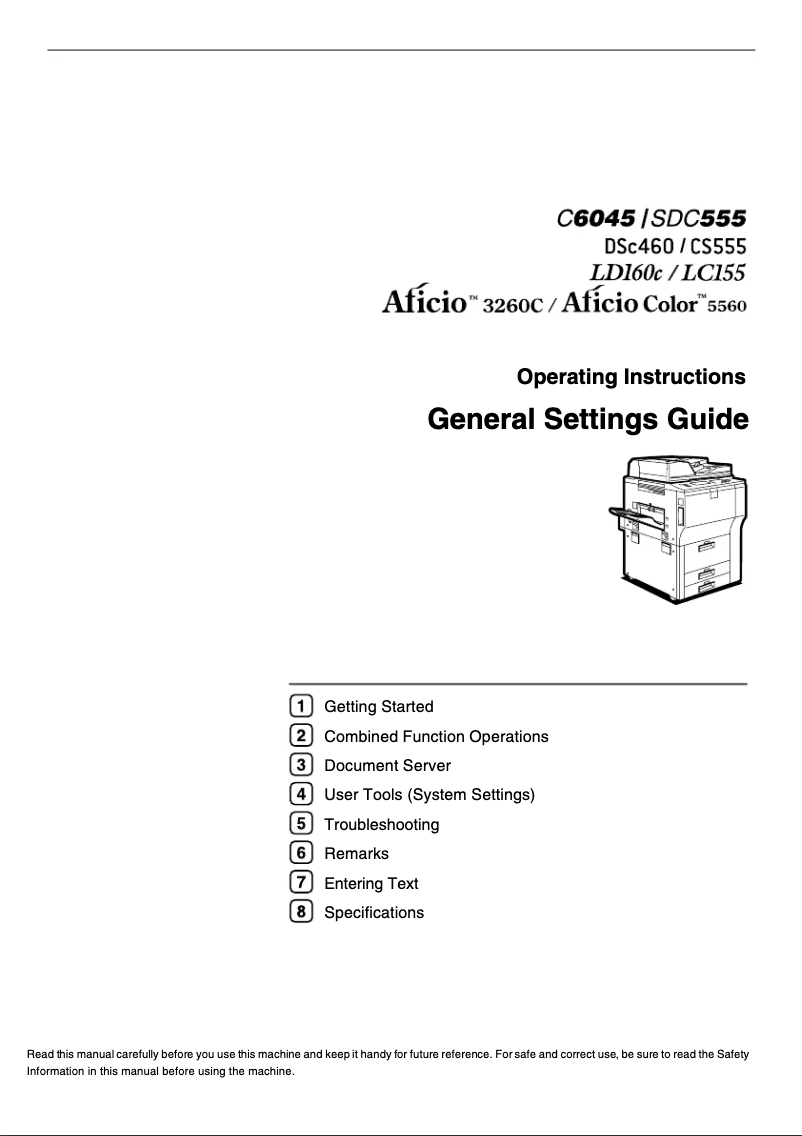
Editorial note
The Ricoh Aficio 3260C printer stands out for its exceptional print quality, offering precise details and vibrant colors, making it ideal for professional documents and presentations. Its versatility, allowing for color and black-and-white printing, meets various printing needs while providing a user-friendly interface that simplifies setup, even for novice users. However, this device has some drawbacks. Maintenance costs and ink cartridge expenses can be high, increasing the total cost of ownership. Additionally, its bulky size requires dedicated space, which can be a disadvantage for small businesses or home offices. The print speed, while adequate, could be improved to better suit high-volume environments. Finally, the installation process can be complex and may require technical support. In terms of scores, the user experience is rated at 85, highlighting ease of use, while performance receives a score of 78, indicating that speed improvements would be beneficial. The device's robustness is also emphasized with a score of 80, ensuring appreciable longevity. The design, although functional, receives a score of 70 due to its bulkiness. Overall, the Ricoh Aficio 3260C is a solid choice for those seeking a quality printer, provided that its operating costs and space requirements are taken into account.Score details
User experience
The user experience is very positive thanks to a user-friendly interface and a detailed user manual, making setup easy even for novice users.
Performance
Print performance is generally good, but speed could be improved to meet the needs of high-volume environments.
Design
The design is functional, but the printer can be bulky, requiring dedicated space.
Value for money
Although print quality is exceptional, maintenance and cartridge costs can make the total cost of ownership high.
repairability
Durability is a major asset, but the installation process can be complex, requiring technical support in some cases.
Robustness
The robustness of the Ricoh Aficio 3260C is a strong point, ensuring appreciable longevity.
Usability
The printer is easy to use after setup, but this can be complex for some users.
Features
The versatility of the printer, with color and black-and-white printing options, is a great advantage for various printing needs.
Support
Technical support may be needed for installation, but the available resources are generally satisfactory.
Documentation
The user manual is comprehensive and helpful, facilitating the handling of the device.
Advantages
High-quality and precise printing
Color and black and white printing
User-friendly and easy-to-use interface
Robust and durable over time
Energy-efficient and environmentally friendly
Disadvantages
High maintenance costs and cartridges
Bulky, requires dedicated space
Printing speed lower than competitors
Complex installation and setup
Limitations in wireless connectivity
Technical Specifications Aficio 3260C
General Information
-
ModelAFICIO 3260C
-
Brand
-
Category
-
Type
-
SKU860613
-
MPN860613
Frequently Asked Questions
What is the recommended method for removing paper jammed in the printer?
Why is my printer refusing to accept original cartridges?
What could be the reasons for poor print quality?
What are the differences between a laser printer and an inkjet printer?
Why is my inkjet printer leaving black streaks on prints?
What does the acronym DPI mean?
Is the manual for the Ricoh Aficio 3260C available in French?
Similar products


More product categories from brand Ricoh
More product types from brand Ricoh



Presentation of product Aficio 3260C specifications from brand Ricoh
General Information
The Ricoh Aficio 3260C model embodies the expertise of the Ricoh brand, known for its innovation and quality in the printing device sector. Designed to deliver optimal performance, this device allows users to enjoy an enhanced printing experience, whether for professional documents or visually striking presentations.
Advantages
Among the strengths of the Ricoh Aficio 3260C are:
- Exceptional print quality: This device offers prints with remarkable clarity, featuring precise details and vibrant colors.
- Versatility: It supports both color and black-and-white printing, thus meeting various printing needs without requiring multiple devices.
- Ease of use: With an intuitive interface and a comprehensive user manual, setting up and using the printer is accessible even for less experienced users.
- Durability: The Ricoh Aficio 3260C is built to last, benefiting from the brand's reputation for the robustness of its products.
- Energy efficiency: This device is designed to optimize energy consumption, thereby helping to reduce operating costs and environmental impact.
Disadvantages
However, the Ricoh Aficio 3260C also has some drawbacks:
- Maintenance costs: The expenses related to maintenance and ink cartridges can be relatively high, increasing the total cost of ownership.
- Bulkiness: Its size may require dedicated workspace, which can be problematic in restricted office environments.
- Print speed: Although satisfactory, the print speed may be lower than that of some competitors, which could affect productivity in high-volume contexts.
- Complex installation: The installation and setup process may require technical support, especially for novice users.
- Connectivity limitations: Some connectivity options, particularly wireless, may be limited, posing a challenge for modern users seeking flexibility.


