

Manual of product Aficio SP 4100N
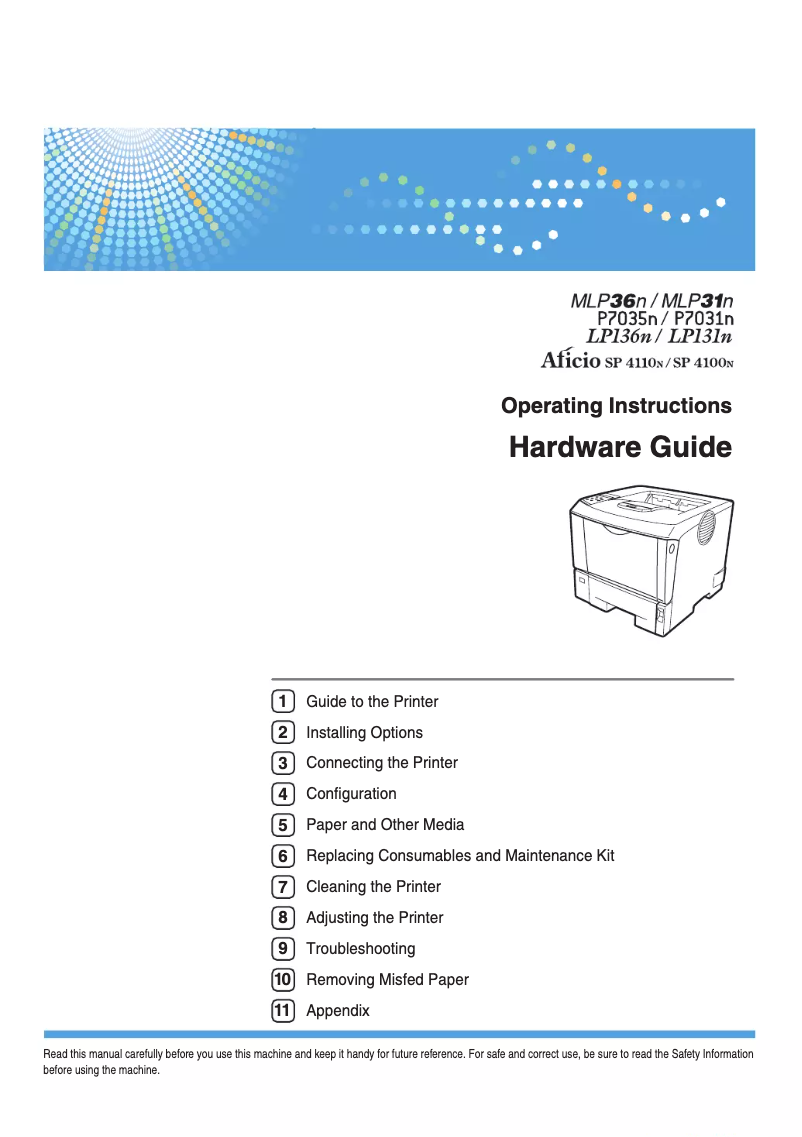
Editorial note
The Ricoh Aficio SP 4100N printer stands out for its solid performance, offering a printing speed of 31 pages per minute and a high resolution of 600 x 1200 DPI. These features make it an interesting choice for professional work environments where speed and clarity of prints are essential. Additionally, its maximum input capacity of 1600 sheets allows for efficient handling of large volumes of documents without interruption, which is a major asset for maintaining productivity. However, the lack of color printing and duplex printing functionality may be a drawback for users needing to produce more varied documents or reduce their paper consumption. Furthermore, although the internal memory is sufficient for routine tasks, its limit of 384 MB could pose issues when printing more complex or large documents. In terms of energy consumption, the printer is environmentally friendly, with low consumption in economy mode, which helps save on electricity bills. However, its weight of 17,500 g can make it difficult to move, a point to consider for those who may need to reposition it frequently. Overall, the Ricoh Aficio SP 4100N offers good value for money, especially for offices requiring efficient document management, while having some limitations to consider based on the specific needs of users.Score details
User experience
The user experience is generally satisfactory due to the out-of-the-box network connectivity, but the lack of color printing may be a drawback for some users.
Performance
With a printing speed of 31 pages per minute and a resolution of 600 x 1200 DPI, the performance is adequate for professional use, although high-volume offices may require a faster model.
Battery life
The reduced energy consumption in economy mode contributes to a more environmentally friendly use and allows for savings on electricity bills.
Design
Weighing 17,500 g makes the printer difficult to move, which can be a disadvantage for users wanting to reposition it frequently.
Value for money
With a maximum input capacity of 1,600 sheets, the printer offers good value for money for work environments requiring efficient document management.
Features
The absence of duplex printing functionality and the lack of color limit its use for certain types of documents.
Usability
Although easy to use, the maximum internal memory of 384 MB may prove insufficient for more demanding tasks.
Advantages
Fast printing: 31 pages per minute
High resolution: 600 x 1200 DPI
Input capacity: 1600 sheets maximum
Built-in network connectivity
Energy saving in eco mode
Disadvantages
No color printing
No double-sided printing
Internal memory limited to 384 MB
Insufficient speed for large volumes
Heavy weight, difficult to move
Technical Specifications Aficio SP 4100N
General Information
-
ModelAFICIO SP 4100N
-
Brand
-
Category
-
Type
-
SKU1419297
-
MPN1419297
Print speed
-
Double-sided printingNo
-
Maximum resolution600 x 1200 DPI
-
Print speed (black, normal quality, A4/US Letter)31 ppm
-
Copy time for the first page (Black, normal)6.9 s
-
Printing technologyLaser
-
Double-sided printingNo
Representation / realization
-
Processor frequency400 MHz
-
Internal memory192 MB
-
Maximum internal memory384 MB
Input and output capacity
-
Maximum input capacity1600 sheets
-
Total power capacity600 sheets
-
Total output capacity250 sheets
Paper management
-
ISO, Format Series A (A0...A9)A4
-
JIS series B format (B0...B9)A5
-
Envelope sizesA6
-
JIS series B format (B0...B9)B5
-
Type of paper tray support10
-
Non-ISO print support sizesC5
-
Maximum ISO A series paper sizeC6
-
DL
-
B5
-
Envelopes
-
Plain paper
-
Recycled paper
-
Transparencies
-
Executive (184 x 267mm)
-
Folio (media size)
-
Letter (media size)
-
Statement (140 x 216mm)
-
Legal (media size)
-
A4
Network
-
Ready-to-use networkYes
-
Support for network protocols (IPv4)TCP/IP, IPX/SPX, SMB, AppleTalk
Weight and dimensions
-
Dimensions (LxWxH)388 x 450 x 345 mm
-
Weight17500 g
Other features
-
Maximum support size (custom)(76 - 216 mm) - (127 - 356 mm)
-
Power requirements120 V, 60 Hz
-
Electricity consumption in operation575 W
Power
-
Energy consumption (eco mode)10 W
Frequently Asked Questions
What is the weight of the Ricoh Aficio SP 4100N printer?
What is the recommended method for removing a paper jam in the printer?
Why is my printer not accepting original cartridges?
What are the possible reasons for poor print quality?
What are the differences between a laser printer and an inkjet printer?
Why is my inkjet printer producing black streaks?
What does the acronym DPI mean?
Is the manual for the Ricoh Aficio SP 4100N printer available in French?
Similar products


More product categories from brand Ricoh
More product types from brand Ricoh



Presentation of product Aficio SP 4100N specifications from brand Ricoh
General Information
The Ricoh Aficio SP 4100N is a monochrome laser printer model from the Ricoh brand, known for its innovation and quality in the office equipment sector. This model, referenced under the code Aficio SP 4100N | 402799, is designed to deliver remarkable performance and an optimal user experience. Its EAN code, 0026649027994, allows for precise identification in the distribution system.
Print Speed
This printer does not support color printing, focusing on black and white print quality. With a maximum resolution of 600 x 1200 DPI, it ensures sharp and detailed prints, suitable for both professional documents and personal needs. Its print speed reaches 31 pages per minute in normal quality on A4/US Letter paper, thus allowing for high productivity. The time to print the first page is only 6.9 seconds, which is particularly advantageous in dynamic work environments. The use of laser printing technology ensures precise and reliable results.
Performance / Execution
Equipped with a processor operating at a frequency of 400 MHz, the Aficio SP 4100N excels in the rapid execution of tasks. Its internal memory of 192 MB is expandable up to 384 MB, providing sufficient capacity for processing various documents and allowing for smooth operation.
Input and Output Capacity
The maximum input capacity of this printer is 1600 sheets, allowing it to handle a high volume of documents without requiring frequent reloads. The feed capacity is 600 sheets, while the total output capacity is 250 sheets, ensuring efficient performance during printing tasks.
Paper Management
The Ricoh Aficio SP 4100N supports various paper formats, including standard sizes from series A (A4, A5, A6) and series B (B5). It is also compatible with several envelope sizes such as 10, C5, C6, and DL. The paper tray accepts different types of media, including plain paper, recycled paper, transparencies, and envelopes. The maximum paper dimensions supported comply with ISO standards, ensuring flexibility of use.
Network
The printer is equipped with out-of-the-box network connectivity, facilitating its integration into an office environment. It supports multiple network protocols, including TCP/IP, IPX/SPX, SMB, and AppleTalk, for easy print management.
Weight and Dimensions
The dimensions of the printer are 388 x 450 x 345 mm, allowing for optimal placement in various workspaces. With a weight of 17,500 g, it is designed for stable use, although it may be less easy to move.
Other Features
The maximum size of custom media ranges from (76 - 216 mm) to (127 - 356 mm), offering versatility for different types of printing. The power requirements are 120 V and 60 Hz, ensuring efficient operation. In operational mode, the power consumption is 575 W, while in economy mode, it reduces this consumption to 10 W, thus contributing to a more eco-friendly use.


