

Manual of product IM 5000A
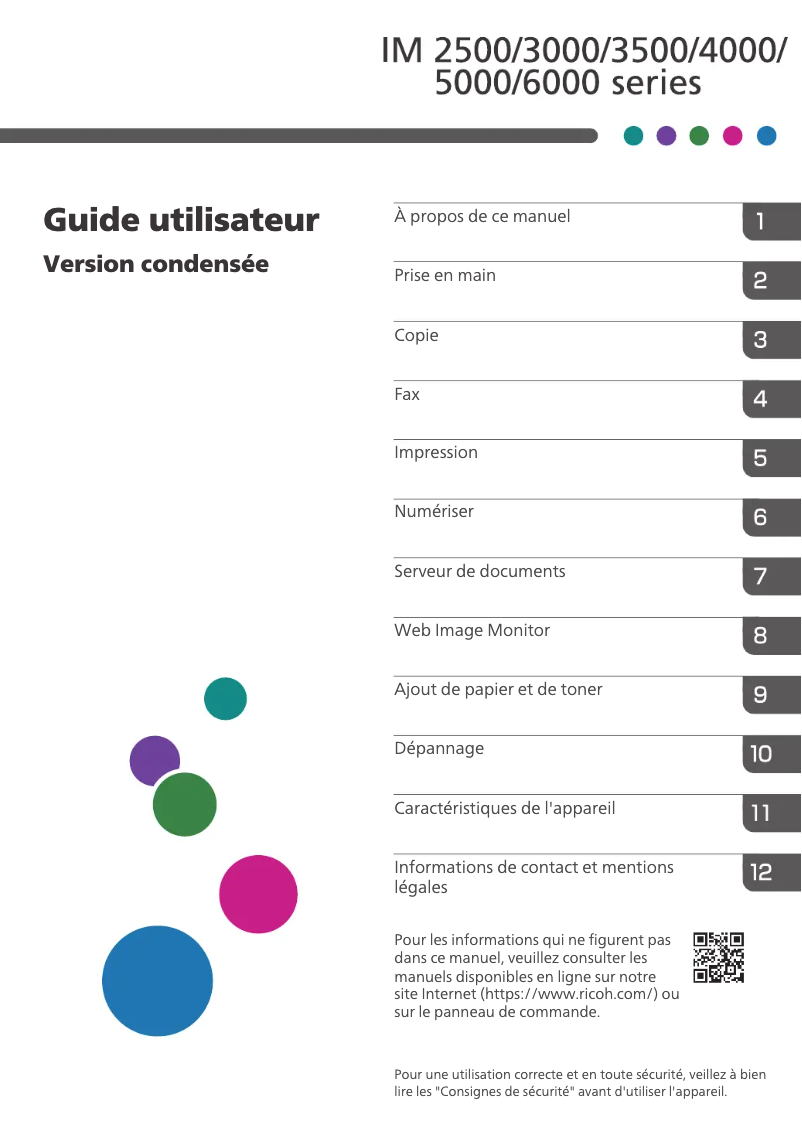
Editorial note
The Ricoh IM 5000A stands out for its high performance, offering fast and high-quality printing, making it an ideal choice for demanding work environments. Its ergonomic design and intuitive features enhance the user experience, making it easier to use on a daily basis. Additionally, the included user manual provides clear instructions, making installation and usage even more accessible. However, it is worth noting that the acquisition cost of the printer may be a barrier for small businesses or users with a limited budget. Its size may also pose a problem in restricted workspaces. Although the printer is versatile, some of its advanced features may require a learning curve, which could make their use less intuitive for novices. Finally, maintenance and supply costs, such as toners, can accumulate, impacting the long-term budget. In summary, the Ricoh IM 5000A is an excellent choice for those looking for a reliable and high-performing printer, but it is essential to consider its cost and dimensions before making a decision.Score details
Performance
The Ricoh IM 5000A offers high performance, ensuring fast and high-quality printing, ideal for demanding work environments.
User experience
The user experience is enhanced by intuitive features and an ergonomic design, making daily use easier.
Value for money
The acquisition cost is high, which may not be suitable for small businesses or budget-conscious users.
Design
The design is ergonomic, but the size of the printer may be a drawback for restricted workspaces.
Support
The included user manual provides clear and detailed instructions, facilitating installation and use.
Features
Although versatile, some advanced features may require a learning curve, making their use less intuitive for some.
repairability
Maintenance costs and supply consumption, such as toners, can add up quickly, impacting the long-term budget.
Advantages
Fast and high-quality printing
Reliable and recognized brand
Intuitive and ergonomic use
User manual included
Suitable for various types of documents
Disadvantages
High acquisition cost for small businesses
Bulky size for restricted spaces
Learning curve for advanced features
High maintenance and supply costs
Possible connectivity compatibility issues
Technical Specifications IM 5000A
General Information
-
ModelIM 5000A
-
Brand
-
Category
-
Type
-
SKU1570603
-
MPN1570603
Frequently Asked Questions
What is the best method to remove paper jammed in the printer?
Why is my printer not accepting original cartridges?
Why is the quality of my prints poor?
What is the difference between a laser printer and an inkjet printer?
Why is my inkjet printer producing black streaks?
What does the acronym DPI mean?
Is the manual for the Ricoh IM 5000A available in French?
Similar products


More product categories from brand Ricoh
More product types from brand Ricoh



Presentation of product IM 5000A specifications from brand Ricoh
General Information
The Ricoh IM 5000A model is a multifunction printer from the Ricoh brand, known for its excellence and innovation in the office equipment sector. This model is designed to deliver outstanding performance, ensuring fast and high-quality printing, making it particularly suitable for demanding work environments.
In addition to its reliability, the Ricoh IM 5000A enhances the user experience with its intuitive features and ergonomic design. Novice users benefit from an easier learning curve, allowing for hassle-free daily use. Furthermore, a detailed user manual is included, providing clear instructions for worry-free installation and use.
This printer stands out for its versatility, capable of handling various types of documents, from standard prints to more specific projects, making it an ideal choice for a variety of professional situations.
Advantages
- Optimal performance: Fast and high-quality printing, ideal for dynamic work environments.
- Brand reliability: Trust inspired by Ricoh's reputation for durability and innovation.
- Enhanced user experience: Intuitive interface and ergonomic design making daily use easier for users.
- User manual included: Detailed instructions for simplified use.
- Versatility: Suitable for a wide range of document types.
Disadvantages
- High acquisition cost: May not be suitable for small businesses or users with a limited budget.
- Printer size: Requires significant space, which can be an issue in restricted work environments.
- Learning curve: Some advanced features may require adjustment time, making use less intuitive for inexperienced users.
- Maintenance costs: Maintenance and supply costs, such as toners, can quickly add up, impacting the long-term budget.
- Connectivity issues: Although the printer has extensive connectivity, compatibility issues with certain operating systems or devices may arise, requiring adjustments.


