

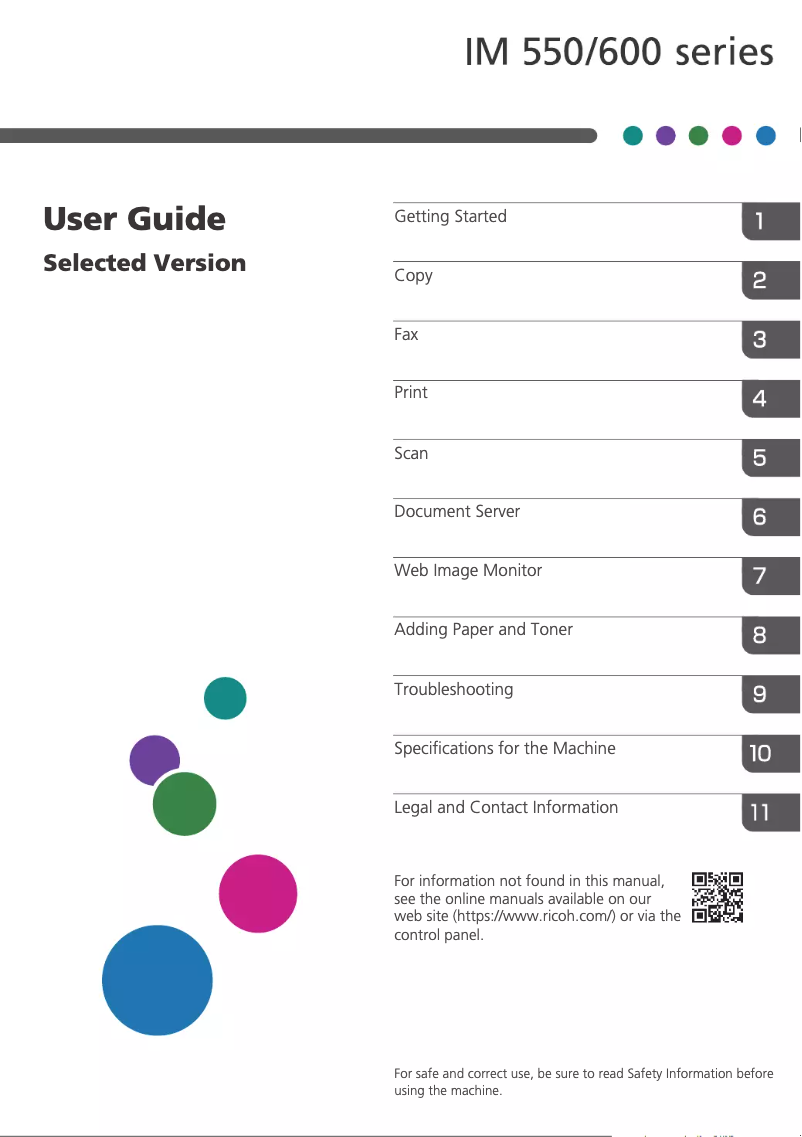
Manual of product IM 550F
Editorial note
The Ricoh IM 550F printer stands out for its exceptional print quality, delivering sharp and precise results that are perfectly suited for professional documents and presentations. Its versatility is also a major asset, supporting various paper sizes and types of printing, making it suitable for different work environments. Additionally, its energy efficiency helps reduce operating costs while being environmentally friendly. The intuitive user interface and user-friendly control panel make it easy to use, which is a valuable advantage for less experienced teams. The provided user manual is clear and detailed, ensuring a hassle-free installation and usage. However, the initial purchase cost of the IM 550F can be high, representing a significant investment for small businesses. It is also important to note that the printer may require regular maintenance and firmware updates, incurring additional costs and service interruptions. Its relatively large size may pose space issues for smaller offices, and some advanced features may require a learning curve for users less familiar with printing technology. Finally, the cost of toner cartridges can impact the long-term printing budget. In summary, the Ricoh IM 550F is a wise choice for those seeking a high-performing and versatile printer, but it is essential to consider its cost and the associated maintenance needs.Score details
User experience
The user experience is very good thanks to an intuitive interface and a user-friendly control panel, making it easy for everyone to use.
Performance
The print quality is exceptional, providing sharp and accurate prints, ideal for professional documents.
Value for money
The initial purchase cost is relatively high, which can represent a significant investment for small businesses.
Features
The printer offers good versatility with support for different paper sizes and types of printing.
Support
The provided user manual is clear and detailed, ensuring a hassle-free installation and use, although technical support may be needed for advanced features.
repairability
Regular maintenance and firmware updates can incur additional costs and service interruptions.
Usability
Although the interface is intuitive, some advanced features may require a learning curve for less familiar users.
Advantages
Clear and precise printing
Supports various paper formats and types
Significant energy savings
Simple and intuitive user interface
Clear and practical user manual
Disadvantages
High initial purchase cost.
Maintenance and updates required.
Bulky size for small offices.
Learning curve for advanced features.
Expensive and frequent toner cartridges.
Technical Specifications IM 550F
General Information
-
ModelIM 550F
-
Brand
-
Category
-
Type
-
SKU1419273
-
MPN1419273
Frequently Asked Questions
What is the recommended method for removing paper jammed in the printer?
Why does my printer not recognize original cartridges?
What could be the reasons for poor print quality?
How does a laser printer differ from an inkjet printer?
Why is my inkjet printer producing black streaks on prints?
What does the acronym DPI mean?
Is the manual for the Ricoh IM 550F available in French?
Similar products


More product categories from brand Ricoh
More product types from brand Ricoh



Presentation of product IM 550F specifications from brand Ricoh
General Information
The Ricoh IM 550F model, from the renowned brand Ricoh, is a printer that stands out for its build quality and technological innovation in the office equipment sector. Known for its reliable performance, this model ensures a smooth and efficient user experience. Each printer is uniquely identified by its EAN code, which for the Ricoh IM 550F is 0026649184581 and 0026649184659.
Advantages
The Ricoh IM 550F printer is distinguished by several strengths:
- Exceptional print quality: Thanks to advanced technology, it delivers sharp and precise prints, ideal for professional documents and presentations.
- Versatility: It supports various paper formats and types of printing, making it suitable for different work environments.
- Energy efficiency: Designed to reduce energy consumption, this printer helps lower operating costs while being environmentally friendly.
- Intuitive user interface: Its user-friendly control panel makes accessing features easy, making it accessible to all team members.
- Technical support and documentation: The included user manual provides clear instructions for hassle-free installation and use.
Disadvantages
However, there are a few drawbacks to consider:
- High purchase cost: Its initial price may be higher than that of other models, representing a significant investment for small businesses.
- Maintenance required: The printer may require regular maintenance and firmware updates, leading to additional costs and potential service interruptions.
- Bulkiness: Its relatively large size may pose space issues for those with limited office space.
- Complexity of features: Some advanced options may require a learning curve for users less familiar with printing technologies.
- Cost of cartridges: Toner cartridges can represent a substantial cost, and their frequent replacement may impact the long-term printing budget.


