

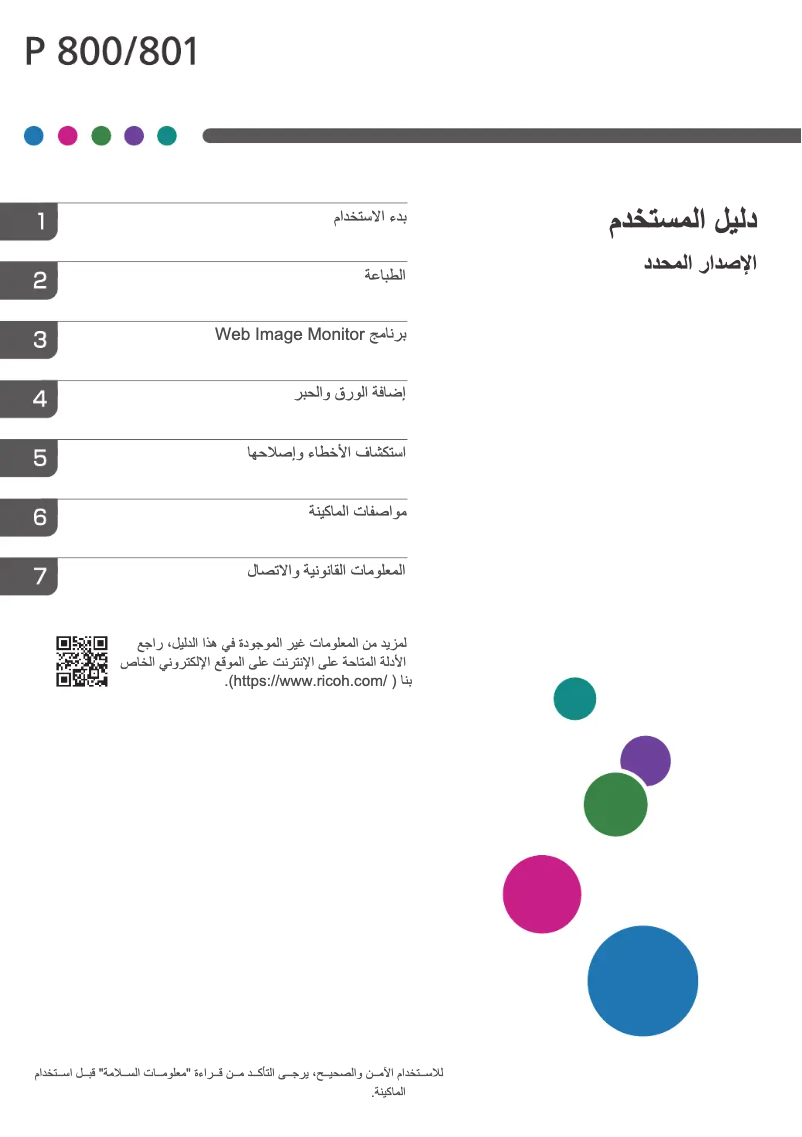
Manuals of product P 800


Editorial note
The Ricoh P 800 printer stands out for its exceptional print quality, thanks to the advanced technology of the brand. Users can expect professional documents with vibrant colors, making it an ideal choice for demanding work environments. Additionally, ease of use is a real asset, with accompanying documents such as the user manual and installation guide facilitating a quick and hassle-free setup. However, it is important to consider some drawbacks. The initial purchase cost can be relatively high compared to other similar models, which may deter some potential users. Furthermore, the size of the printer can be cumbersome in restricted workspaces, making its integration sometimes difficult. Regarding operating costs, ink consumption can be high, representing an additional expense for frequent use. In terms of support, although safety instructions are provided to ensure a smooth usage, compatibility with certain operating systems can be problematic, thus limiting its use for some users. Finally, the startup and printing time may be longer than expected, which can affect productivity in environments requiring quick printing. In summary, the Ricoh P 800 is a high-quality printer, suited to professional needs, but its cost and size may pose obstacles for some users.Score details
User experience
The user experience is very positive due to the ease of use, especially with supporting documents such as the user manual and installation guide, allowing for quick and hassle-free setup.
Performance
The print quality is exceptional thanks to Ricoh's advanced technology, ensuring professional documents and vibrant colors.
Design
The ergonomic design optimizes workspace and incorporates modern features, although the size of the printer may be cumbersome in tight spaces.
Value for money
The initial purchase cost may be high compared to other similar models, which could deter some users despite the quality offered.
Support
Technical support is enhanced by the provided safety instructions, although compatibility with certain operating systems may pose issues.
Battery life
Ink consumption can be relatively high, leading to additional operating costs for frequent use.
Usability
The startup and printing time may be longer than expected, which can affect productivity in environments requiring quick printing.
Advantages
Professional print quality and vibrant colors
Quick installation with user guides
Reliability and durability of the Ricoh brand
Ergonomic design to optimize space
Technical support and enhanced security
Disadvantages
High initial purchase cost.
Bulky size for small spaces.
High ink consumption.
Slow printing speed.
Software compatibility issues.
Technical Specifications P 800
General Information
-
ModelP 800
-
Brand
-
Category
-
Type
-
SKU1419300
-
MPN1419300
Frequently Asked Questions
What is the recommended method for removing paper jammed in the printer?
Why is my printer not recognizing the original cartridges?
What could be the reasons for poor print quality?
How does a laser printer differ from an inkjet printer?
Why is my inkjet printer printing black streaks?
What does the abbreviation DPI mean?
How do I insert paper into the Ricoh P 800 printer?
What are the steps to replace the toner cartridge in the Ricoh P 800 printer?
What should I do if the printer displays an error message regarding a paper jam?
How do I clean the print heads of the Ricoh P 800 printer?
What steps should I follow to connect the Ricoh P 800 printer to a computer via Wi-Fi?
Is the manual for the Ricoh P 800 available in French?
Similar products


More product categories from brand Ricoh
More product types from brand Ricoh



Presentation of product P 800 specifications from brand Ricoh
General Information
The Ricoh P 800 is a printer from the Ricoh brand, renowned for its innovation and quality in the field of office equipment. This model, identified by the reference P 800 | 418470, is designed to deliver high performance and a smooth user experience. The associated EAN code for this product, which includes several variants such as 0026649184697 and 0041846000090, allows for precise identification within distribution systems.
Advantages
The strengths of the Ricoh P 800 printer include:
- Superior print quality thanks to advanced technology, providing documents with vibrant colors and a professional finish.
- Ease of use with supporting resources like the user manual and installation guide, facilitating quick setup.
- Reliability and durability recognized from the brand, ensuring a long lifespan and requiring minimal maintenance.
- Ergonomic design that optimizes workspace while integrating modern features suited to the varied needs of users.
- Technical support and enhanced security through the provided safety instructions, allowing for a worry-free use.
Disadvantages
However, the Ricoh P 800 printer also has some limitations:
- The initial purchase cost may be relatively high compared to other similar models, which may deter some potential users.
- Its bulky size may pose integration issues in restricted workspaces.
- The ink consumption may be considered high, leading to additional operating costs for regular users.
- The startup and printing time may be longer than expected, which can impact productivity in environments requiring quick printing.
- Compatibility issues with certain operating systems or software may limit its use for some users.


