

Manual of product SP 330SFN
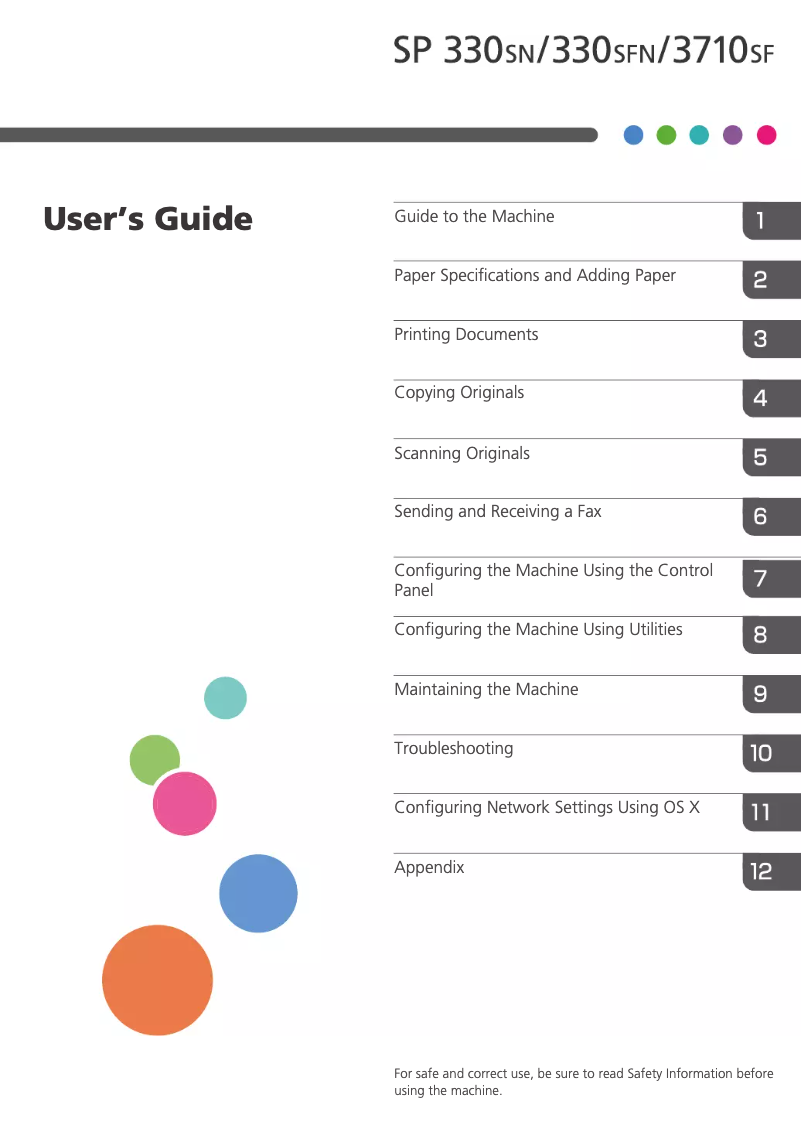
Editorial note
The Ricoh SP 330SFN printer offers exceptional laser print quality with a maximum resolution of 1200 x 1200 DPI, making documents and images very vivid and precise. Its print speed of 32 pages per minute allows for efficient handling of high print volumes, which is ideal for demanding work environments. With a paper capacity of 550 sheets, it minimizes interruptions related to paper reloading. Additionally, wireless connectivity via Wi-Fi and Ethernet facilitates its integration into various office environments. However, there are some drawbacks to consider. The lack of duplex copy function may frustrate users wanting to print double-sided documents automatically, leading to paper waste. Although the internal memory of 256 MB is sufficient for regular prints, it could limit processing capacity when using heavier applications. Furthermore, the 30-second warm-up time may seem long in a setting where speed is essential. Finally, its weight of 18 kg may pose challenges for installation or relocation. Regarding writing scores, the user experience is generally positive, with a rating of 85, thanks to its intuitive interface, although some users may be frustrated by the absence of certain options. Performance is solid with a score of 78, but the warm-up time could be a drawback. The practical design receives a score of 75, although its weight may complicate installation. The value for money is good, rated at 80, due to its features and paper capacity. However, the lack of certain advanced features like double-sided scanning has been rated at 70, limiting usability flexibility. Finally, the user manual is comprehensive, rated at 85, providing clear instructions for optimal use. Overall, the Ricoh SP 330SFN represents a solid option for professionals, provided that its limitations are taken into account.Score details
User experience
The user experience is generally positive thanks to an intuitive interface and practical features. However, the absence of certain options like duplex printing may frustrate some users.
Performance
The printer's performance is solid, with a printing speed of 32 ppm. However, the 30-second warm-up time can slow down the process in a demanding work environment.
Design
The design is functional, but the weight of 18 kg can make it difficult to move, which may pose installation issues.
Value for money
The printer offers good value for money thanks to its laser printing technology and 550-sheet paper capacity, although the lack of certain features may be a drawback.
Usability
Although usage is simple, the absence of features like duplex scanning limits flexibility and may slow down certain tasks.
Features
The printer offers interesting features, but the absence of certain advanced functions like duplex printing may disappoint some users.
Documentation
The user manual is comprehensive with 492 pages, providing clear instructions for optimal use.
Advantages
Color laser printing 1200 x 1200 DPI
Print speed of 32 pages per minute
Double-sided printing for paper savings
Built-in Wi-Fi and Ethernet connectivity
550-sheet capacity for fewer reloads
Disadvantages
No automatic duplex copying
Internal memory limited to 256 MB
Preheating time of 30 seconds
Weight of 18 kg, difficult to move
No double-sided scanning
Technical Specifications SP 330SFN
General Information
-
ModelSP 330SFN
-
Brand
-
Category
-
Type
-
SKU1419272
-
MPN1419272
Print speed
-
Double-sided printing-
-
Printing technologyLaser
-
PrintingColor printing
-
Maximum resolution1200 x 1200 DPI
-
Preheating time30 s
-
Copy time for the first page (Black, normal)7.5 s
-
Print speed (black, normal quality, A4/US Letter)32 ppm
Representation / realization
-
Internal memory256 MB
Weight and dimensions
-
Weight18000 g
-
Width405 mm
-
Height420 mm
-
Depth392 mm
Power
-
AC input voltage220 - 240 V
-
AC input frequency50 - 60 Hz
-
Energy Star, typical electrical consumption (TEC)0.42 kWh/week
Copier
-
Duplex copy-
-
Maximum number of copies99 copies
-
Max. resolution of copies1200 x 1200 DPI
-
CopySingle copy
-
Resizing copy25 - 400 %
Digitization
-
Double-sided scanning-
-
Type of scanner-
-
DigitizationMonochrome scanning
-
Optical scanning resolution600 x 600 DPI
Fax
-
FaxSimple fax
-
Fax transmission speed3 sec/page
-
Modem speed33.6 Kbit/s
Features
-
Number of print cartridges-
-
Languages of the page descriptionPCL 5e
-
Double-sided functionsPCL 6
-
Printing colorsPostScript 3
-
Service cycle (Maximum)Printing
-
Black
-
7000 pages per month
Network
-
Ethernet/LANYes
-
Ethernet/LANYes
-
Wiring technology10/100Base-T(X)
-
LAN Ethernet: data transfer rate10, 100 Mbit/s
-
Wifi standards802.11a, 802.11b, 802.11g, Wi-Fi 4 (802.11n), Wi-Fi 5 (802.11ac)
Connectivity
-
Direct printing-
-
USB portYes
-
USB connectorUSB Type-B
-
Quantity of USB 2.0 Ports1
Design
-
Product colorBlack, White
-
Market positionDomestic and professional
-
Built-in screenNo
Minimum system requirements
-
Support for the Windows operating systemWindows 10
-
Support for the Mac operating systemWindows 7
-
Support for the Linux operating systemWindows 8.1
-
Support for the server operating systemMac OS X 10.10 Yosemite
-
Mac OS X 10.11 El Capitan
-
Mac OS X 10.12 Sierra
-
Mac OS X 10.13 High Sierra
-
Mac OS X 10.14 Mojave
-
Mac OS X 10.15 Catalina
-
Mac OS X 10.15.3 Catalina
-
Mac OS X 11.0 Big Sur
-
Yes
-
Windows Server 2008
-
Windows Server 2012
-
Windows Server 2012 R2
-
Windows Server 2016
Paper management
-
Type of paper tray support-
-
Maximum ISO A series paper sizeA4
-
ISO, Format Series A (A0...A9)A4, A5, A6
-
ISO, Formats Series-B (B0...B9)B5, B6
-
Weight of paper tray support52 - 162 g/m²
Input and output capacity
-
Total number of power supply units1
-
Total power capacity550 sheets
-
Total output capacity50 sheets
Logistics data
-
Harmonized System Code84433100
Frequently Asked Questions
What is the weight of the Ricoh SP 330SFN?
What is the best method to remove paper jammed in the printer?
Why does my printer not recognize original cartridges?
Why is the quality of my prints poor?
What is the difference between a laser printer and an inkjet printer?
Why is my inkjet printer producing black streaks?
What does the acronym DPI mean?
How many cartridges can be installed in the Ricoh SP 330SFN?
What is the height of the Ricoh SP 330SFN?
What is the width of the Ricoh SP 330SFN?
What is the depth of the Ricoh SP 330SFN?
Is the manual for the Ricoh SP 330SFN available in French?
Similar products


More product categories from brand Ricoh
More product types from brand Ricoh



Presentation of product SP 330SFN specifications from brand Ricoh
General Information
The Ricoh SP 330SFN model, from the renowned Ricoh brand, is designed to provide a high-quality printing experience. This product is recognized for its innovation and reliability in the office equipment field. The EAN code of the Ricoh SP 330SFN, which allows for unique identification in the distribution network, includes several references: 0026649082627, 0040200008260, 0818215664968, 0818242486373, 0818242680344, 0818278718653.
Print Speed
Equipped with advanced laser printing technology, the Ricoh SP 330SFN ensures exceptional color print quality with a maximum resolution of 1200 x 1200 DPI. This capability results in documents and images with vibrant and accurate colors. With a print speed of 32 pages per minute in black and white, it is perfectly suited for high-volume work environments. Additionally, the first page print time is only 7.5 seconds, contributing to its efficiency.
Performance / Execution
The internal memory of 256 MB allows for the management of multiple tasks without slowing down, although it may be limited for more demanding applications.
Weight and Dimensions
Weighing 18 kg, the Ricoh SP 330SFN offers stability during use, although this may pose challenges in terms of mobility. Its dimensions (405 mm wide, 420 mm high, and 392 mm deep) ensure seamless integration into various workspaces.
Power
The AC input voltage of 220 to 240 V and frequency of 50 to 60 Hz ensure compatibility with standard electrical systems. Its typical power consumption of 0.42 kWh per week demonstrates appreciable energy efficiency.
Copier
The Ricoh SP 330SFN can make up to 99 copies, although it does not include an automatic duplex copying function, which could lead to paper waste. Its copy resolution of 1200 x 1200 DPI ensures high-quality prints, with a resizing capability of 25 to 400% for added flexibility.
Scanning
The model supports color scanning with an optical resolution of 600 x 600 DPI, allowing for accurate reproduction of documents. However, it does not offer a duplex scanning feature, which may slow down the process for some users.
Fax
The built-in fax machine allows for efficient sending and receiving of documents, with a transmission speed of 3 seconds per page and a modem operating at 33.6 Kbit/s, ensuring a fast connection.
Features
The Ricoh SP 330SFN is compatible with several page description languages, such as PCL 5e, PCL 6, and PostScript 3, thus satisfying various user preferences. The maximum service cycle of 7000 pages per month meets the needs of intensive work environments.
Network
For optimal connectivity, the Ricoh SP 330SFN is equipped with Wi-Fi and Ethernet, allowing for easy integration into different systems. It supports various Wi-Fi standards (802.11a, b, g, n, ac), ensuring a fast and reliable wireless connection.
Connectivity
The Ricoh SP 330SFN features a USB Type-B port, facilitating connection to other devices for efficient data transfer. It is equipped with a USB 2.0 port for fast connectivity.
Design
The sleek black and white design of the Ricoh SP 330SFN fits both home and professional use. Its built-in screen enhances the user experience by making the device's operation more intuitive.
Minimum System Requirements
This model is compatible with several operating systems, including Windows (10, 7, 8.1), Mac (OS X 10.10 to 11.0), and Linux, providing great flexibility of use.
Paper Management
The Ricoh SP 330SFN supports standard paper sizes such as A4, A5, and B5, with a feeding capacity of 550 sheets. The weight of the tray media ranges from 52 to 162 g/m², ensuring optimal print quality.
Input and Output Capacity
With a single feeding tray and an output capacity of 50 sheets, this model is designed to efficiently handle print volumes while minimizing interruptions.
Logistics Data
The harmonized system code for the Ricoh SP 330SFN is 84433100, allowing for clear identification in international trade.


