

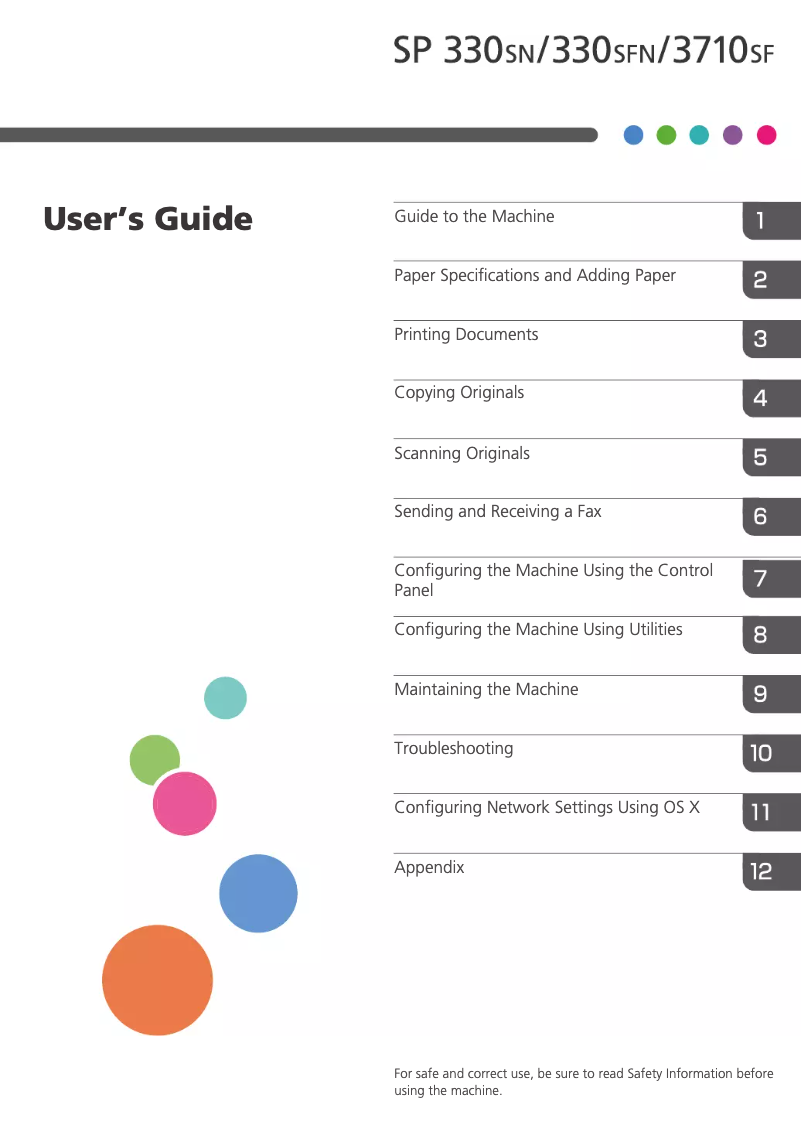
Manual of product SP 3710SF
Editorial note
The Ricoh SP 3710SF printer stands out for its high printing capacity of 7000 pages per cartridge, making it an economical option for users with significant printing needs. With a printing speed of 32 pages per minute and a duplex printing function, it saves time on daily tasks. Additionally, its versatile features, including scanning, copying, and faxing, facilitate document management in a professional environment. Wireless connectivity and support for various network protocols add to its usability flexibility, allowing for direct printing from mobile devices. However, some drawbacks must be considered. Its weight of 18 kg can make handling and moving difficult, especially in tight spaces. While the cartridge capacity is an asset, the cost of replacement cartridges can strain users' budgets. Furthermore, the black scanning speed, at 4.5 pages per minute, is relatively slow compared to other models, which can slow down workflow. The lack of a memory card reader also limits direct storage and printing options, while limited compatibility with certain operating systems could pose issues for users of newer versions. In summary, the Ricoh SP 3710SF offers an overall positive user experience, with features suited to professional needs. Nevertheless, it is important to consider its drawbacks, particularly in terms of maneuverability and operating costs, before making a choice.Score details
User experience
The user experience is generally positive due to the versatility of the features, including printing, scanning, and faxing, thus facilitating document management.
Performance
The printing speed of 32 pages per minute is satisfactory, but the black scanning speed (4.5 ppm) is relatively slow, which can affect efficiency in a professional environment.
Design
The weight of 18 kg can make handling difficult in tight spaces, which can pose problems during installation or relocation.
Value for money
Although the printing capacity of 7000 pages is an advantage, the cost of replacement cartridges can be a disadvantage for those who are budget-conscious.
Support
Limited compatibility with certain operating systems can cause issues for users using newer or less common versions.
Features
Advanced features such as duplex printing and wireless connectivity offer appreciated usage flexibility, but the absence of a built-in memory card reader limits storage options.
Advantages
7000-page cartridge, reduced costs
ENERGY STAR certified, energy-efficient
Fast printing at 32 pages per minute
Scanning, copying, and faxing functions
Wireless connectivity and varied networking
Disadvantages
Weight of 18 kg, difficult to move
High cost of replacement cartridges
Slow scanning speed (4.5 ppm)
Lack of memory card reader
Limited compatibility with certain operating systems
Technical Specifications SP 3710SF
General Information
-
ModelSP 3710SF
-
Brand
-
Category
-
Type
-
SKU1287045
-
MPN1287045
Packaging contents
-
Included cartridge capacity (black)7000 pages
Sustainability
-
Sustainability certificatesENERGY STAR
Power
-
AC input voltage220 - 240 V
-
AC input frequency50 - 60 Hz
-
Energy consumption (eco mode)0.87 W
-
Energy consumption (loan)120 W
-
Electricity consumption (average operation)1025 W
Weight and dimensions
-
Width405 mm
-
Depth392 mm
-
Height420 mm
-
Weight18000 g
Paper management
-
Type of paper tray support-
-
Weight of paper tray support52 - 162 g/m²
-
Maximum ISO A series paper sizeA4
-
Types of multi-purpose binsEnvelopes, Legal
-
ISO, Format Series A (A0...A9)A4, A5, A6
-
ISO, Formats Series-B (B0...B9)B5, B6
Input and output capacity
-
Total output capacity50 sheets
-
Total power capacity250 sheets
-
Maximum input capacity300 sheets
-
Automatic document feeder capacity35 sheets
-
Automatic Document Feeder (ADF)Yes
Fax
-
Caller IDYes
-
Caller IDYes
-
Caller IDYes
-
Caller IDYes
-
Fax coding methodsMH, MMR (Fax coding method), MR
-
Modem speed33.6 Kbit/s
-
Fax resolution (black)300 x 200 DPI
-
FaxSimple fax
Digitization
-
Scanning speed (color)13 ppm
-
Scanner speed (black)4.5 ppm
-
Optical scanning resolution19200 x 19200 DPI
-
Type of scannerScanner ADF
-
Scan driversTWAIN, WIA
-
Scan toE-mail, FTP, TWAIN, USB
-
DigitizationColor scanning
Copier
-
Resizing copy25 - 400 %
-
Function ID-Card CopyYes
-
Max. resolution of copies600 x 600 DPI
-
Maximum number of copies99 copies
-
Copy speed (normal quality, black, A4)32 cpm
-
CopySingle copy
Features
-
Digital sender-
-
Service cycle (Maximum)35000 pages per month
-
Number of print cartridges1
-
Languages of the page descriptionPCL 5e, PCL 6, PostScript 3
Print speed
-
Printing technologyInkjet
-
PrintingMono printing
-
Maximum resolution600 x 600 DPI
-
Preheating time30 s
-
Copy time for the first page (Black, normal)7.5 s
-
Print speed (black, normal quality, A4/US Letter)32 ppm
-
Duplex printing speed (Black, normal quality, A4/US Letter)13 ppm
-
Double-sided printingYes
Design
-
Market positionDomestic and professional
-
Built-in screenYes
-
Product colorGray
-
Built-in screenYes
-
Screen size4.3 "
-
Order typeTouchscreen
Minimum system requirements
-
Support for the Windows operating systemWindows 10
-
Support for the Mac operating systemWindows 7
-
Support for the Linux operating systemWindows 8
-
Support for the server operating systemWindows 8.1
-
Windows Vista
-
Mac OS X 10.10 Yosemite
-
Ubuntu 16.04
-
Ubuntu 16.10
-
openSUSE 13.1
-
openSUSE 13.2
-
Windows Server 2008
-
Windows Server 2008 R2
-
Windows Server 2012
-
Windows Server 2012 R2
-
Windows Server 2016
Network
-
Contactless paymentYes
-
Wifi standards802.11a, 802.11b, 802.11g, Wi-Fi 4 (802.11n)
-
Contactless paymentYes
-
LAN Ethernet: data transfer rate10, 100 Mbit/s
-
Support for network protocols (IPv4)TCP/IP
-
Mobile printing technologiesApple AirPrint, Google Cloud Print, Mopria Print Service
-
Contactless paymentYes
-
Wiring technology10/100Base-T(X)
Connectivity
-
Direct printingYes
-
Quantity of USB 2.0 Ports2
-
Direct printingYes
Representation / realization
-
Internal memory256 MB
-
Built-in memory card readerNo
-
Integrated into the processorYes
-
Processor frequency400 MHz
Frequently Asked Questions
What is the weight of the Ricoh SP 3710SF?
What is the recommended method for removing paper jammed in the printer?
Why is my printer not recognizing the original cartridges?
What are the possible reasons for poor print quality?
What are the differences between a laser printer and an inkjet printer?
Why is my inkjet printer producing black streaks?
What does the acronym DPI mean?
How many cartridges can be installed in the Ricoh SP 3710SF?
What is the size of the screen on the Ricoh SP 3710SF?
What is the height of the Ricoh SP 3710SF?
What is the width of the Ricoh SP 3710SF?
What is the depth of the Ricoh SP 3710SF?
How do I add paper to the printer?
How do I replace the toner cartridge?
How do I clear a paper jam?
How do I scan a document with the automatic document feeder (ADF)?
How do I connect the printer to a network for remote printing?
Does the Ricoh SP 3710SF have ENERGY STAR certification?
What is the total output capacity of the Ricoh SP 3710SF?
What is the maximum input capacity of the Ricoh SP 3710SF?
Can the Ricoh SP 3710SF handle legal-sized envelopes in the multifunction tray?
Does the Ricoh SP 3710SF offer features such as speed dialing and automatic redial?
Is the manual for the Ricoh SP 3710SF available in French?
Similar products


More product categories from brand Ricoh
More product types from brand Ricoh



Presentation of product SP 3710SF specifications from brand Ricoh
General Information
The Ricoh SP 3710SF model is part of the Ricoh product range, a brand recognized for its commitment to quality and innovation in the office equipment sector. This model ensures high-level performance and a smooth user experience, suitable for both professional environments and home needs.
Contents of the Package
The included black toner cartridge with the Ricoh SP 3710SF printer has an impressive capacity of 7000 pages, which helps reduce printing costs while providing a solution suitable for users with high printing needs.
Durability
The Ricoh SP 3710SF is certified ENERGY STAR, attesting to its compliance with energy efficiency and environmental sustainability standards. This makes it a responsible choice for users concerned about their carbon footprint while benefiting from reliable performance.
Power
The product operates on an input voltage of 220 - 240 V with a frequency of 50 - 60 Hz, ensuring compatibility with standard electrical systems. In energy-saving mode, the power consumption is only 0.87 W, while in standby mode, it is 120 W. During operation, the printer consumes about 1025 W, ensuring efficient use.
Weight and Dimensions
With dimensions of 405 mm in width, 392 mm in depth, and 420 mm in height, the Ricoh SP 3710SF easily fits into various workspaces. However, its weight of 18 kg may make it a bit more difficult to move, especially in tight spaces.
Paper Management
The paper tray of the Ricoh SP 3710SF can handle media weighing between 52 and 162 g/m² and is compatible with paper sizes such as A4, A5, A6, B5, and B6. The multi-purpose tray allows for the use of various types of paper, including plain paper, envelopes, and labels, thus meeting diverse printing needs.
Input and Output Capacity
The total feed capacity of the printer is 250 sheets, while its output capacity is 50 sheets. Additionally, it can handle up to 300 sheets at the input and features an automatic document feeder (ADF) capable of managing 35 sheets for efficient scanning.
Fax
The Ricoh SP 3710SF includes advanced fax features such as speed dialing, automatic redial, and automatic reduction, making communication management easier. It supports efficient fax coding methods and offers a fax resolution of 300 x 200 DPI.
Scanning
With a scanning speed of 13 ppm in color and 4.5 ppm in black, the Ricoh SP 3710SF allows for quick document scanning. The scanning resolution reaches 19200 x 19200 DPI, ensuring high-quality images. The ADF scanner facilitates scanning multiple documents at once.
Copier
The copier of the Ricoh SP 3710SF offers a copy resizing of 25 to 400 % and allows up to 99 copies at a time. It is also equipped with an ID-Card Copy function for accurate reproduction of ID cards, with a maximum resolution of 600 x 600 DPI.
Features
This model supports a service cycle of 35000 pages per month, ideal for intensive use. It incorporates page description languages such as PCL 5e, PCL 6, and PostScript 3, thus facilitating adaptation to different printing environments.
Print Speed
The Ricoh SP 3710SF prints at a speed of 32 ppm in black, with the first page ready in 7.5 seconds. It also supports duplex printing at 13 ppm, optimizing paper usage.
Design
This model is designed for home and professional use, with a built-in 4.3-inch touchscreen for intuitive operation. Its gray color gives it a modern and elegant look, suitable for any office environment.
Minimum System Requirements
The Ricoh SP 3710SF is compatible with several operating systems, including Windows (10, 7, 8, 8.1, Vista), Mac OS X 10.10, as well as certain Linux distributions, ensuring flexible use in various environments.
Network
With support for Wifi and Ethernet/LAN protocols, the Ricoh SP 3710SF allows for reliable network connectivity. It also offers mobile printing options, facilitating direct printing from smartphones or tablets.
Connectivity
This model is equipped with 2 USB 2.0 ports for quick connection to external devices and allows for direct printing, thus providing great flexibility of use.
Representation / Performance
The printer's internal memory is 256 MB, ensuring smooth management of printing and scanning tasks. Although there is no built-in memory card reader, the 400 MHz processor ensures optimal performance.


