

Manual of product SP C220N
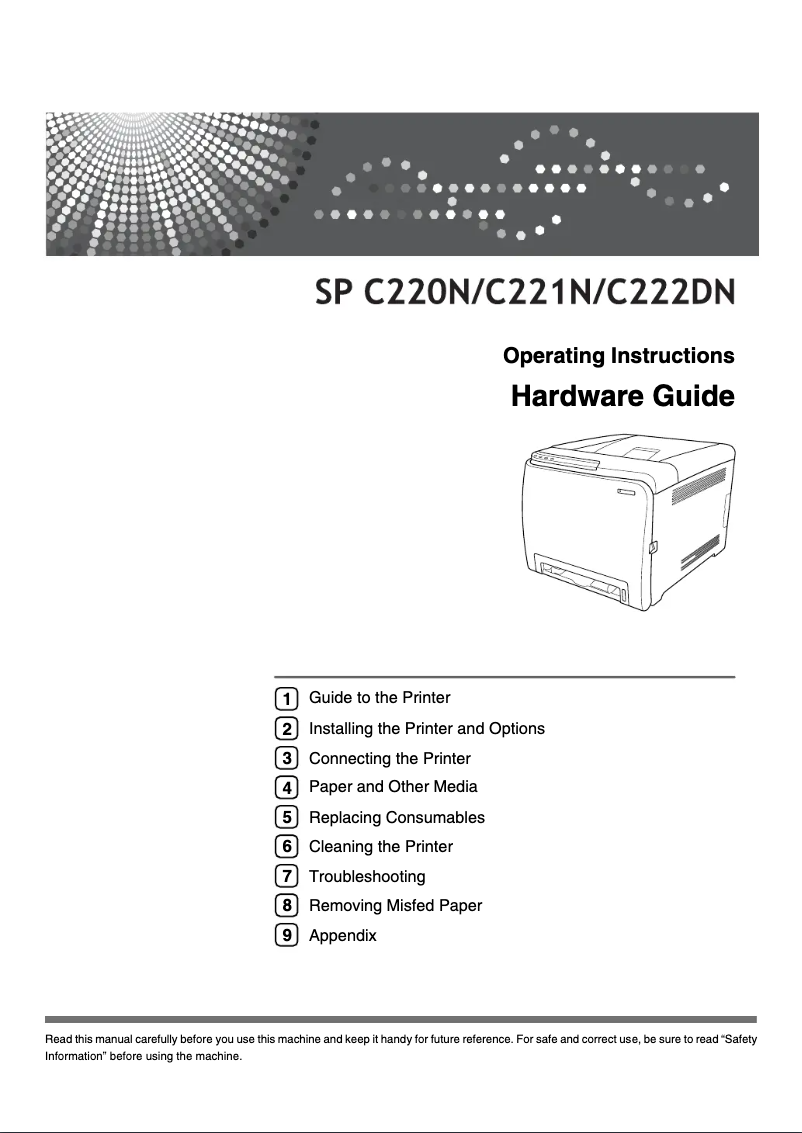
Editorial note
The Ricoh SP C220N printer stands out for its remarkable print quality, offering a maximum resolution of 2400 x 600 DPI that ensures clear and precise results, suitable for various professional and personal needs. Its print speed of 16 pages per minute is a major asset, especially for demanding work environments where efficiency is essential. Additionally, its input capacity of 251 sheets allows for handling a high volume of documents without interruption, which is particularly convenient for users with significant printing needs. However, some drawbacks deserve to be highlighted. The lack of duplex printing can lead to higher paper consumption, which may be a concern for environmentally conscious users. Furthermore, the limited compatibility with operating systems, notably the lack of support for Mac, could restrict its use for some users. The internal memory of only 64 MB may also pose performance issues when printing large or complex documents, and the warm-up time of 51 seconds can be a disadvantage for those seeking instant printing. In terms of value for money, the Ricoh SP C220N holds up well thanks to its solid performance and high input capacity. However, it is important to consider the additional costs related to paper consumption due to the lack of duplex printing. The printer's features are generally satisfactory, but the need for improved compatibility with operating systems and warm-up time could contribute to a better user experience. In summary, the Ricoh SP C220N is a reliable printer, ideal for everyday use, but it has some limitations that may not suit all users.Score details
User experience
The user experience is generally positive due to high-quality printing and a speed of 16 ppm, but the lack of duplex printing may be a drawback for some users.
Performance
Performance is satisfactory for regular use, but the 64 MB internal memory may limit efficiency when printing large documents.
Battery life
Although the printer does not operate on battery, its low energy consumption in economy mode is a positive point for reducing electricity costs.
Design
The weight of 23 kg can make the installation and movement of the printer difficult in tight spaces, which may affect its practical design.
Value for money
The printer offers good value for money with high-quality printing and a high input capacity, but the costs associated with paper consumption due to the lack of duplex printing may be a drawback.
Features
The printer's features are solid, but limited compatibility with Mac operating systems and a warm-up time of 51 seconds may pose issues.
Advantages
High-quality printing up to 2400 x 600 DPI
Print speed of 16 pages per minute
Input capacity of 251 sheets
Reliable laser printing technology
Compatibility with current Windows versions
Disadvantages
No double-sided printing
Incompatible with Mac
Internal memory limited to 64 MB
Long preheating time
High weight of 23 kg
Technical Specifications SP C220N
General Information
-
ModelSP C220N
-
Brand
-
Category
-
Type
-
SKU173662
-
MPN173662
Print speed
-
ColorYes
-
Maximum resolution2400 x 600 DPI
-
Print speed (black, normal quality, A4/US Letter)16 ppm
-
Preheating time51 s
-
Copy time for the first page (Black, normal)14 s
-
Double-sided printingNo
-
Printing technologyLaser
Representation / realization
-
Processor frequency192 MHz
-
Internal memory64 MB
-
Maximum internal memory- MB
Input and output capacity
-
Maximum input capacity251 sheets
-
Total power capacity250 sheets
-
Total output capacity150 sheets
Paper management
-
Maximum print format-
-
ISO, Format Series A (A0...A9)A4
-
Type of paper tray supportA5
-
Weight/Grammage of the support, bin 1A6
-
Non-ISO print support sizesEnvelopes
-
Maximum ISO A series paper sizeLabels
-
Plain paper
-
Recycled paper
-
Transparencies
-
60 - 160 g/m²
-
Executive (184 x 267mm)
-
Legal (media size)
-
Letter (media size)
-
A4
Network
-
Ethernet/LANYes
-
Ethernet/LANYes
-
WifiNo
Other features
-
Included fontsYes
-
Compatible operating systemsWin 2000, XP, Server 2003, Vista
-
Power requirementsMac v.10.2 – 10.4
-
Included fonts220 - 240 V, 50/60 Hz
-
EmulationsYes
-
Included fontsPCL5c/PCL6, PostScript 3
-
Yes
Weight and dimensions
-
Dimensions (LxWxH)400 x 450 x 320 mm
-
Weight23000 g
Features
-
Service cycle (Maximum)30000 pages per month
-
Number of printer fonts80
Power
-
Average power consumption in Print mode1300 W
-
Energy consumption (eco mode)15 W
Frequently Asked Questions
What is the weight of the Ricoh SP C220N printer?
What is the recommended method for removing jammed paper from the printer?
Why does my printer not recognize the original cartridges?
What could be the reasons for poor print quality?
What is the difference between a laser printer and an inkjet printer?
Why does my inkjet printer produce black lines on prints?
What does the acronym DPI mean?
Is the manual for the Ricoh SP C220N printer available in French?
Similar products


More product categories from brand Ricoh
More product types from brand Ricoh



Presentation of product SP C220N specifications from brand Ricoh
General Information
The Ricoh SP C220N is a printer from the Ricoh brand, known for its innovation and reliability in the office equipment sector. This model, identified by the number SP C220N | 406006, ensures quality performance and a satisfactory user experience. The associated EAN code, 5051964415824, facilitates precise identification in distribution systems.
Print Speed
This printer offers color printing, making it an aesthetic choice for various work environments. With a maximum resolution of 2400 x 600 DPI, the Ricoh SP C220N guarantees sharp and accurate prints, suitable for both professional needs and personal use. Its print speed reaches 16 pages per minute for black and white documents, allowing for efficient production. The warm-up time is 51 seconds, and the delay for the first page is 14 seconds. However, it does not have duplex printing capability, which may increase paper consumption.
Technical Performance
The Ricoh SP C220N operates with a processor clocked at 192 MHz, ensuring quick task execution. Its internal memory of 64 MB is an asset for temporary document storage, although this capacity may be insufficient for complex or large print jobs.
Input and Output Capacity
This printer is designed to handle a large volume of documents, with a maximum input capacity of 251 sheets and a total feed capacity of 250 sheets. The output capacity is 150 sheets, ensuring continuous performance without frequent interruptions.
Paper Management
The Ricoh SP C220N is compatible with several paper formats, including standard dimensions of the A series (A4, A5, A6). It supports various types of media, such as envelopes, labels, plain paper, recycled paper, and transparencies. The recommended media weight ranges from 60 to 160 g/m², ensuring optimal print quality. Non-ISO formats like Executive and Legal are also supported, providing usage flexibility.
Connectivity
The Ricoh SP C220N is ready to use with network features, including an Ethernet/LAN connection. However, it does not have Wi-Fi connectivity, which may limit wireless connection options.
Other Features
This printer is not compatible with Mac systems, but it works with Windows versions such as Windows XP, Vista, and 7. The power requirements are 220 - 240 V at 50/60 Hz. A standby LED indicator is included to reduce energy consumption when the printer is not in use. The emulation mode supports PCL5c/PCL6 and PostScript 3, allowing for expanded compatibility.
Dimensions and Weight
The dimensions of the Ricoh SP C220N printer are 400 x 450 x 320 mm, allowing it to fit easily into various workspaces. Its weight of 23 kg may pose a challenge when moving or installing in confined environments.
Performance Features
The maximum service cycle is 30,000 pages per month, which is ideal for users with high printing needs. Additionally, the printer offers a wide range of 80 built-in fonts, allowing for varied document customization.
Energy Consumption
In print mode, the average power consumption is 1300 W, while in energy-saving mode, it is reduced to 15 W, thus contributing to efficient energy management.


