

Manual of product R21 plus
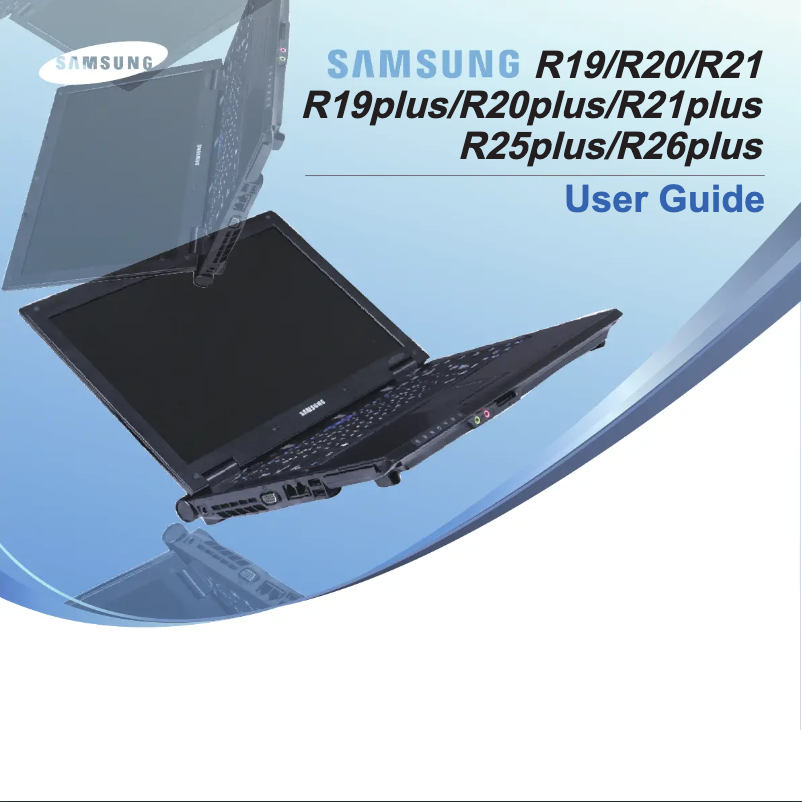
Editorial note
The Samsung R21 plus stands out for its optimal performance, providing a smooth user experience thanks to its quality components. Its ergonomic design and intuitive interface facilitate daily use, making it an ideal choice for both professionals and students. Moreover, it benefits from the latest technological advancements from the brand, ensuring reliability and durability. However, there are some drawbacks to consider. The weight of the laptop may make it less convenient for users seeking lightweight options. The battery life is also a weak point, particularly for those who require prolonged use without access to a power outlet. Additionally, while the design is sleek, the materials used do not seem as premium as those of other high-end models. The capacity for upgrading internal components is limited, which could reduce the device's lifespan. Finally, the graphics performance is not suitable for users looking to play recent video games or use heavy software. Overall, the Samsung R21 plus offers good value for money, supported by a decent level of support thanks to a comprehensive user manual. However, it is important to consider the limitations regarding weight, battery life, and upgradeability before making a choice.Score details
User experience
The user experience is very enjoyable thanks to the ergonomic design and intuitive interface, making daily use easier.
Performance
The performance is optimal for varied use, but may be limited for demanding tasks like recent video games.
Battery life
The battery life is a weak point, especially for those who need prolonged use without access to a power outlet.
Design
The design is elegant, but the materials used may seem less premium compared to other high-end models.
Support
The product comes with a comprehensive user manual, making it easy to access the necessary information for optimal use.
Value for money
The value for money is good, although the ability to upgrade internal components may limit the device's lifespan.
Advantages
Optimal performance for smooth use
Technological innovation for reliability and durability
Ergonomic design for optimal comfort
Comprehensive documentation for easy use
Versatile for work and entertainment
Disadvantages
High weight for easy transport
Limited battery life
Less premium design than other models
Restricted component upgrades
Insufficient graphics performance for gaming
Technical Specifications R21 plus
General Information
-
ModelR21 PLUS
-
Brand
-
Category
-
Type
-
SKU1222077
-
MPN1222077
Frequently Asked Questions
What factors influence download speed on the Internet?
What are the dimensions of my laptop screen?
What does the acronym HDMI stand for?
What is the best method to clean my laptop?
How should I proceed to clean my keyboard?
What is Bluetooth?
Is the manual for the Samsung R21 plus available in French?
Similar products


More product categories from brand Samsung
Television and multimedia Samsung
Home appliances Samsung
Household appliances Samsung
Phones Samsung
Audio Samsung
Other Samsung
Interior Samsung
Tools Samsung
Software Samsung
More product types from brand Samsung


Presentation of product R21 plus specifications from brand Samsung
General Information
The Samsung R21 plus is a laptop from the renowned brand Samsung, known for its commitment to quality and innovation in the technology sector. This model, the R21 plus, has been designed to provide optimal performance and an enhanced user experience, whether for professional tasks or leisure activities.
Advantages
This laptop stands out for several strengths:
- Optimal performance: With high-quality components, the Samsung R21 plus ensures smooth usage during various activities, whether it's browsing the Internet, word processing, or watching videos.
- Technological innovation: By integrating the latest technological advancements from Samsung, this laptop offers superior reliability and durability.
- Ergonomic design: Its sleek design and intuitive interface have been crafted for user comfort, making daily use enjoyable.
- Support and documentation: The Samsung R21 plus comes with a detailed user manual, allowing quick access to essential information to make the most of it.
- Versatility of use: Whether for work or entertainment, this model easily adapts to the needs of professionals and students.
Disadvantages
Despite its many strengths, the Samsung R21 plus also has some drawbacks:
- Weight: Its weight may be a disadvantage for those looking for a lightweight and easily portable model.
- Battery life: The battery life may not be sufficient for users needing prolonged use without access to a power outlet.
- Design and materials: Compared to other high-end models, the design and materials used may seem less premium.
- Upgrade capability: Options for upgrading internal components, such as RAM or storage, are limited, which may restrict the device's lifespan.
- Graphics performance: Users wanting to play recent video games or use heavy software may find the graphics performance insufficient.
In summary, the Samsung R21 plus is a versatile laptop, combining innovation and ergonomics, while presenting some limitations to consider based on the specific needs of the user.


