
Manual of product CLX-6240
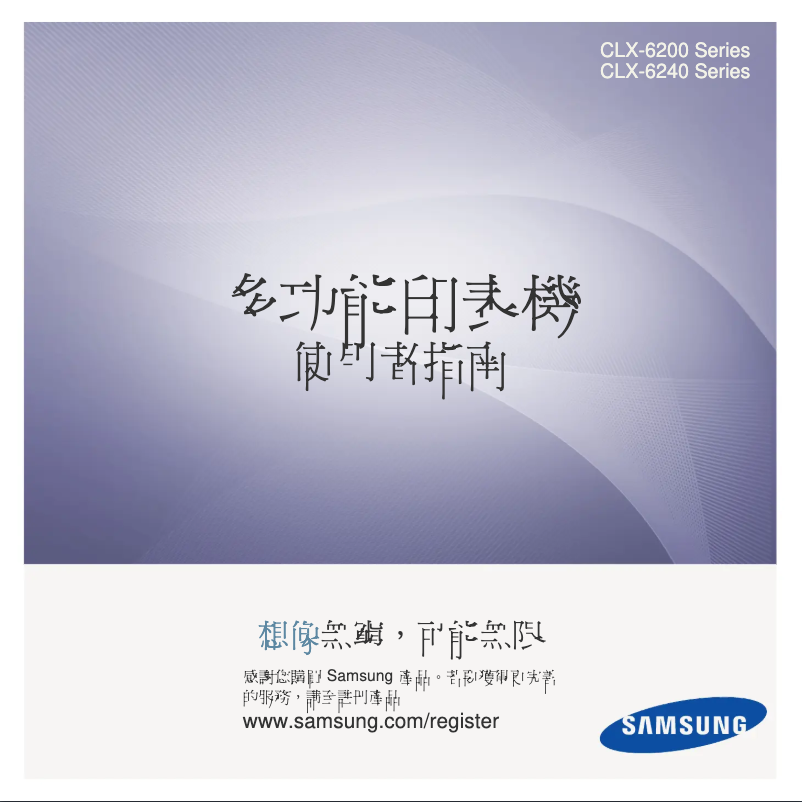
Editorial note
The Samsung CLX-6240 stands out for its superior print quality, delivering clear text and sharp images, making it an ideal choice for professional use. Its versatility is also a major asset, as it combines printing, scanning, and copying features in a single device, making it practical for both home and office use. Additionally, the reliability and durability of this model, characteristic of the Samsung brand, ensure optimal performance over the long term. However, a few drawbacks are worth noting. The cost of ink and toner cartridges can be high, thus increasing the long-term operating cost, which could affect the perceived value of the product. Furthermore, the printer can be relatively bulky, posing a space issue for users with limited desk space. Connectivity issues, particularly with Wi-Fi, have also been reported, affecting the wireless printing experience. Finally, the print speed is slower than that of some competing models, which may be a drawback for those seeking fast printing. Overall, the Samsung CLX-6240 is a high-performing and reliable all-in-one printer, ideal for users looking for quality and versatility, despite some limitations in terms of cost and space.Score details
User experience
The user experience is positive thanks to a clear user manual and intuitive features, making it easy to get started for all levels of users.
Performance
The print quality performance is excellent, but the printing speed is lower than that of some competing models, which can be a disadvantage for users in a hurry.
Features
The versatility of features (printing, scanning, copying) and the integration of innovative technologies make it a practical choice for both professional and home use.
Value for money
The cost of ink and toner cartridges can be high, increasing the long-term usage cost, which may harm the perception of the product's value.
Design
The design of the printer is functional, but its bulkiness can pose space issues for users with limited desk space.
Robustness
The reliability and durability of the Samsung CLX-6240 are noteworthy, as it is designed to ensure optimal performance over the long term.
Usability
Despite overall ease of use, some users have reported connectivity issues, particularly with Wi-Fi, affecting the wireless printing experience.
Support
The user manual is comprehensive, but a responsive technical support could enhance the experience for those encountering technical difficulties.
Advantages
High-quality prints.
Convenient all-in-one features.
Guaranteed durability and reliability.
Easy to use for everyone.
Innovative energy-efficient technology.
Disadvantages
High cost of cartridges and toner
Bulkiness in small spaces
Reported Wi-Fi connectivity issues
Printing speed lower than competitors
Disturbing noise during operation
Technical Specifications CLX-6240
General Information
-
ModelCLX-6240
-
Brand
-
Category
-
Type
-
SKU865359
-
MPN865359
Frequently Asked Questions
What is the recommended method for removing a paper jam in the printer?
Pourquoi mon imprimante ne reconnaît-elle pas les cartouches d'origine ?
Quelles peuvent être les raisons d'une mauvaise qualité d'impression ?
Quelle est la distinction entre une imprimante laser et une imprimante à jet d'encre ?
Pourquoi mon imprimante à jet d'encre laisse-t-elle des rayures noires sur les impressions ?
Que signifie l'acronyme DPI ?
Le manuel du Samsung CLX-6240 est-il proposé en version française ?
Similar products




More product categories from brand Samsung
Television and multimedia Samsung
Home appliances Samsung
Household appliances Samsung
Phones Samsung
Audio Samsung
Other Samsung
Interior Samsung
Tools Samsung
Software Samsung
More product types from brand Samsung


Presentation of product CLX-6240 specifications from brand Samsung
General Information
The Samsung CLX-6240 is a multifunction printer from the Samsung brand, which is renowned for its commitment to quality and innovation in the electronics sector. This model is designed to deliver outstanding performance and an optimized user experience, whether for home or professional use.
Advantages
This printer stands out for its superior print quality, allowing for the production of documents with sharp text and precise images, ideal for professional needs. Its versatile nature makes it an all-in-one device, capable of printing, scanning, and copying, which makes it very convenient. The reliability and durability of the CLX-6240 are also noteworthy, ensuring consistent performance over the long term.
Ease of use is another asset, with a clear manual that helps users of all levels quickly familiarize themselves with the device. Additionally, the integrated technology enhances energy efficiency and helps reduce printing costs.
Disadvantages
However, it is important to note some disadvantages. The cost of ink and toner cartridges can be relatively high, which may increase long-term expenses. The printer is also quite bulky, which can pose space issues for those with limited desk space.
Some users have reported connectivity issues, particularly with Wi-Fi, which can affect the wireless printing experience. Furthermore, the printing speed is considered slower than that of some competing models, which can be a drawback for those seeking quick prints. Finally, the noise generated during operation can be disruptive, especially in quiet work environments.


