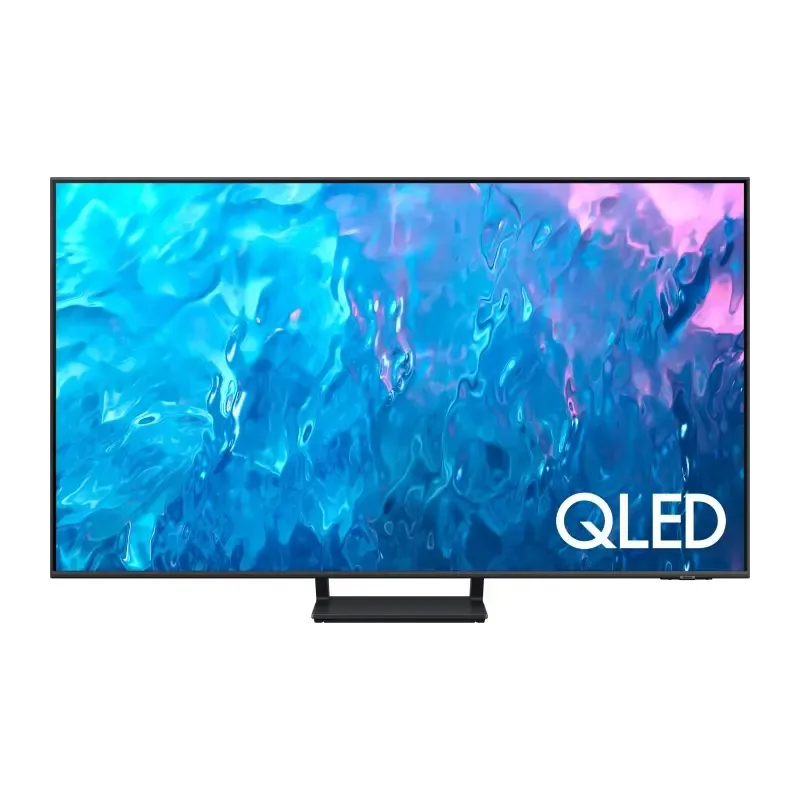

Manual of product GQ85Q70C

Editorial note
The Samsung GQ85Q70C stands out for its exceptional picture quality, offering high resolution and vibrant colors that promise an immersive visual experience. As a product of the renowned brand Samsung, it benefits from the latest technological innovations, ensuring reliable and modern performance. Its modern and sleek design easily fits into any type of interior, making it an aesthetic choice for consumers. However, this television has some notable drawbacks. Its high price may deter some buyers, despite the quality and performance it offers. Additionally, its energy consumption is higher than that of some competing models, which can lead to additional costs on the electricity bill. The advanced features may prove complex for users who are less comfortable with technology, and the lack of additional USB ports or HDMI sockets limits connectivity options with other devices. Finally, its weight and dimensions can complicate installation and movement, potentially requiring assistance. Overall, the Samsung GQ85Q70C is an excellent television that combines performance and aesthetics, but it is important to consider its drawbacks, particularly in terms of cost and accessibility for some users. A detailed user manual is available, making it easier to get acquainted with the product.Score details
User experience
The user experience is enhanced by an intuitive interface and easy access to various functions and applications.
Performance
The image quality is exceptional with high resolution and vibrant colors, ensuring an immersive visual experience.
Design
The modern and sleek design of the Samsung GQ85Q70C fits harmoniously into any type of interior.
Value for money
The high price may be a barrier for many consumers, despite the quality and performance offered.
energy_consumption
Energy consumption may be higher compared to other models, leading to additional costs.
Usability
Some advanced features may be complex for less tech-savvy users, which can make the experience less intuitive.
Features
The lack of additional USB ports or HDMI sockets limits connectivity options with other devices.
Robustness
The weight and dimensions of the device can make installation and moving difficult, potentially requiring assistance.
Documentation
A detailed user manual is available, facilitating a quick understanding of the product.
Advantages
Exceptional image quality and vibrant colors
Advanced technology and reliable performance
Intuitive and accessible user interface
Modern design that fits any interior
User manual for quick setup
Disadvantages
High price for a large size
Higher energy consumption than other models
Complexity of advanced features
Limited connectivity with insufficient ports
Weight and dimensions difficult to handle
Technical Specifications GQ85Q70C
General Information
-
ModelGQ85Q70C
-
Brand
-
Category
-
Type
-
SKU1930901
-
MPN1930901
Frequently Asked Questions
What is the recommended viewing distance for my Samsung TV?
What should I do if my television is no longer receiving a signal?
What are the dimensions of my TV screen?
What does the acronym HDMI stand for?
Is it possible to connect devices from different brands via Bluetooth?
Is the manual for the Samsung GQ85Q70C available in French?
Similar products


More product categories from brand Samsung
Television and multimedia Samsung
Home appliances Samsung
Household appliances Samsung
Phones Samsung
Audio Samsung
Other Samsung
Interior Samsung
Tools Samsung
Software Samsung
More product types from brand Samsung


Presentation of product GQ85Q70C specifications from brand Samsung
General Information
The Samsung GQ85Q70C television represents the excellence of the Samsung brand, known for its quality and innovation in the multimedia device sector. This specific model, the GQ85Q70C, is designed to deliver optimal performance and an enriching user experience.
Advantages
- Exceptional picture quality: Thanks to its high resolution, the GQ85Q70C ensures vibrant colors, providing an immersive visual experience that will delight movie lovers and sports enthusiasts.
- Cutting-edge technology: As a product of the Samsung brand, it incorporates the latest technological advancements to ensure reliable and modern performance.
- Intuitive user experience: This television is designed to facilitate access to its various functions and applications, making its use simple and enjoyable.
- Sleek design: With its modern and clean aesthetic, the GQ85Q70C seamlessly integrates into any type of interior, adding a touch of sophistication to your living space.
- Accessibility: A user manual is provided, allowing for quick and easy handling, even for those who are not familiar with new technologies.
Disadvantages
- High price: The cost of the GQ85Q70C may be a barrier for some consumers, especially in the large television category.
- Energy consumption: This model may have a higher power consumption compared to other options, leading to additional costs on the electricity bill.
- Complexity of features: Some of the advanced features may prove complex to use for less tech-savvy individuals, which could detract from the user experience.
- Limited connectivity: The lack of additional USB ports or HDMI sockets may restrict connection possibilities with other devices, which could be a disadvantage for some users.
- Weight and dimensions: The dimensions and weight of the device may complicate its installation and movement, potentially requiring the assistance of another person.


