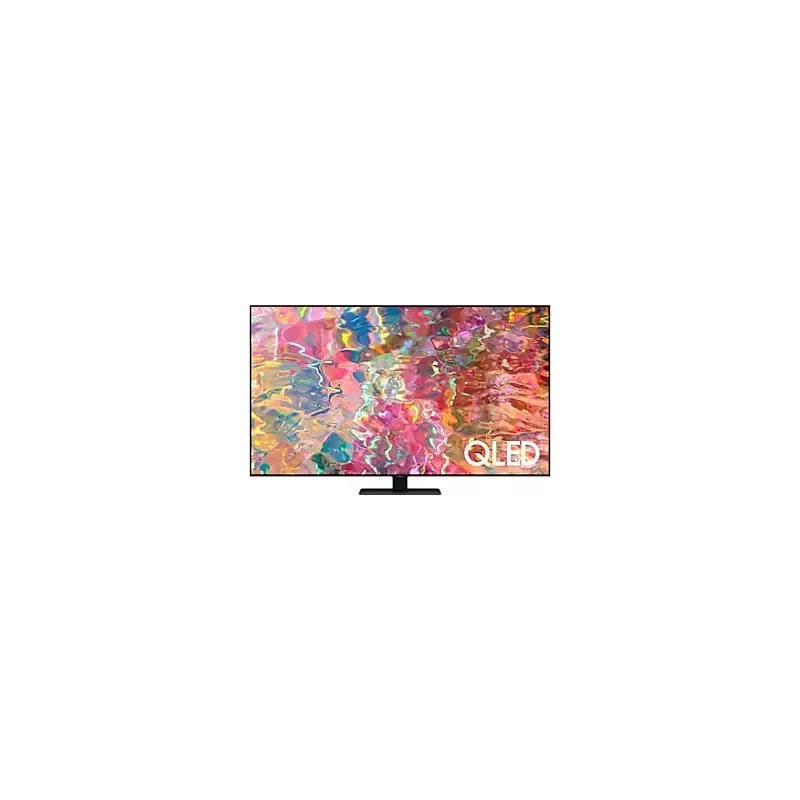

Manual of product QN65Q82BAF

Editorial note
The Samsung QN65Q82BAF television stands out for its exceptional picture quality thanks to QLED technology, offering vibrant colors and deep contrasts that will delight movie lovers and gamers. Its modern and sleek design fits perfectly into any type of interior, making it an aesthetic choice for users concerned about their decor. However, some aspects deserve to be highlighted. The high price can be a barrier for those looking for good value for money, especially compared to similar models. Additionally, the 65-inch size may be too imposing for smaller spaces, making installation tricky. Although performance is generally excellent, some users have reported issues with backlighting or screen uniformity, which could detract from the viewing experience. In terms of features, the Samsung QN65Q82BAF is competitive with its compatibility with voice assistants and easy access to a wide range of streaming applications, thus enriching the user experience. However, the operating system may seem less intuitive for some, and the limited HDMI and USB ports may pose a problem for those wanting to connect multiple devices at the same time. Overall, the Samsung QN65Q82BAF is an excellent choice for those seeking superior picture quality and an attractive design, but it is important to consider its potential drawbacks in terms of price and installation ergonomics.Score details
User experience
Although the user experience is generally positive due to the exceptional image quality, some users find the operating system less intuitive, which can complicate navigation.
Performance
The performance is excellent, with exceptional image quality thanks to QLED technology, but some users have reported a few backlight issues.
Design
The sleek and modern design fits perfectly with any type of interior, which is a great asset for users concerned about aesthetics.
Value for money
The high price compared to other similar models can be a deterrent for some users, which affects the overall perception of the product's value.
Features
The advanced features, such as compatibility with voice assistants and access to a wide range of streaming applications, enhance the user experience.
Usability
Despite interesting features, installation can be difficult for some due to the 65-inch size, and the HDMI and USB ports may be limited.
Advantages
QLED image quality, vibrant colors.
Compatible with voice assistants.
Modern and sleek design.
Access to numerous streaming applications.
Samsung durability and reliability.
Disadvantages
High price compared to other models.
65-inch size too imposing.
Backlight issues reported by some.
Unintuitive operating system.
Limited HDMI and USB ports.
Technical Specifications QN65Q82BAF
General Information
-
ModelQN65Q82BAF
-
Brand
-
Category
-
Type
-
SKU1686539
-
MPN1686539
Frequently Asked Questions
What is the recommended viewing distance for my Samsung TV?
What should I do if my TV is not receiving a signal?
What are the dimensions of my TV screen?
What does HDMI stand for?
Is it possible to connect devices from different brands via Bluetooth?
Is the user manual for the Samsung QN65Q82BAF available in French?
Similar products


More product categories from brand Samsung
Television and multimedia Samsung
Home appliances Samsung
Household appliances Samsung
Phones Samsung
Audio Samsung
Other Samsung
Interior Samsung
Tools Samsung
Software Samsung
More product types from brand Samsung


Presentation of product QN65Q82BAF specifications from brand Samsung
General Information
The Samsung QN65Q82BAF television is a flagship model from the Samsung brand, known for its innovation and quality in the electronics sector. This 65-inch television is designed to deliver exceptional performance and an immersive viewing experience.
The integrated QLED technology provides remarkable picture quality, characterized by vibrant colors and powerful contrasts, making every scene visually captivating. In addition to its visual performance, the Samsung QN65Q82BAF offers advanced features, such as compatibility with voice assistants, facilitating its integration into a smart home environment.
Its modern and sleek design easily harmonizes with various interior styles, adding a contemporary touch to your space. Furthermore, this television provides access to a wide range of streaming applications, allowing users to easily enjoy their favorite content.
The durability and reliability of this model are also notable assets, in line with the high standards of the Samsung brand.
Advantages and Disadvantages
Among the advantages, we note:
- Exceptional picture quality: QLED technology offers vivid colors and deep contrasts.
- Advanced features: Compatibility with voice assistants for easy integration into a connected home.
- Sleek design: Perfectly adapts to any type of interior.
- Access to streaming applications: Enjoy your favorite content with ease.
- Durability: Reliability and longevity, characteristics of Samsung products.
However, it is also important to consider some disadvantages:
- High price: May not suit all budgets compared to other similar models.
- Imposing size: The 65-inch dimension can be difficult to install in smaller spaces.
- Backlight issues: Some users have reported screen uniformity problems, affecting the viewing experience.
- Operating system: May be less intuitive than other alternatives, complicating navigation for some.
- Limited ports: A restricted number of HDMI and USB ports may pose a problem for users wishing to connect multiple devices.


