

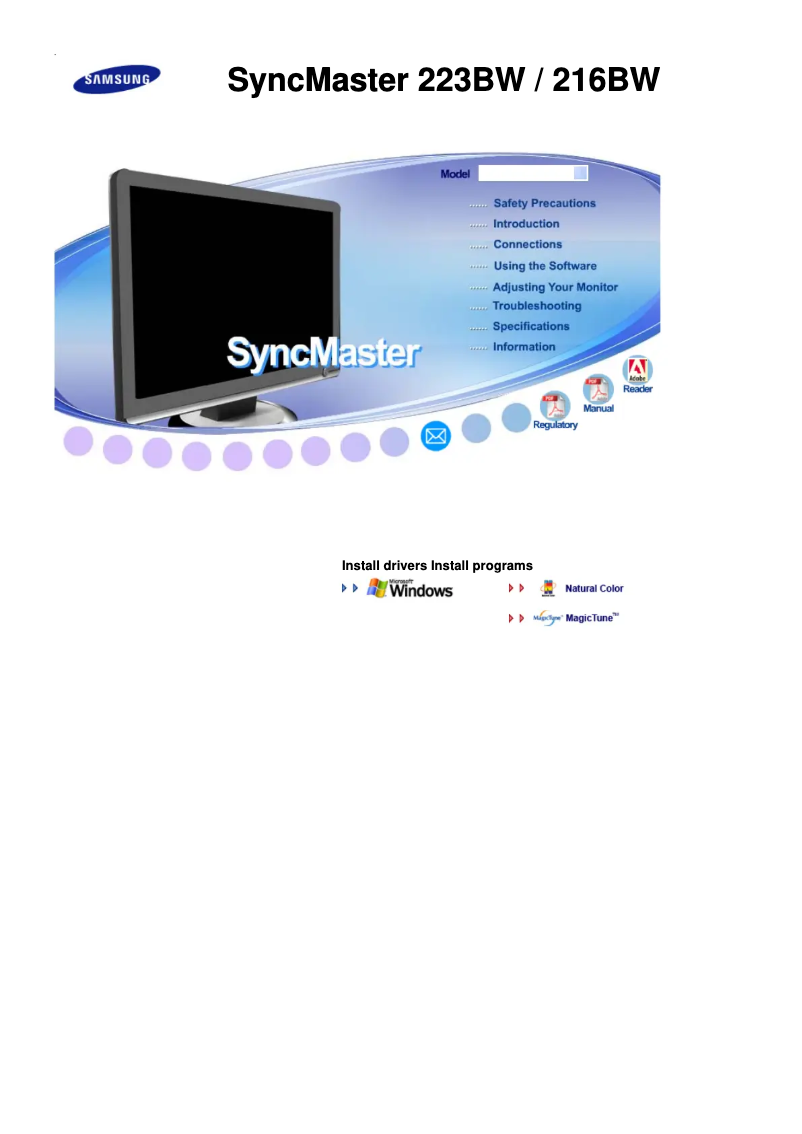
Manual of product SyncMaster 223BW
Editorial note
The Samsung SyncMaster 223BW is a television that stands out for its visual performance and modern design. With a fast response time of 5 ms, it offers a smooth and responsive experience, ideal for video games and movie watching. Its high contrast ratio of 1000:1, combined with a dynamic contrast ratio of 3000:1, allows for sharp images and vibrant colors, thus enhancing the visual experience. However, some drawbacks are worth noting. The resolution of 1680 x 1050 pixels may seem insufficient compared to current standards, which could disappoint users looking for high-definition display quality. Additionally, the lack of DVI-D ports limits connectivity options with some modern devices. In terms of design, the model is sleek, with a black color that fits well in various environments. Its compatibility with the VESA standard of 100 x 100 mm makes installation on wall mounts easy. However, its weight of 4900 g may make transport and handling less convenient for those who wish to move it frequently. Practical features, such as the wide viewing angle and compliance with DDC 2B standards, add value to this product. Although its power consumption of 50 W is reasonable, it could be perceived as high compared to newer, energy-efficient models. In summary, the Samsung SyncMaster 223BW is a good choice for those looking for a television that offers a smooth visual experience and quality images, while being aware of its limitations in terms of resolution and connectivity.Score details
User experience
The user experience is generally positive thanks to a quick response time of 5 ms, providing a noticeable smoothness for gaming and videos.
Performance
The performance is satisfactory with a high contrast ratio of 1000:1 and a dynamic contrast ratio of 3000:1, although the resolution of 1680 x 1050 pixels may seem insufficient for some users.
Design
The design is modern and practical, with VESA compatibility facilitating installation. However, the weight of 4900 g may limit its maneuverability.
Features
The features offered are interesting, particularly the wide viewing angle and compliance with DDC 2B standards, although the lack of DVI-D ports limits connectivity.
Battery life
The power consumption of 50 W is reasonable, but could be perceived as high compared to newer, energy-efficient models.
Advantages
Response time of 5 ms
High contrast of 1000:1
Wide viewing angles of 170°/160°
Compliant with DDC 2B standards
VESA compatibility 100 x 100 mm
Disadvantages
Insufficient resolution for current standards.
Absence of DVI-D ports for connectivity.
High weight, difficult to transport.
No touchscreen for interaction.
Relatively high power consumption.
Technical Specifications SyncMaster 223BW
General Information
-
ModelSYNCMASTER 223BW
-
Brand
-
Category
-
Type
-
SKU866672
-
MPN866672
Screen
-
Response time5 ms
-
Screen brightness (typical)300 cd/m²
-
Contrast ratio1000:1
-
Screen size21.6 "
-
No pixel0.276 x 0.276 mm
-
Horizontal scanning domain30 - 81 kHz
-
Vertical scanning frequency56 - 75 Hz
-
Horizontal viewing angle170 °
-
Vertical viewing angle160 °
-
Dynamic contrast report3000:1
-
Screen resolution1680 x 1050 pixels
-
Touch screenNo
Connectivity
-
HDCPYes
-
Number of VGA (D-Sub) ports1
-
Number of VGA (D-Sub) ports1
Design
-
Market position-
-
Product colorBlack
Weight and dimensions
-
Weight (without support)4900 g
-
Depth (support included)219.3 mm
-
Height (support included)422 mm
-
Device width (support included)514.6 mm
Ergonomics
-
Plug and PlayYes
-
VESA standard100 x 100 mm
Other features
-
Compliance with industry standardsDDC 2B
-
Package dimensions (LxWxH)606 x 488 x 158 mm
Power
-
Typical electricity consumption50 W
Packaging information
-
Package weight7400 g
Frequently Asked Questions
What is the recommended viewing distance for my Samsung TV?
What should I do if my TV is not receiving a signal?
What are the dimensions of my TV screen?
What does the acronym HDMI stand for?
Is it possible to connect devices from different brands via Bluetooth?
What is the screen size of the Samsung SyncMaster 223BW?
What is the resolution of the Samsung SyncMaster 223BW screen?
What is the response time of the Samsung SyncMaster 223BW?
What is the brightness of the Samsung SyncMaster 223BW display?
What is the contrast ratio of the Samsung SyncMaster 223BW?
Is the Samsung SyncMaster 223BW HDCP compliant?
How many DVI-D ports does the Samsung SyncMaster 223BW have?
How can I adjust the color tone on the Samsung SyncMaster 223BW TV?
Why are the colors on my Samsung SyncMaster 223BW TV not displaying correctly?
How do I enable and adjust the MagicColor feature on the Samsung SyncMaster 223BW TV?
How can I adjust the color balance (Red, Green, Blue) on the Samsung SyncMaster 223BW TV?
What gamma correction modes are available on the Samsung SyncMaster 223BW and how can I access them?
Is the manual for the Samsung SyncMaster 223BW available in French?
Similar products


More product categories from brand Samsung
Television and multimedia Samsung
Home appliances Samsung
Household appliances Samsung
Phones Samsung
Audio Samsung
Other Samsung
Interior Samsung
Tools Samsung
Software Samsung
More product types from brand Samsung


Presentation of product SyncMaster 223BW specifications from brand Samsung
General Information
The Samsung SyncMaster 223BW is a television from the renowned brand Samsung, known for its innovation and quality in the electronics sector. This model, the SyncMaster 223BW, offers remarkable performance and an optimized user experience thanks to its advanced technical features.
Screen
With a fast response time of 5 ms, the Samsung SyncMaster 223BW ensures a smooth visual experience, ideal for gaming and video watching. The screen brightness reaches 300 cd/m², guaranteeing excellent visibility even in well-lit environments. With a contrast ratio of 1000:1 and a dynamic contrast ratio of 3000:1, images are sharp and colors vibrant, providing an enriching visual immersion.
The screen size is 21.6 inches, perfect for enjoying various content. The pixel pitch is 0.276 x 0.276 mm, ensuring distortion-free display quality. The vertical refresh rate ranges from 56 to 75 Hz, allowing for optimal display fluidity. The horizontal and vertical viewing angles of 170° and 160° respectively offer pleasant viewing from different angles.
The screen resolution is 1680 x 1050 pixels, satisfactory but may seem limited compared to current standards. It is worth noting that this model is not equipped with a touchscreen.
Connectivity
The Samsung SyncMaster 223BW is compatible with HDCP protection, ensuring the security of digital content. It has a VGA (D-Sub) port but lacks DVI-D ports, which may restrict some users in their connectivity options.
Design
This television features a black color, giving it a modern aesthetic. It is primarily aimed at a professional audience, with features tailored to the specific needs of this segment.
Weight and Dimensions
The weight of the Samsung SyncMaster 223BW is 4900 g, which may influence its maneuverability. Its dimensions include a depth of 219.3 mm, a height (with stand) of 422 mm, and a width of 514.6 mm, allowing for harmonious integration into various spaces.
Ergonomics
The television incorporates the Plug and Play feature, facilitating quick and hassle-free installation. It is also compliant with the VESA 100 x 100 mm standard, making it easy to mount on wall brackets or articulated arms.
Other Features
The Samsung SyncMaster 223BW meets DDC 2B standards, ensuring its compliance with quality and safety standards. The dimensions of its packaging are 606 x 488 x 158 mm, providing adequate protection during transport.
Power
The typical power consumption of the device is 50 W, a figure to consider when evaluating its energy efficiency.
Packaging Information
The total weight of the package is 7400 g, offering optimal protection during transport and delivery.


