

Manuals of product UA60JU6400W

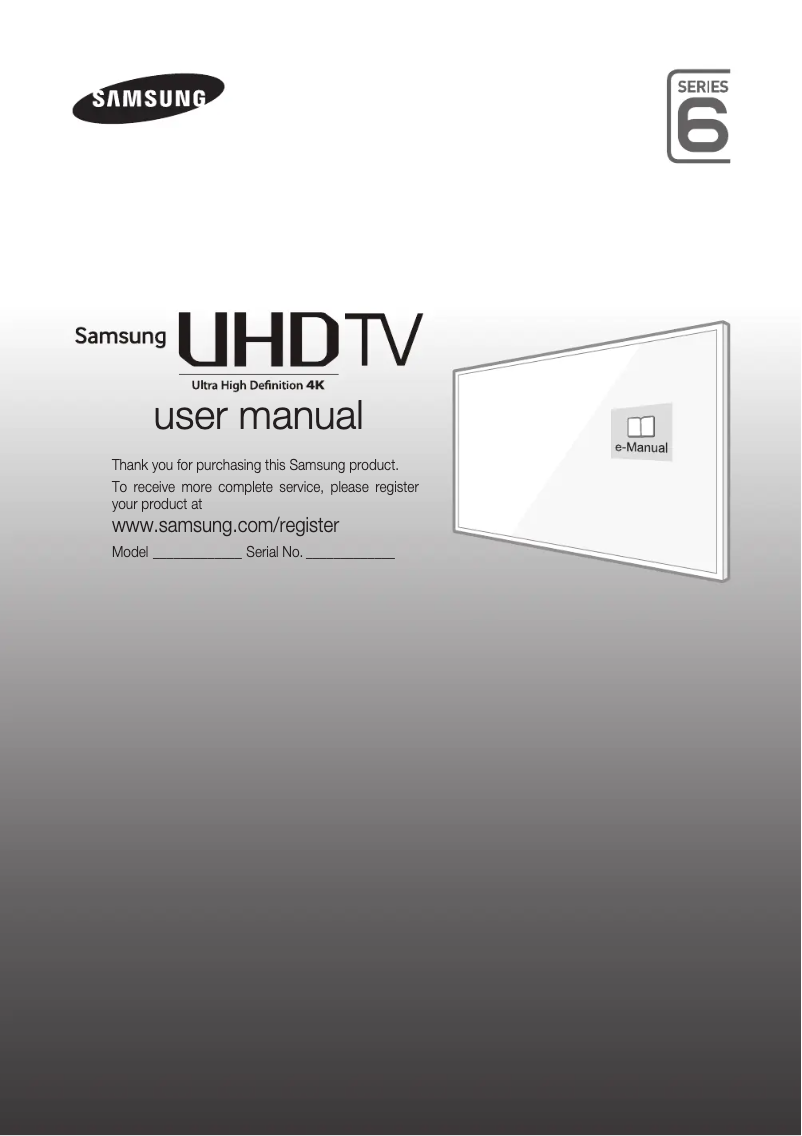
Editorial note
The Samsung UA60JU6400W television stands out for its exceptional picture quality, thanks to its 4K Ultra HD resolution that delivers sharp and detailed images. Additionally, it features advanced image processing technology, enhancing colors and contrast for an immersive viewing experience. Its modern design with a minimalist frame also adds a contemporary touch to any interior. The varied connectivity, with multiple HDMI and USB ports, makes it easy to connect to various external devices, which is an undeniable advantage. However, this model has some drawbacks. The picture quality may be inferior in low-light conditions, where blacks lack depth. Moreover, the built-in audio system may not meet the expectations of users seeking an optimal sound experience, which could require the addition of a soundbar. The user interface, while functional, may seem less intuitive for some, making navigation through the menus a bit complicated. Finally, the absence of certain advanced features and software updates could limit compatibility with some applications in the future. In terms of performance, the score of 80 indicates excellent results, although some aspects, such as picture quality in low light, could be improved. The design received a high score of 85, highlighting its aesthetic appeal. The features are rated as good, but a score of 75 shows that there are more modern options available on the market. The value for money is fair with a score of 78, although an additional investment in an audio system may be necessary. Finally, the user and installation manuals, rated at 90, greatly facilitate the handling of the device, even for less experienced users. In summary, the Samsung UA60JU6400W is a television that offers a quality visual experience but could benefit from some improvements, particularly regarding audio and the user interface.Score details
User experience
The user experience is generally good, but the interface may be considered less intuitive by some users, making navigation through the menus a bit complicated.
Performance
The performance is excellent with 4K Ultra HD image quality, but it may be limited in low-light conditions, where the blacks are less deep.
Design
The design is modern and sleek, with a minimalist frame that fits well into various interiors.
Features
The television offers good features like varied connectivity, but lacks some advanced options available on newer models.
Value for money
The value for money is fair, but it may be necessary to invest in an external audio system for a better sound experience.
Documentation
The included user and installation manuals make installation and use easier, even for less experienced users.
Advantages
4K Ultra HD image quality
Advanced image processing
Multiple HDMI and USB ports
Modern and sleek design
User manuals included
Disadvantages
Low image quality in low light
Insufficient built-in sound for immersion
Non-intuitive user interface
Lack of advanced features
Limited software updates
Technical Specifications UA60JU6400W
General Information
-
ModelUA60JU6400W
-
Brand
-
Category
-
Type
-
SKU1344133
-
MPN1344133
Frequently Asked Questions
What is the recommended viewing distance for my Samsung TV?
What should I do if my TV is not receiving a signal?
What are the dimensions of my TV screen?
What does the acronym HDMI stand for?
Is it possible to connect devices from different brands via Bluetooth?
Is the manual for the Samsung UA60JU6400W available in French?
Similar products


More product categories from brand Samsung
Television and multimedia Samsung
Home appliances Samsung
Household appliances Samsung
Phones Samsung
Audio Samsung
Other Samsung
Interior Samsung
Tools Samsung
Software Samsung
More product types from brand Samsung


Presentation of product UA60JU6400W specifications from brand Samsung
General Information
The Samsung UA60JU6400W television is an iconic model from the Samsung brand, known for its technological innovations and superior quality in the consumer electronics sector. This model offers an enhanced audiovisual experience thanks to its optimal performance and careful design.
Advantages
The Samsung UA60JU6400W stands out for its exceptional picture quality, with a 4K Ultra HD resolution that allows for images with impressive clarity and precision. Its advanced image processing technology enhances colors and contrast, ensuring optimal visual rendering for all your content.
In terms of connectivity, this television is equipped with several HDMI and USB ports, making it easy to connect to various devices such as gaming consoles, Blu-ray players, and USB drives. Its modern design with a minimalist frame adds an elegant touch to your interior, seamlessly integrating into any decor.
Additionally, the product comes with user and installation manuals that simplify the installation and usage process, making this television accessible even for less experienced users.
Disadvantages
However, the Samsung UA60JU6400W has some limitations. The picture quality may be compromised in low-light conditions, resulting in less deep blacks and a loss of detail. Furthermore, the integrated audio system may not satisfy audiophiles, prompting the addition of a soundbar or external audio system for an enhanced sound experience.
The user interface may be perceived as less intuitive, making navigation through menus and applications a bit tricky for some users. Moreover, this model may lack certain advanced features found in newer models, such as improved connectivity options or higher resolutions. Finally, the limitation of software updates could affect compatibility with certain applications in the long term.


