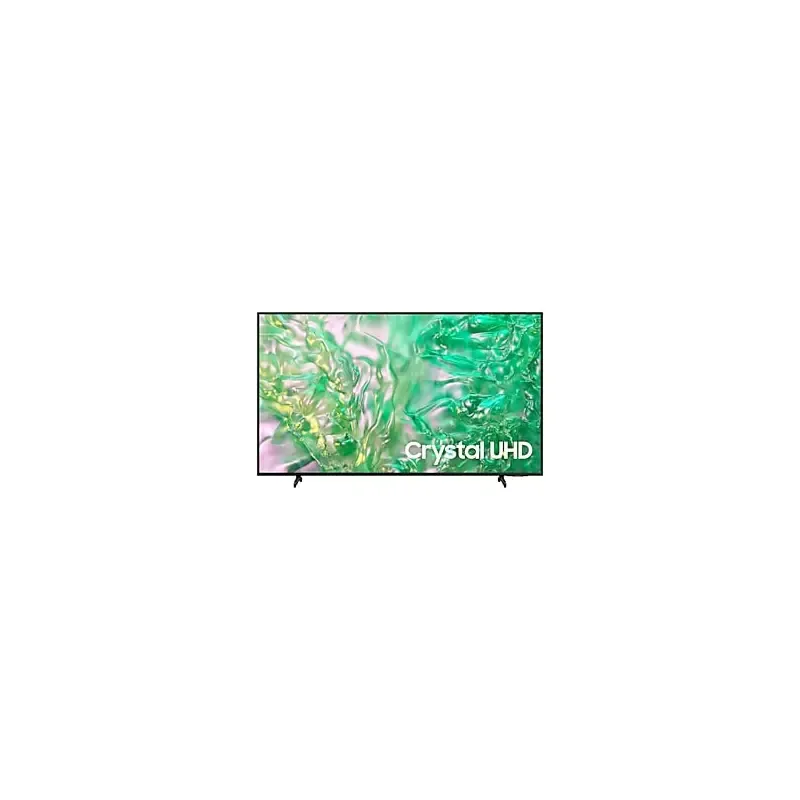

Manuals of product UA75DU8100G
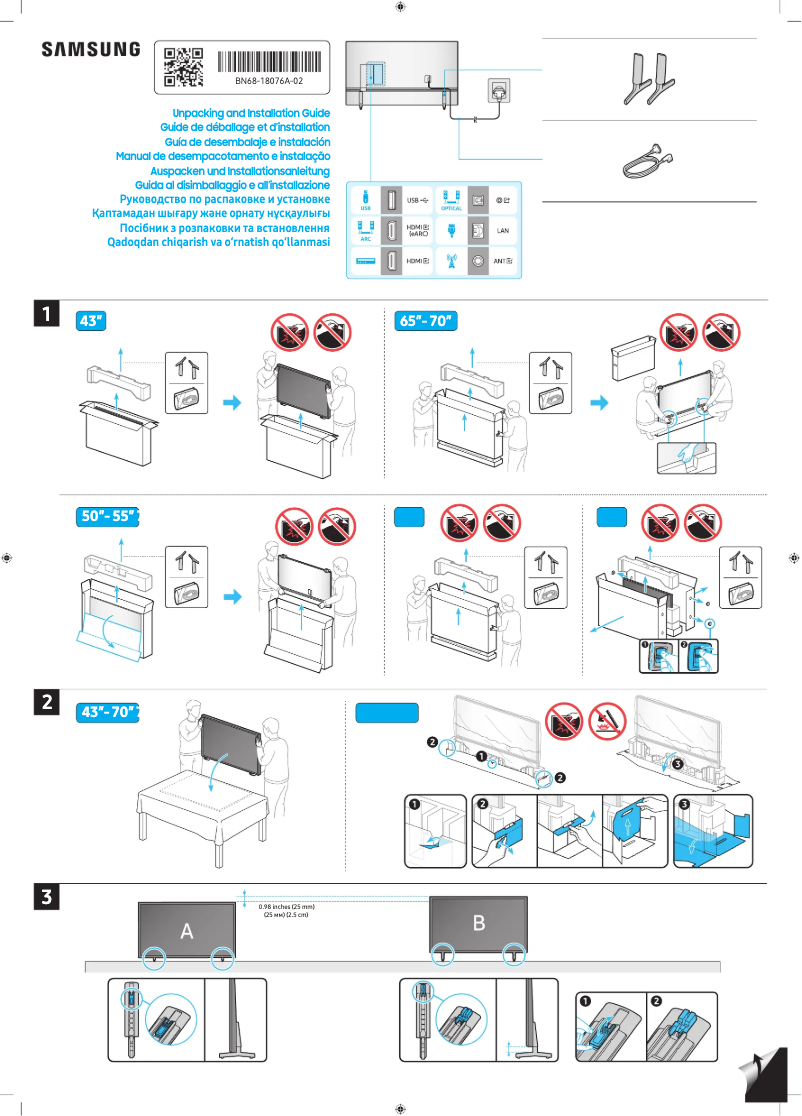
Editorial note
The Samsung UA75DU8100G is a television that stands out for its large 75-inch size, offering exceptional visual immersion for movies, games, and sports events. Thanks to its advanced image processing technology, this model ensures vibrant colors and deep contrasts, contributing to a high-quality viewing experience. Moreover, the reliability of the Samsung brand, known for its quality products and customer service, guarantees long-term satisfaction for users. However, this television has some notable drawbacks. Its high price may be a barrier for some consumers, especially compared to other models available on the market. Additionally, its imposing size requires considerable space, which may not suit all interiors. The user interface, while feature-rich, may seem complex to some, making navigation less intuitive. Finally, the weight of the television complicates its installation, especially without assistance, and some users have reported connectivity issues with external devices. In terms of performance, the Samsung UA75DU8100G scores high due to its image processing and compatibility with various multimedia formats. Ease of use is also enhanced by the availability of documents such as the user manual and installation guide. However, the weight and size may complicate installation, while connectivity issues reported by some users raise questions about the product's robustness. Overall, the Samsung UA75DU8100G is a high-end model that will delight movie and video game enthusiasts, but it is important to consider its drawbacks before making a purchasing decision.Score details
User experience
The user experience is generally positive due to the image quality, but the interface may seem complex for some users.
Performance
The image processing performance is excellent, offering vibrant colors and deep contrasts for an immersive viewing experience.
Value for money
The high price of the television may be a barrier for some consumers, especially compared to other models on the market.
Usability
The ease of use is good thanks to the available documentation, but the weight and size can complicate installation.
Support
The reliability of the Samsung brand and the quality of its after-sales service ensure long-term satisfaction for users.
Features
Compatibility with various multimedia formats and extensive connectivity enhance the multimedia experience.
Robustness
The television is generally robust, but some users have reported connectivity issues with external devices.
Advantages
75-inch screen for total immersion
Advanced image processing for vibrant colors
Recognized reliability of the Samsung brand
Manuals facilitating setup and use
Extensive connectivity for various multimedia content
Disadvantages
High price compared to other models
Large size requires a lot of space
Complex and non-intuitive user interface
Difficult installation without necessary assistance
Connectivity issues with external devices
Technical Specifications UA75DU8100G
General Information
-
ModelUA75DU8100G
-
Brand
-
Category
-
Type
-
SKU1992421
-
MPN1992421
Frequently Asked Questions
What is the recommended viewing distance for my Samsung TV?
What should I do if my TV is not receiving a signal?
What are the dimensions of my TV screen?
What does the acronym HDMI stand for?
Is it possible to connect devices from different brands via Bluetooth?
Is the manual for the Samsung UA75DU8100G available in French?
Similar products


More product categories from brand Samsung
Television and multimedia Samsung
Home appliances Samsung
Household appliances Samsung
Phones Samsung
Audio Samsung
Other Samsung
Interior Samsung
Tools Samsung
Software Samsung
More product types from brand Samsung


Presentation of product UA75DU8100G specifications from brand Samsung
General Information
The Samsung UA75DU8100G television is a flagship model from the Samsung brand, known for its excellence and innovation in the electronics sector. With a generous 75-inch screen, this television offers an immersive visual experience, ideal for movies, video games, and sports.
This model is designed to deliver optimal performance, making the user experience both enjoyable and smooth. The advanced image processing technology ensures vibrant colors and striking contrasts, allowing for superior picture quality.
Advantages
The Samsung UA75DU8100G has several notable strengths:
- Visual Immersion: With its impressive 75-inch screen size, it transforms your living room into a cinema.
- Picture Quality: The advanced image processing technology ensures vivid colors and deep blacks for a better viewing experience.
- Brand Reliability: Samsung is renowned for the durability of its products and efficient after-sales service, ensuring prolonged satisfaction.
- Ease of Use: Accompanying documents, such as the user manual, simplify the setup and operation of the device.
- Connectivity: This television is compatible with various multimedia formats and offers extensive connectivity, allowing access to a multitude of content.
Disadvantages
However, some aspects may pose problems:
- High Price: Its cost may be a barrier for some consumers, especially compared to other models available on the market.
- Large Dimensions: The 75-inch size requires significant space, which may not suit all interiors.
- User Interface: Some users may find the interface complex, making navigation less intuitive.
- Difficult Installation: Its weight may complicate installation, potentially requiring assistance for individuals alone.
- Connectivity Issues: Users have reported difficulties connecting with external devices, which can disrupt the multimedia experience.


